claude cowork
Claude Chat vs Cowork vs Claude Code: Which One to Use
Claude Cowork vs Claude Code comes down to where the work lives: Cowork takes a job across your files and apps, Claude Code works inside a project folder, and chat answers one question at a time. Which one to open for each kind of task, what each needs, and how I split my own work across the three.
Use Claude chat for a question you want answered, Cowork for a finished deliverable built from your files and apps, and Claude Code for work that lives in a project folder you'll come back to. Chat works on the Free plan. Cowork and Claude Code both need a paid plan, from US$20 a month for Pro (checked 3 November 2026). All three run on the same Claude models. What changes is how much of the job you hand over, and where the work lives afterwards.
I've used all three, for different jobs. This is the version I'd give a friend who keeps asking which button to press.
The verdict in one table
If you only read one thing, read this. The rows are the questions that actually decide it.
| Claude chat | Claude Cowork | Claude Code | |
|---|---|---|---|
| Best for | A question, a draft, thinking out loud | A finished file or action from your files and apps | Building and running things in a project folder |
| What you get back | Text you read or copy | A document, sheet, deck or an action taken | Changed files, scripts that run, a project that remembers |
| Your role | There for every turn | Describe the job once, check back | Set the rules once, approve changes |
| Needs a terminal? | No | No | No, if you use the desktop app's Code tab |
| Free plan? | Yes | No | No |
| Uses your allowance | Lightest | Heavier, every step costs | Heavier, every step costs |
The short rule: if the answer is the product, chat. If a file is the product and it's done when it's done, Cowork. If the thing you're making has to keep working, or you'll be back in the same folder next week, Claude Code.
1. Chat answers you, Cowork and Claude Code do the job
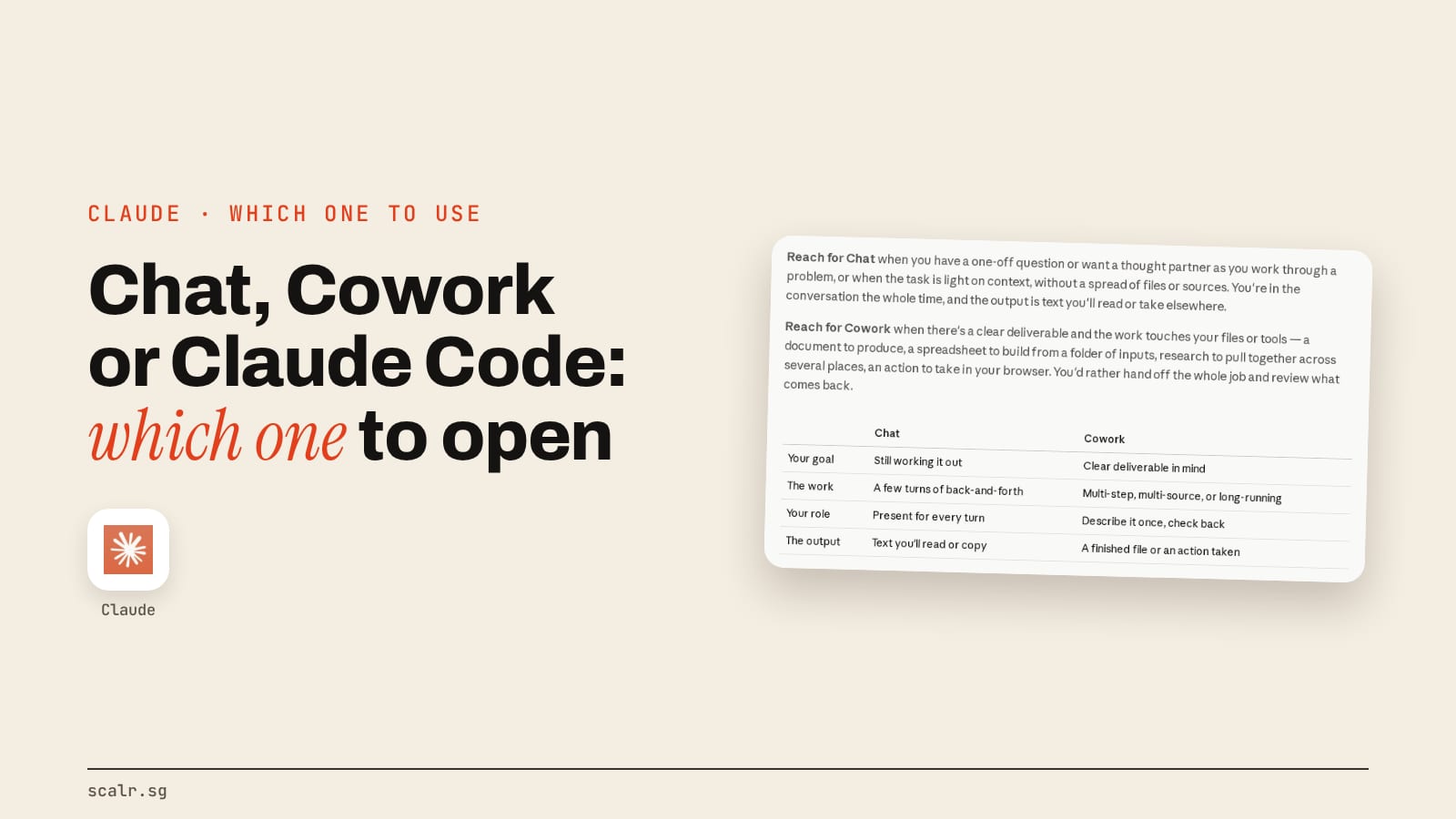
Chat is a conversation, and the other two are delegation. Anthropic's own Claude Academy tutorial on choosing between Cowork and chat says to reach for chat when you have "a one-off question or want a thought partner as you work through a problem," and for Cowork "when there's a clear deliverable and the work touches your files or tools."
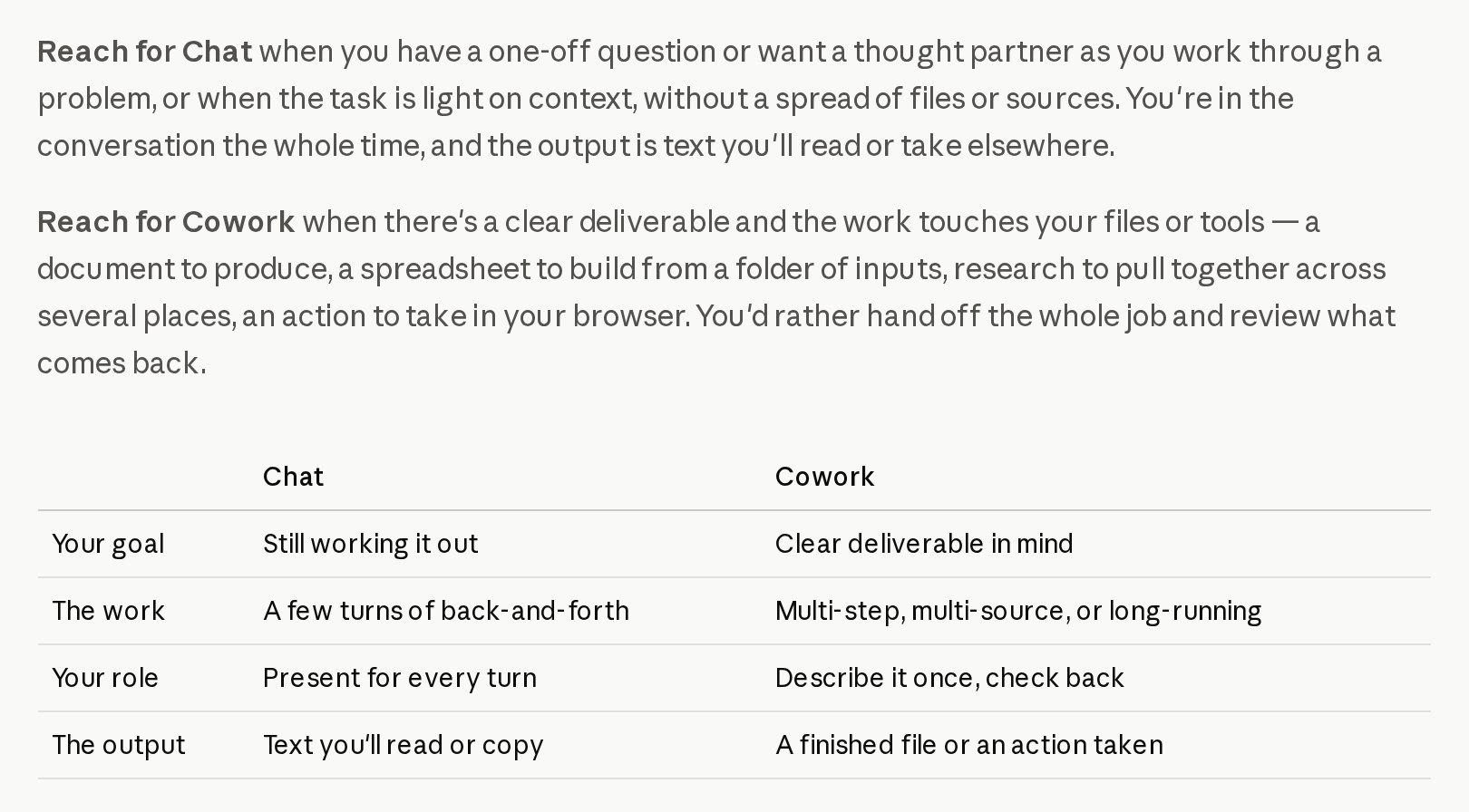
The difference shows up in where your time goes. In chat you're the one moving things between windows: you ask, it answers, you paste the answer into a doc. In Cowork you read a plan, say yes and come back to a finished file. Anthropic's tutorial sums up the Cowork mindset as "you'd rather hand off the whole job and review what comes back."
Claude Code sits on the delegation side too. Anthropic's Claude Code overview describes it as a tool that "reads your codebase, edits files, runs commands, and integrates with your development tools." You describe the outcome, it proposes changes, and you approve them. That loop is the same one Cowork runs, which is why Anthropic says Cowork "runs on the same agentic engine as Claude Code."
One thing has blurred the chat side lately. Anthropic's Cowork getting-started page says "chat and Cowork share one home, so you start both from the same place." If your message box no longer shows separate Chat and Cowork buttons, you're on that combined layout and Claude decides how much of a job your request needs. Claude Code still has its own front door.
2. Cowork works on your files and apps, Claude Code works in a project
Cowork is pointed at everyday work, and Claude Code is pointed at a project folder. The tutorial says Cowork applies the engine "to your files and apps instead of a codebase," and that on desktop it "reads and writes files where they are on your computer, with no upload or download step." Think of a folder of receipts that needs to become a spreadsheet, or three reports that need to become one summary deck.
Claude Code expects a folder it will live in. You start it inside that folder, and everything it builds stays there: the scripts, the pages, the config. The word "code" undersells it, because the folder can hold a website, a pile of video clips or a set of documents. The code it writes is the means to your outcome, which is why I could use it without being a developer.
The practical test is what happens next week. A Cowork deliverable is finished when the file lands. A Claude Code project is somewhere you return to, and the work you did last time is still there for Claude to read, change and run again.
3. Claude Code is the one you can build a system on
Claude Code carries memory and rules from one session to the next in files you can see. Its overview lists three of them. CLAUDE.md is a markdown file "you add to your project root that Claude Code reads at the start of every session." Skills "package repeatable workflows." Hooks "run shell commands before or after Claude Code actions," so a rule can be checked by a script rather than left to good intentions.
It can also split work up and run without you in the room. The docs describe spawning "multiple Claude Code agents that work on different parts of a task simultaneously," piping work into it from scripts with claude -p, and cloud scheduled tasks that "keep running even when your computer is off."
That's where the levels come in. In the four levels of AI adoption, the top level is work that keeps running after you close the laptop. The way I put it in a video: level one is opening Claude, asking it something and closing the tab, and at level four "you've basically got a full team of AI agents working around the clock for you." I said I was comfortable at level four "because the video you're watching right now is edited entirely by my AI." That editing pipeline lives in Claude Code, and every stage it runs is written down in that one folder.
Cowork has some of this. It has plugins and scheduled tasks, and the Claude Skills guide covers how skills work across the app. What it doesn't give you is a project folder full of your own rules, scripts and checks that you add to every time you use it.
4. Chat is on the Free plan, Cowork and Claude Code are not
Chat is the only one of the three you can use for free. Anthropic's pricing page lists the Free plan with chat on web, desktop and mobile, file creation, memory and connecting your apps, and marks Claude Code as not included. Its Cowork page says Cowork is limited to "paid plans (Pro, Max, Ultra, Team, and Enterprise)."
The individual plans on the pricing page on 3 November 2026:
| Plan | Price | Chat | Cowork | Claude Code |
|---|---|---|---|---|
| Free | US$0 | Yes | No | No |
| Pro | US$20 a month, or US$17 a month billed annually | Yes | Yes | Yes |
| Max | US$100 a month, 5x Pro usage | Yes | Yes | Yes |
| Ultra | US$200 a month, 10x Pro usage a week | Yes | Yes | Yes |
Team and Enterprise include both as well. Prices exclude tax and change, so check the page before you pay.
The cost you'll feel is usage, not price. Anthropic's Cowork page says multi-step tasks "use more of your usage than a quick question," because every step Claude takes uses tokens, and the same is true of a long Claude Code session. A question you could answer in one chat message is cheaper in chat. How the limits themselves work is in my Claude pricing and usage limits guide.
5. They run in different places
Chat runs anywhere you can sign in. Cowork runs in the Claude Desktop app on macOS, Windows and a Linux beta, plus web and mobile, according to Anthropic's Cowork page, and it can also open as a side panel in Claude in Chrome. Local folders need the desktop app.
Claude Code has the most front doors. The overview lists the terminal, the VS Code and JetBrains extensions, the desktop app and the web at claude.ai/code, and says "each surface connects to the same underlying Claude Code engine." The desktop app is the one for anyone who's never opened a terminal: you sign in, click the Code tab, and Anthropic says "the app includes Claude Code, so you don't need to install the CLI separately." I work in the VS Code extension, because I like seeing the folder and Claude's proposed edits side by side.
Where do chat, Cowork and Claude Code overlap?
More than three separate buttons would make you think. All three run on the same Claude models, so the quality of the thinking doesn't change with the button. The model and effort you pick matter more than the mode.
They share your account, too. Anthropic's Cowork page says plugins you add "are saved to your account, so they work in chat and Claude Code as well as Cowork." Connectors to tools like Gmail, Drive and Slack show up across the app, and Claude Code reaches the same kinds of tools through MCP servers, which its overview describes as a way to "read your design docs in Google Drive, update tickets in Jira, pull data from Slack."
Both Cowork and Claude Code can run a job on a schedule, and both ask before they do something consequential. And plain chat can make files: the Free plan lists "create files, and run code." That's how a free account builds a PowerPoint in a chat window. So chat isn't text-only. It just keeps you present for every turn.
Which one should you use, task by task?
This is the table I'd keep open. Each row is a real kind of job, and the right column is the one I'd reach for first.
| The job | Use | Why |
|---|---|---|
| Explain a contract clause or a term you don't know | Chat | One answer, no files |
| Brainstorm hooks, names or angles | Chat | You want a thought partner, not a deliverable |
| Draft one email or a caption | Chat | Short, and you'll edit it yourself |
| Ongoing work for one client or topic | Chat, inside a Project | The project keeps the files and the brief |
| Turn a folder of receipts into a spreadsheet | Cowork | Clear deliverable from your files |
| Research a topic across sites and write a summary doc | Cowork | Multi-source, and it's done when the doc lands |
| A weekly report from a connector or inbox | Cowork, scheduled | Same job every week, no project needed |
| Build or change a website | Claude Code | Lives in a folder you'll come back to |
| A repeatable pipeline, like editing video or publishing posts | Claude Code | Rules, scripts and checks that persist |
| Anything that should run while you sleep, every week, with your own rules | Claude Code, scheduled | Cloud scheduled tasks run with your laptop off |
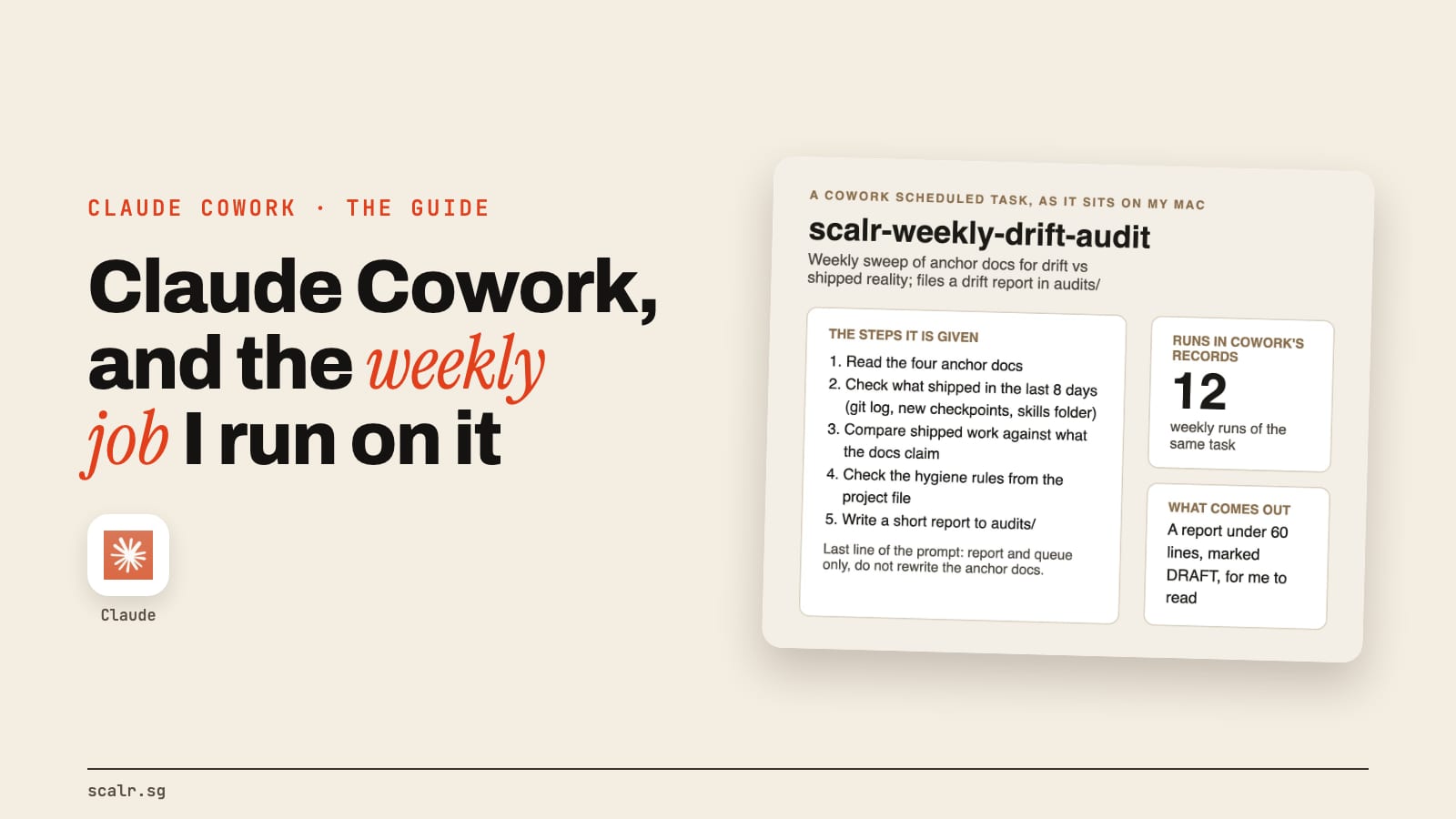
A few of those rows come straight from how I work. In chat I keep one Project per client or context, so Claude reads the brand files from the project instead of me re-explaining the account in every new chat. In Cowork I ran a weekly scheduled audit that compares what my documents say against what actually shipped, and writes a short report. The same audit now runs as a headless Claude Code job on my Mac every Sunday night, because the files it reads live in my workspace folder. And Claude Code is where nearly everything else I've built lives: the video pipeline, this website, the system that schedules my posts.
That's my read from using all three, not a measurement. Plenty of people who never touch a project folder will get all they need from chat and Cowork, and that's a perfectly good place to stop.
When is each one the wrong choice?
Chat is wrong when you catch yourself copying its answers into five other windows. That's a deliverable, so hand it to Cowork.
Cowork is wrong when you'd ask for the same thing again next week with small changes, and wish it remembered how you liked it last time. That's a system, and Claude Code keeps the rules in the folder.
A quick question is the wrong job for Claude Code. Opening a project to ask what a word means costs more of your allowance and more of your attention than a chat message. It's also more than most people need if the job is a single document.
The decision rule
Pick chat when the answer is the product. Pick Cowork when a finished file or action is the product and the job ends when it lands. Pick Claude Code when the work lives in a folder and has to keep running, or should carry your rules forward each time you open it. Run all three when your week has all three kinds of job in it, which most weeks do.
Key takeaways
- Chat is a conversation. Cowork and Claude Code take a whole job and come back with the result.
- Cowork is pointed at your files and apps for a finished deliverable. Claude Code is pointed at a project folder you'll return to.
- Claude Code is the one you can build a system on: CLAUDE.md, skills, hooks, parallel agents and scheduled tasks that run with your computer off.
- Chat is free. Cowork and Claude Code need a paid plan, from US$20 a month for Pro (checked 3 November 2026), and both use your allowance faster than chat.
- The models underneath are the same in all three, so pick by the job, not by which one feels smarter.
FAQ
What is the difference between Claude Cowork and Claude Code?
Both run on the same agentic engine, but they're pointed at different work. Cowork takes a job across your files, connectors and browser and hands back a finished deliverable, with no terminal. Claude Code works inside a project folder, keeps its rules in files like CLAUDE.md, and is built for things that need to keep working, like a website or a pipeline.
Do I need Claude Code if I already have Cowork?
Not for most everyday jobs. Cowork covers documents, spreadsheets, research and scheduled reports from your files and apps. Claude Code earns its place when you're building something that lives in a folder, such as a website or a repeatable workflow with its own rules, scripts and checks.
Can I use Cowork or Claude Code on the free Claude plan?
No. Anthropic's pricing page lists chat on the Free plan and marks Claude Code as not included, and its Cowork page limits Cowork to paid plans: Pro, Max, Ultra, Team and Enterprise. Pro was US$20 a month, or US$17 a month billed annually, on 3 November 2026.
Is Claude Code only for programmers?
No. It writes code, but you describe outcomes in plain English and approve what it proposes. The desktop app's Code tab includes Claude Code with no terminal needed, and people who don't write code use it to build websites, sort files and run repeatable workflows.
Is Cowork the same as chat now?
They share one message box on accounts with Anthropic's combined layout, and Claude decides how much of a job your request needs. The difference still holds underneath: a chat-style request gets an answer for you to use, and a Cowork-style request gets a plan, the steps and a finished file.