claude in chrome
Claude in Chrome: What It Can Do in Your Browser
The Claude Chrome extension puts Claude in a side panel that can read, click, type and fill forms on the sites you're already signed in to. What it does, which plans get it, how the permission modes work, and how to pair it with Projects and Cowork.
The Claude Chrome extension, which Anthropic calls Claude in Chrome, puts Claude in a side panel of Google Chrome where it can read the page, then click, type, navigate and fill forms on the sites you're already signed in to. It needs a paid Claude plan and runs only in desktop Chrome.
Put shortly: it's Claude with your browser's hands, working through your logins, with a permission system deciding how often it stops to ask.
What is Claude in Chrome, and how is it different from a connector?
Claude in Chrome is an extension from the Chrome Web Store. Once it's installed and signed in, clicking the Claude icon in the toolbar opens a side panel, and Claude can work on the tab in front of you. Anthropic's product page puts it plainly: Claude "reads the page you're signed in to, then clicks, types, and fills forms while you decide what happens next."
People mix it up with two other things.
- A connector is not a browser. The Gmail or Google Drive connector talks to Google through an official channel, with no page in sight. That's what my guide to connecting Claude to Gmail and Calendar covers. Claude in Chrome goes the other way: it uses the website itself, the same screens you'd click through. When a connector exists for the job, it's usually the cleaner route. The browser is for every site that has no connector, which is most of them.
- Web search is not browsing. Claude's search reads public pages. Claude in Chrome works inside pages behind your own login, like a dashboard, a portal or an inbox, and it can act on them.
So my one-line definition: Claude in Chrome is for the jobs that only exist inside a logged-in website, where the alternative is you clicking through it yourself.
How does Claude in Chrome work, step by step?
Anthropic's get-started article lists the setup, and it's five steps:
- Open the Claude in Chrome listing on the Chrome Web Store and click Add to Chrome.
- Sign in with your Claude account.
- Pin the extension from Chrome's puzzle-piece menu.
- Grant the permissions it asks for.
- Click the icon to open the side panel and type the task.
From there, Claude works in the active tab. If a job spans several sites, you can drag tabs into Claude's tab group so it can move between them. It keeps working in the background while Chrome stays open, and stops when Chrome closes.
It also runs from the Claude Desktop app. In Settings, under Customize and then Connectors, you switch on Claude in Chrome, and chats, Cowork sessions and Claude Code sessions in the desktop app can then open and control Chrome. Anthropic notes it's off by default in each conversation, so you turn it on per chat.
The part that decides how it feels to use is the permission mode, picked from a drop-down on the chat input:
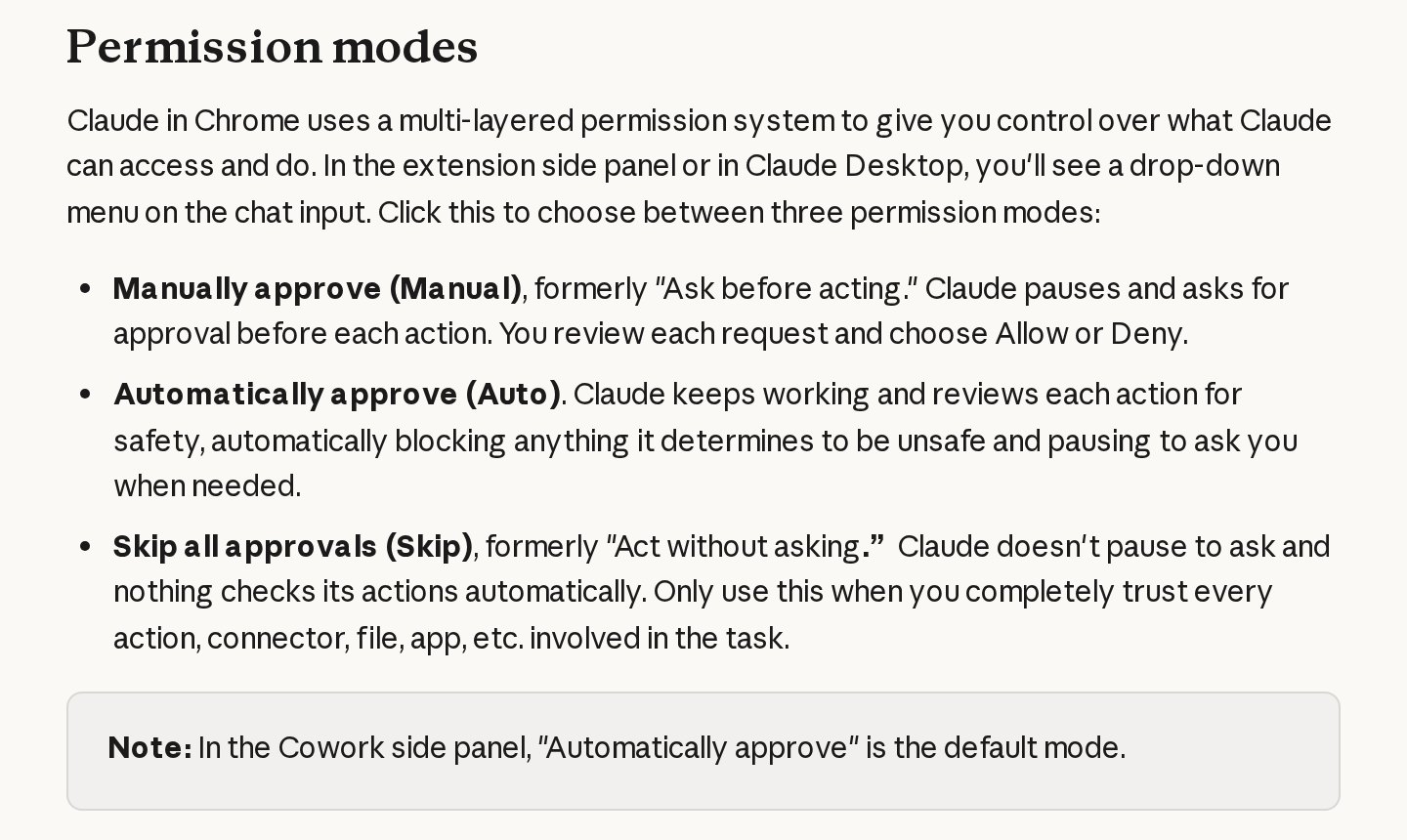
Manually approve is the one to start on. Claude asks before every action, so you see exactly what it's doing on each site. Automatically approve is the default in the side panel, and Claude reviews each action and pauses when something needs you. Skip all approvals removes the checks entirely, and Anthropic's own guide says to use it only when you completely trust everything involved in the task.
What can Claude in Chrome do on sites you're logged into?
It uses the logins you already have, which is the whole point. Anthropic's examples on its product page are ordinary work: pulling numbers from an analytics dashboard, organising files in Google Drive, preparing from your calendar, researching competitors into a comparison, logging sales calls to a CRM, and clearing promotional email, where it lists the marketing emails for you to review before anything is deleted.
The Cowork side panel announcement from 12 August 2026 gives a fuller one: Claude opens several vendor invoice portals, collects the amounts and dates, and builds a budget spreadsheet from them.
There are also hard limits, and they hold whatever mode you're in. According to the permissions guide, Claude won't:
- make purchases or other financial transactions
- create accounts
- handle credit card or ID details
- download files from untrusted sources
- execute trades or give investment advice
- follow instructions it finds inside emails or web pages
And it always stops to ask before it downloads a file, types potentially sensitive information into a page, grants an authorisation, or permanently deletes something like emails or files, even on a site you've marked "always allow". Anthropic's safety article also lists bypassing CAPTCHAs among the things Claude is prohibited from doing. When a site asks you to prove you're human, that part stays yours.
How do you use Claude in Chrome to find listings?
Shortlisting is a good first job, because it's mostly reading and comparing, and nothing gets submitted or bought. Say you're looking at rental listings, second-hand cars or office space on a portal you already use.
1. Put your criteria in writing first. Budget, area, must-haves, deal-breakers. If the search will run more than once, put these in a Claude Project (more on that below) so you don't retype them.
2. Open the portal yourself and sign in. Claude works through your session, so saved searches and shortlists you already have are there for it.
3. Give it a bounded task. Something like:
On this site, search for two-bedroom rentals in Tampines under S$3,500 a month, available from January. Open the first 15 results. For each, note the price, size, floor, distance to the MRT if listed, and anything in the description that breaks my criteria. Give me a table of the ones that pass, with links. Don't contact any agent or submit anything.
4. Stay on Manually approve the first time. You'll see each page it opens and each filter it sets. Once you trust how it handles that site, Automatically approve makes repeat runs quicker.
5. Check the table against two or three listings yourself. Prices and dates change, and a page can say one thing in its headline and another in its details. The table is a shortlist to verify, not a decision.
Two rules keep this clean. Use it on sites you're signed in to as a normal user, within what that site allows, and keep it to reading for you, never bulk-collecting. If the site throws up a CAPTCHA or a block, Claude stops there by design, and so should the task.
How do I use Claude in Chrome myself?
I use it for research on my own social accounts. I run research briefs in the Claude desktop app with the Chrome extension connected, while I'm logged into Instagram, TikTok and YouTube as usual, and Claude browses Reels and Shorts to study what's earning attention in my niche: which hooks open the breakout videos, how they're paced, what people ask in the comments.
The first rule in every one of those briefs is read-only. It says, in capitals, never to like, follow, comment, subscribe or DM, only to scroll, search, watch and read. That's my account it's driving, so if it ever proposes to interact with something, the answer is no. A run takes 30 to 60 minutes, and the structured output it produces comes back into my workspace as research.
How does Claude in Chrome work with Projects and Cowork?
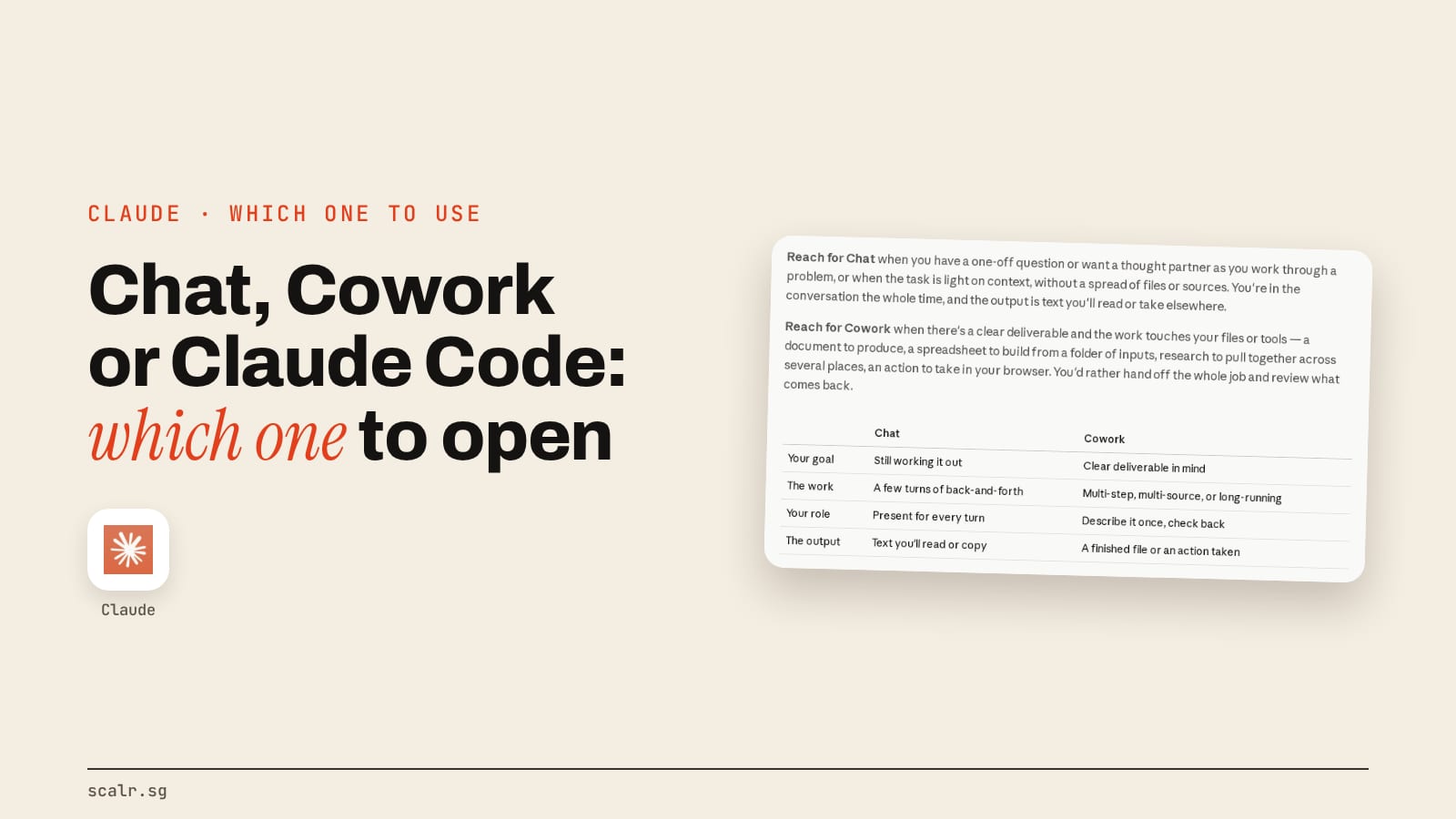
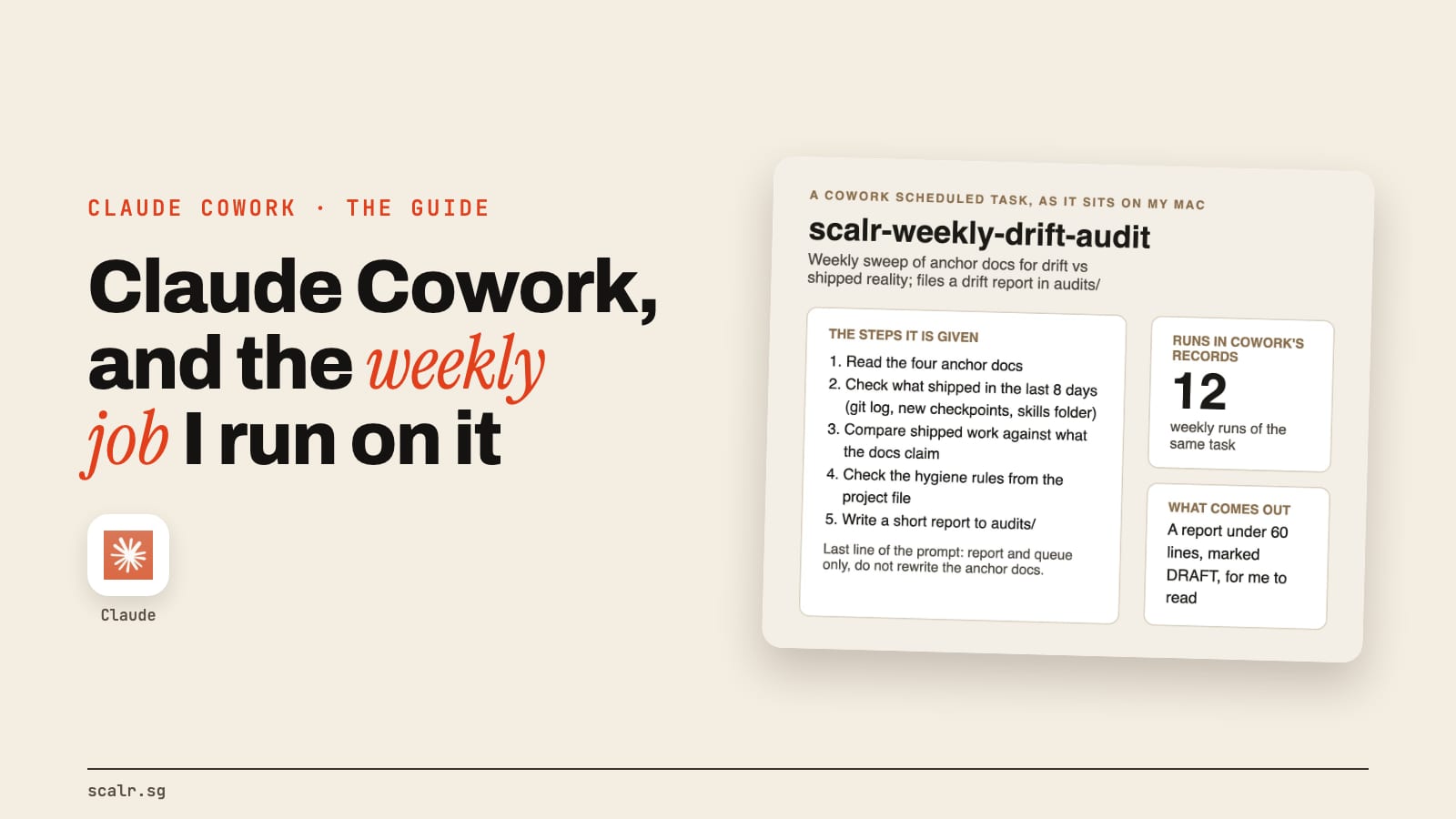
The side panel is a Cowork session. Since the August 2026 update, opening the side panel starts the same Claude Cowork session you use on desktop, web and mobile. Your history, skills and connectors carry across, and a task started in a Chrome tab can be finished in the desktop app, for example by adding local files to it. If Cowork is new to you, my Claude Cowork guide covers what it is and what it costs. The new panel landed on Max and Team first, with Pro following; on Enterprise an owner has to switch it on.
Projects hold the standing context. Anthropic's help article on Cowork says Projects are available on every surface, and that a chat or Cowork session started from a project uses the project's knowledge as context. So the pairing that works is: keep the criteria, templates and past results in a Project, start the task from that project, and let Claude open Chrome to do the clicking. Two catches from the same article: a project tied to a local folder supports Cowork sessions on desktop only, and Cowork won't change a project's contents, so anything worth keeping goes into the project yourself.
Here's one way to split a job across them:
| The job | What to use |
|---|---|
| A question about a public page | Plain Claude chat with web search |
| Reading or acting on one site you're signed in to | Claude in Chrome, side panel |
| A recurring browser job with fixed criteria | A Project for the criteria, Claude in Chrome for the clicks |
| A job that mixes websites with files on your computer | Cowork in the desktop app, with Chrome connected |
| An app with an official connector, like Gmail or Drive | The connector, not the browser |
| Building or testing your own website | Claude Code with Chrome connected |
The last row is real: Anthropic's product page says Claude Code can open Chrome to test a site while you build it, and the get-started article adds that Claude can read the page's console output to debug. My Cowork vs Claude Code comparison covers when each of those two is the right door.
Which plans get Claude in Chrome?
Every paid plan. The get-started article lists Pro, Max, Ultra, Team and Enterprise, and the Free plan doesn't include it. My Claude pricing guide has what each plan costs.
It works in desktop Google Chrome only. Anthropic says it isn't supported in other Chromium browsers or on mobile, so Edge, Brave and Arc are out for now, as is your phone.
When should you not use Claude in Chrome?
Anthropic is unusually direct about this. Its safety article calls prompt injection, hidden instructions planted in a web page, "the biggest risk facing browser-using AI tools." Two classifiers guard against it, one screening what Claude reads and one checking each action before it runs, and Anthropic reports attacks succeeding less than 0.08% of the time in its internal testing. It also says "the risk is not zero."
So it recommends a separate Chrome profile with no access to sensitive accounts, and it lists the work to keep Claude away from:
- financial accounts and investments
- legal documents and contracts
- medical or health information
- work accounts holding sensitive company data
- sites that hold other people's personal information
The extension also earns its keep only on multi-page jobs, the ones where you'd otherwise have ten tabs open and a notepad beside them. A single click you'd make in five seconds is quicker done yourself.
Key takeaways
- Claude in Chrome is an extension that lets Claude read, click, type and fill forms in Chrome, through the logins you already have.
- It needs a paid plan (Pro, Max, Ultra, Team or Enterprise) and runs only in desktop Google Chrome.
- Start on Manually approve. Purchases, account creation and bypassing CAPTCHAs are off the table in every mode.
- The side panel is now a Cowork session, and a Project is the place for the standing criteria a browser task needs.
- Keep it off banking, health, legal and other sensitive sites, ideally with a separate Chrome profile.
FAQ
Is the Claude Chrome extension free?
No. Claude in Chrome is available on paid plans only: Pro, Max, Ultra, Team and Enterprise. The Free plan doesn't include it. On Enterprise, an owner has to enable it first.
Does Claude in Chrome work in Edge, Brave or Arc?
No. Anthropic says Claude in Chrome runs in desktop Google Chrome only and isn't supported in other Chromium-based browsers or on mobile devices.
Can Claude in Chrome solve CAPTCHAs?
No. Anthropic lists bypassing CAPTCHAs among the things Claude in Chrome is prohibited from doing. When a site asks you to prove you're human, you handle that step yourself.
Can Claude in Chrome buy things or fill in my card details?
No. Claude in Chrome is blocked from making purchases or financial transactions and from handling credit card or ID details, in every permission mode, according to Anthropic's permissions guide.
Can Claude in Chrome use my Claude Projects?
Yes, through Cowork. Anthropic says Projects are available on every surface, and a chat or Cowork session started from a project uses its knowledge as context, so you can keep your criteria in a project and let that session drive Chrome. Projects tied to a local folder need the desktop app.
Where it's earned a place for me is the long research runs on my own accounts, where reading a lot of logged-in pages is the whole job and every decision about what to post stays with me.