Claude
Claude Can Read, Send and Reply to Your Gmail Now, Free on Every Plan
Anthropic's Google Workspace connectors give Claude your Gmail, Calendar and Drive with nothing to install. How to switch it on, what Claude can and cannot do with your inbox, what the permissions actually grant, and the questions worth asking once it is connected.
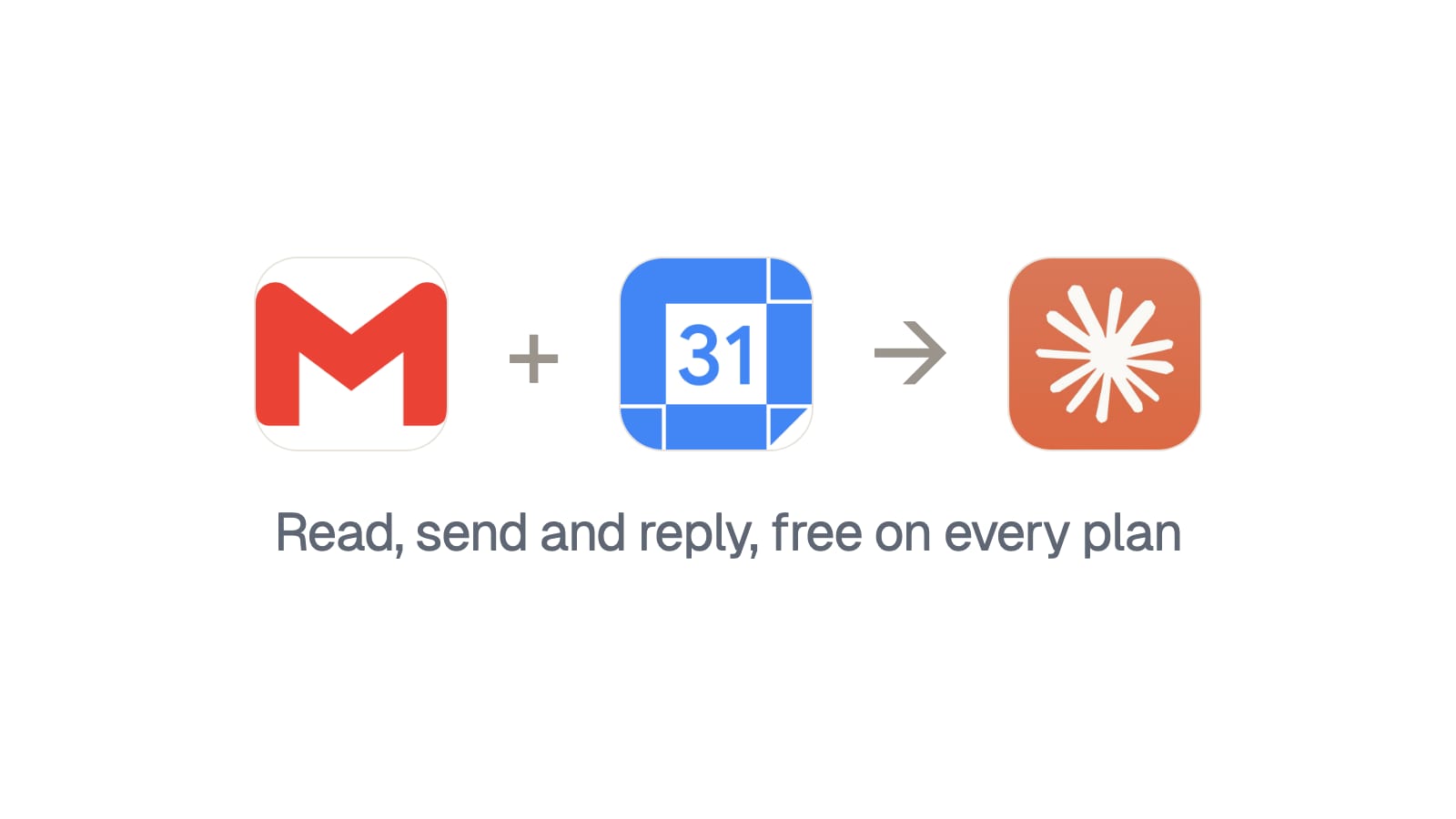
Claude connects directly to your Gmail, Google Calendar and Drive, there's nothing to install, and it's free on every plan including the free one. You switch it on in the chat interface, sign in with Google, and then you can ask questions about your own inbox in plain English.
I've been using it for a few weeks. This is what it actually does, what it doesn't, and the bit worth reading before you grant it anything.
Is it really free?
Yes, and this is the part people assume is wrong.
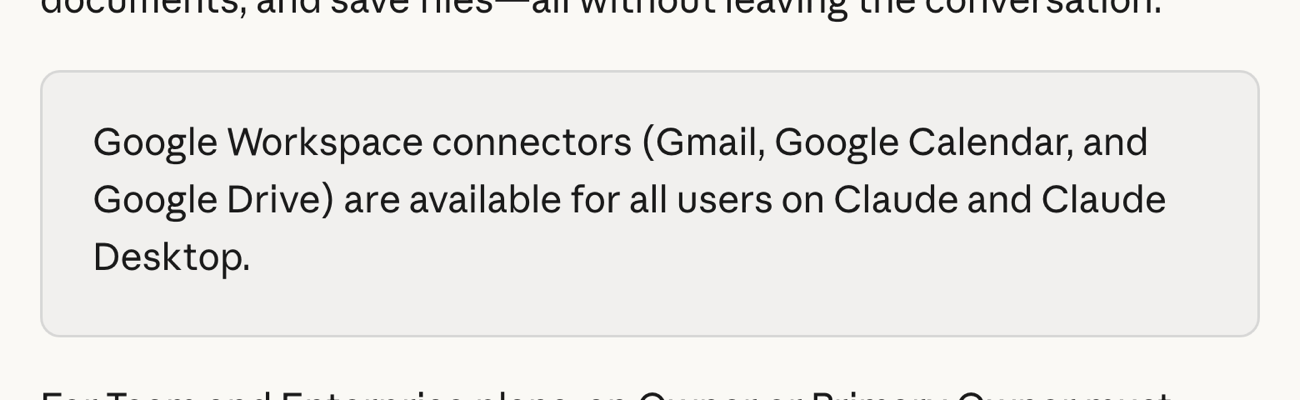
Anthropic's own wording is that the Google Workspace connectors "are available for all users on Claude and Claude Desktop". You don't need Pro or Max for it.
One exception worth knowing: if you're on a Team or Enterprise plan, an Owner has to enable connectors in the organisation settings before anyone can authenticate. That's an admin switch, not a paywall, but it does mean the answer to "why can't I see it at work" is usually your IT team rather than your plan.
How do you switch it on?
Four steps and no install.
- Click the plus sign in the chat box.
- Hover over Connectors.
- Toggle Gmail, Google Calendar or Drive on.
- Sign in with Google when it prompts you, and read the consent screen.
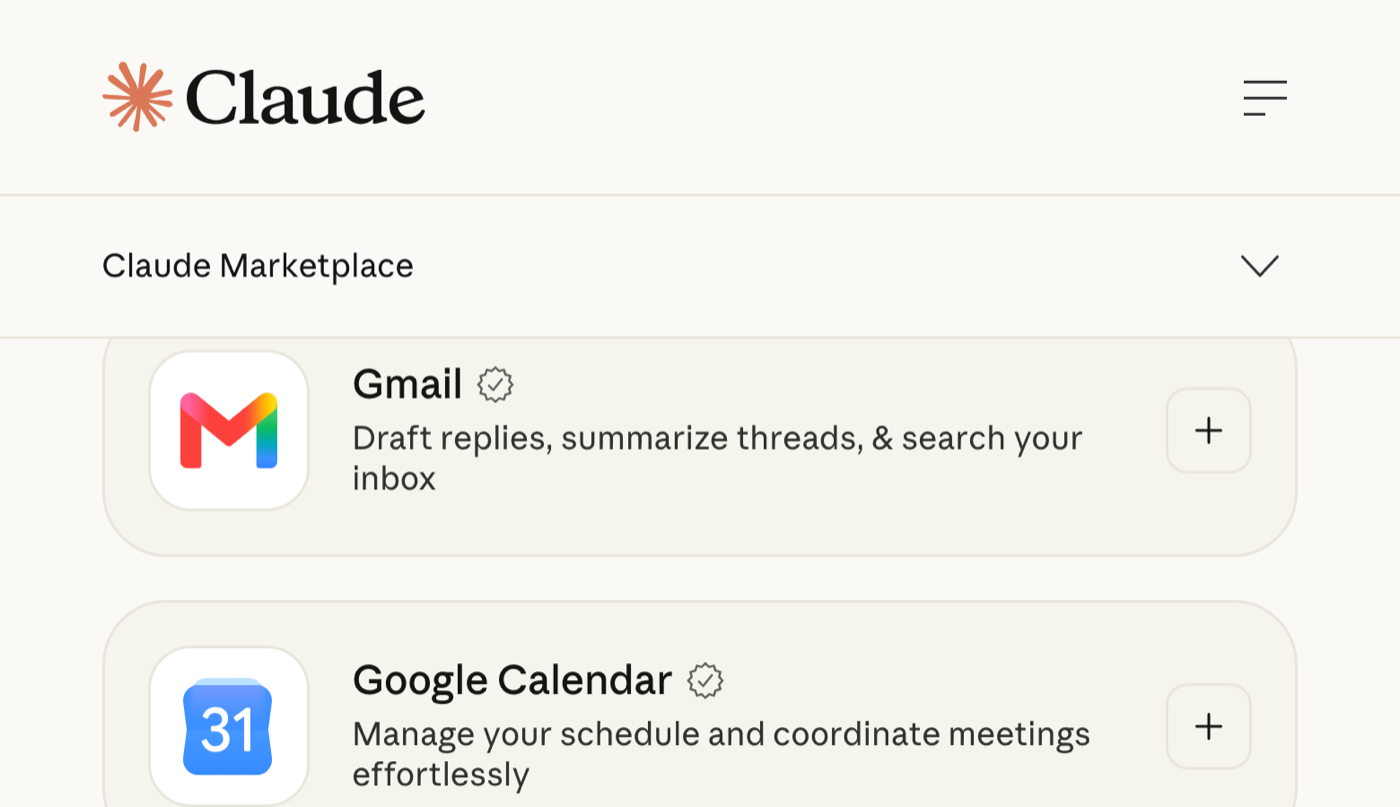
That's genuinely the whole setup. No API key, no extension, no OAuth app you have to create yourself. Which is a low enough bar that it's worth slowing down at step four rather than clicking through it.
What can it actually do with your inbox?
More than I said in the video, and the difference matters.

It searches and reads your mail, drafts replies, and it can send, reply and forward as well. Anthropic's help article says so plainly, and adds the important half: "By default, Claude asks for your approval before each of these actions."
So it's not a read-only tool with a drafting bolt-on. It's a tool that can act on your mailbox, held behind a per-action confirmation. That default is the thing standing between "helpful" and "sent an apology to the wrong client", so leave it alone.
One real limit: it reads attachment metadata, not attachment content. If the answer to your question is inside a PDF someone sent you, Claude can tell you the PDF exists and not what it says.
What about the calendar?
Same setup, different surface.
It lists and reads events, which means it can answer the question you'd otherwise open three tabs for. "What's clashing tomorrow." "When did I last meet this person." "Find me ninety minutes this week where nothing is booked either side."
The calendar one is quieter than the Gmail one and I use it more. Most of my calendar questions are lookups, and lookups are exactly what this is good at.
What's actually worth asking it?
The mistake is treating it like a search box. It's better at judgement calls across a lot of mail than at finding one message, because you already know how to find one message.
The ones that earned their place for me:
- "What did my accountant need from me this week, and has it been sent?"
- "Go through my unread mail and tell me which five actually need me today."
- "Summarise this thread and tell me what I committed to in it."
- "Draft a reply to this saying I can't make Thursday but Friday morning works, in my usual tone."
- "What's clashing tomorrow, and which one should move?"
- "Find every email about this project and give me the timeline of what was agreed and when."
That last one is the one that changed a real afternoon for me. Reconstructing what was agreed across four months of a thread used to be an hour of scrolling.
FAQ
Do I need a paid Claude plan to connect Gmail and Google Calendar?
No. Anthropic says the Google Workspace connectors are available for all users, including the free plan. On Team or Enterprise, an Owner has to switch connectors on first.
Can Claude send emails from my Gmail on its own?
It can send, reply and forward, but by default it asks for your approval before each of those actions. Keep that setting on.
Can Claude read my Gmail attachments?
It reads attachment metadata, not the contents. It can tell you a PDF exists in a thread, but not what the PDF says.
Does Anthropic train Claude on my Gmail data?
Their stated terms say they don't train on Gmail, Drive or Calendar connector data. The exception is consumer users who've opted into model training, so check that setting if it applies to you.
The part to read before you connect it
You're handing a model access to your mail. That deserves two minutes.
Anthropic's stated terms are better than I expected. They say Claude "only accesses your data when you explicitly ask a question or request an action requiring this information", that retrieved data is kept with the chat so deleting the chat deletes it, and that "we do not train our models on your Gmail, Drive, or Calendar connector data".
There's one exception in their own documentation and you should know it: consumer plan users who have opted into model training may have connector-derived content used for improvement. If you've opted in and you'd rather that didn't include your inbox, that's the setting to go and check.
The practical advice is duller than the privacy question. Connect the account you want it reading, not the one that happens to be signed in. A lot of people have a personal Gmail and a work one in the same browser, and the consent screen is the only point where you get to choose.
None of this is a productivity system. It's a lookup layer over the thing you were already going to read, and it's free, which makes the only real question whether you trust it with the mailbox. I'd start with the one that matters least to you and see how it goes. If you want the rest of my setup, the five Claude settings worth pressing is where the actual configuration lives.