Claude Code
scroll-craft: The Free Skill That Turns One Prompt Into a Scroll-Driven Website
scroll-craft is a free, open-source skill for Claude Code and Codex that builds immersive, scroll-animated websites and then checks its own work for dead scroll, faded text and bad contrast. The two install lines, a starter prompt for a business homepage, and where you'll still want a designer.
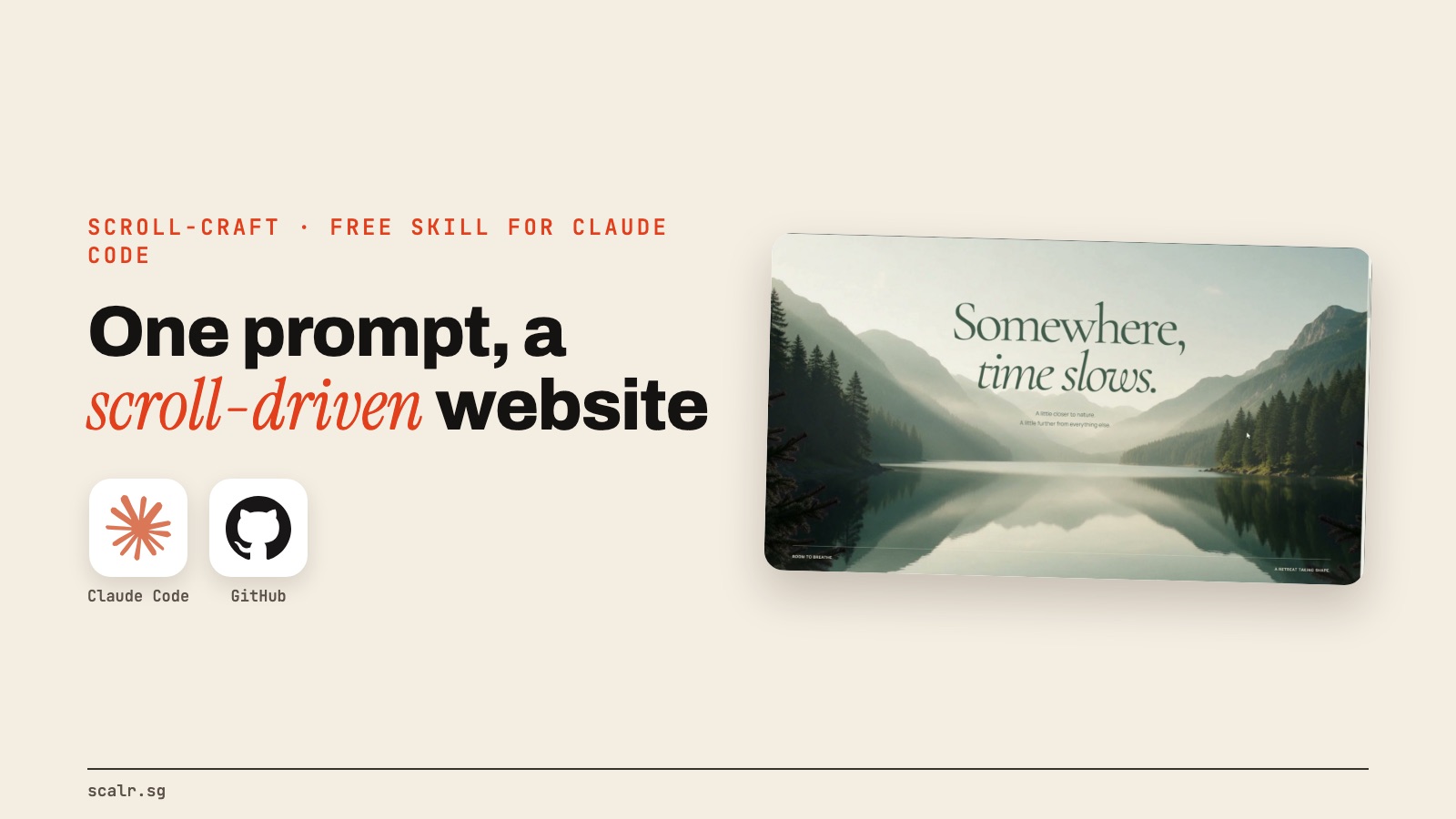
You've seen the websites: you scroll, and the page moves with you. Headlines build line by line, video scrubs frame by frame under your thumb, and the background shifts colour as you go. They usually take a designer and a developer to build.
Someone open-sourced a skill that gets an AI coding agent most of the way there from one prompt. It's called scroll-craft, it's by Nate Herk, and it works with Claude Code, Codex and other coding agents. It's MIT licensed and free.
What does scroll-craft actually build?
The README is blunt about the problem it's solving: most AI website output is "either well behaved and forgettable, or it is a flashy scroll animation with 2.1:1 body text, a headline that wraps to six lines on a phone, and the same six sections every other AI page has." scroll-craft tries to do neither.
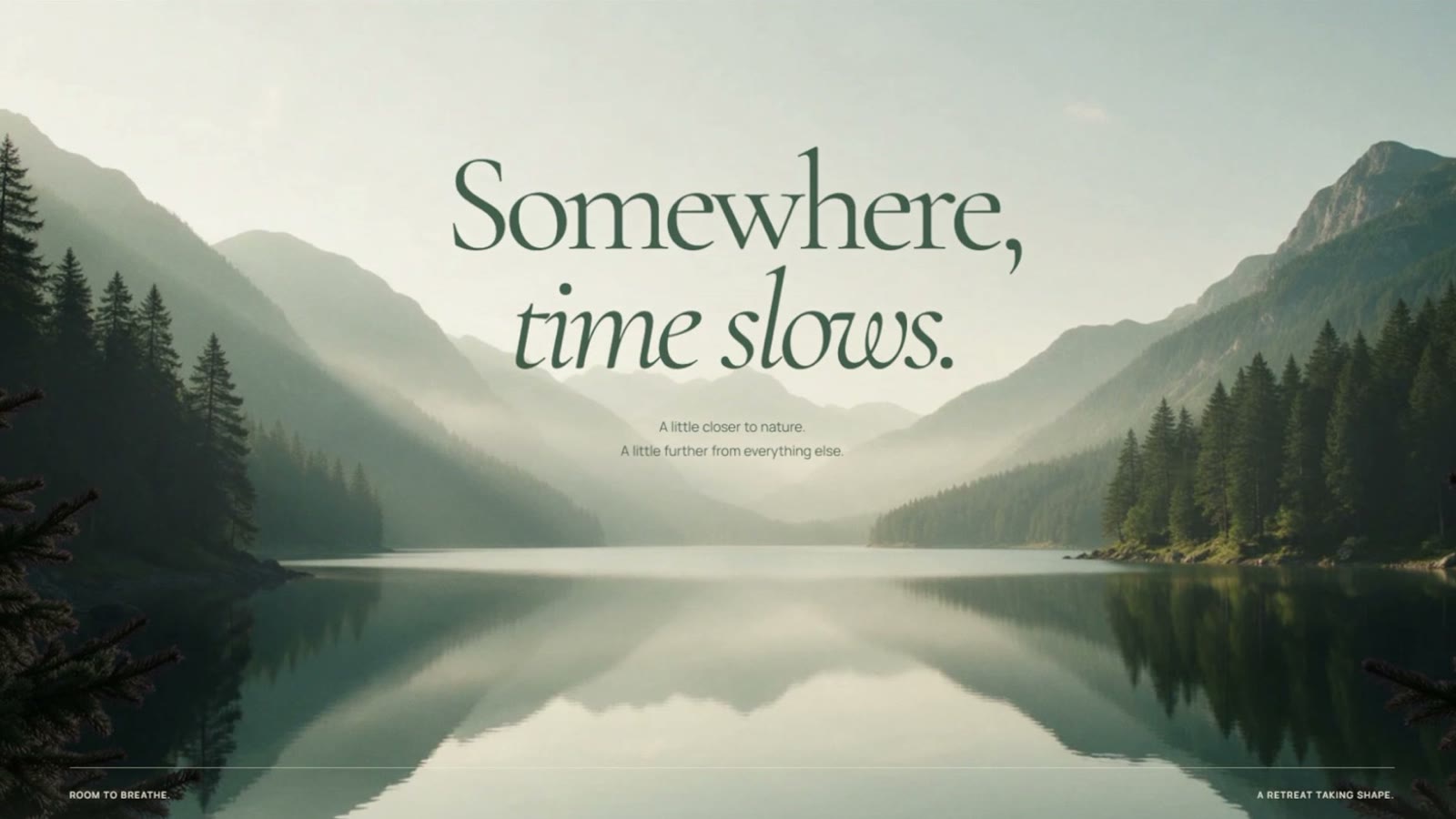
The skill handles the layout, the scrolling and the animation together. Scroll becomes the timeline: sections pin in place while their point lands, rails pan sideways, and headlines assemble as you read. It also stops every page coming out the same. It picks from eight different page styles, requires one signature interaction that exists on that site alone, and refuses a list of AI clichés, including gradient text, fake dashboards, invented statistics and the purple gradients you've seen a hundred times.
Here are two real sites from the README, built with the same skill and looking nothing alike:


How does it check its own work?
This is the part I'd point a business owner to. When the page is built, a headless browser walks through it at every scroll position and reports four kinds of problem:
- Dead scroll: scrolling that changes nothing on screen.
- Faded text: copy that never reaches full opacity, so the reader only ever sees it half there.
- Bad contrast: measured line by line on the finished page, at the brightest moment that passes behind it.
- Stuck clips: a video that silently never loaded and just sits there like a paused frame.
Then it makes a contact sheet of the page so you can see it at a glance. As the README puts it, "a machine can prove a page works and cannot tell you it means anything." That's why the human still matters, which I'll come back to.
How do you install it in Claude Code?
Inside Claude Code, run these two lines:
/plugin marketplace add nateherkai/scroll-craft
/plugin install nateherk-design
If it tells you to run /reload-plugins, run that. Then either describe what you want, or call it directly with /nateherk-design:scroll-craft.
For Codex or another agent, the README says to copy the scroll-craft folder into your agent's skills directory, or just tell the agent to read the skill file and follow it.
Before your first build, run its doctor check, which catches the three setup problems that otherwise show up later as confusing errors. The requirements are Node 18 or newer, a full build of FFmpeg, and Playwright with Chrome for the self-check. Generating images needs a separate paid API key, but building from your own photos and footage needs no key at all.
What should you prompt it with?
Here's a starter for a small business homepage. The more real material you give it, the less it invents:
/nateherk-design:scroll-craft Build a one-page homepage for [business name],
a [what you do] in [city]. Audience: [who buys]. The one thing a visitor must
believe by the end: [your promise]. Use only these real assets: [folder of your
photos, logo, product shots]. Use our real numbers only: [reviews, years,
customers]. End with one clear next step: [book, call, WhatsApp]. Check it on
a phone-sized screen before you show me.
Give it your own photos and real numbers. The skill's own rules forbid invented statistics, so a page with nothing real to say ends up thin.
Where will you still need a designer?
The skill does the work of a first draft in minutes, and that's useful. But you'll probably still want a designer for taste, and a developer for launch: connecting a domain, forms that send somewhere, speed on real phones, and search engines being able to read it.
I've written about what separates a website that looks expensive from one that makes money in build the $10,000 website with Claude, and about the tells that give away an AI-made site in 20 signs a website was made by AI. Use scroll-craft to get your first draft, then take that draft to whoever finishes it. It's a much better brief than a mood board.
FAQ
What is the scroll-craft website skill?
scroll-craft is a free, open-source agent skill by Nate Herk for building scroll-driven, animated websites. It works with Claude Code, Codex and other coding agents, and checks its own pages for dead scroll, faded text and bad contrast.
How do I install scroll-craft in Claude Code?
In Claude Code, run /plugin marketplace add nateherkai/scroll-craft, then /plugin install nateherk-design, then invoke it with /nateherk-design:scroll-craft.
Is the scroll-craft website skill free?
The scroll-craft skill is free under the MIT licence. Running it in Claude Code needs a paid Claude plan, and generating images needs an optional paid API key, while building from your own photos needs none.
What does the scroll-craft website skill need installed?
scroll-craft needs Node 18 or newer, a full build of FFmpeg, and Playwright with Chrome for its self-check. Its doctor script checks all three before your first build.
Can scroll-craft replace a web designer?
No. scroll-craft builds a strong first draft quickly, but you'll still want a designer for taste and a developer for launch tasks like domains, forms, speed and search visibility.