AI video
MoneyPrinterTurbo: The Free Tool That Turns One Topic Into a Finished Video
MoneyPrinterTurbo is a free, open-source video generator with over 130,000 GitHub stars. Give it a topic and it writes the script, pulls stock footage, records a voiceover, adds subtitles and music, and renders the video. The install line, your first video step by step, and the licence note on stock footage.
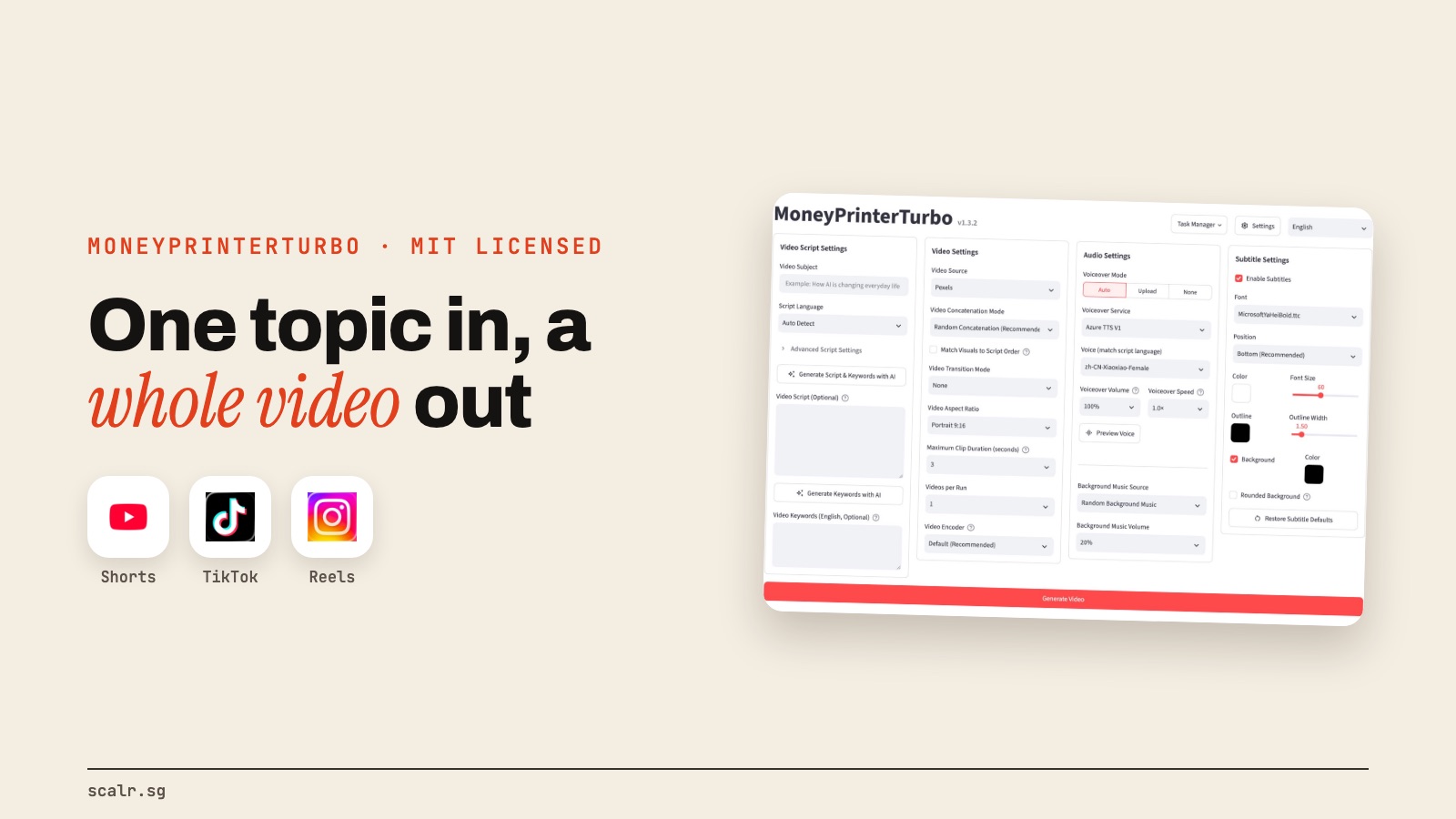
If you make faceless videos, the slow part is everything before the edit: writing the script, hunting for footage that matches each line, recording the voiceover, then putting subtitles and music on top. A developer who goes by harry0703 built a tool that does that whole chain from a single topic.
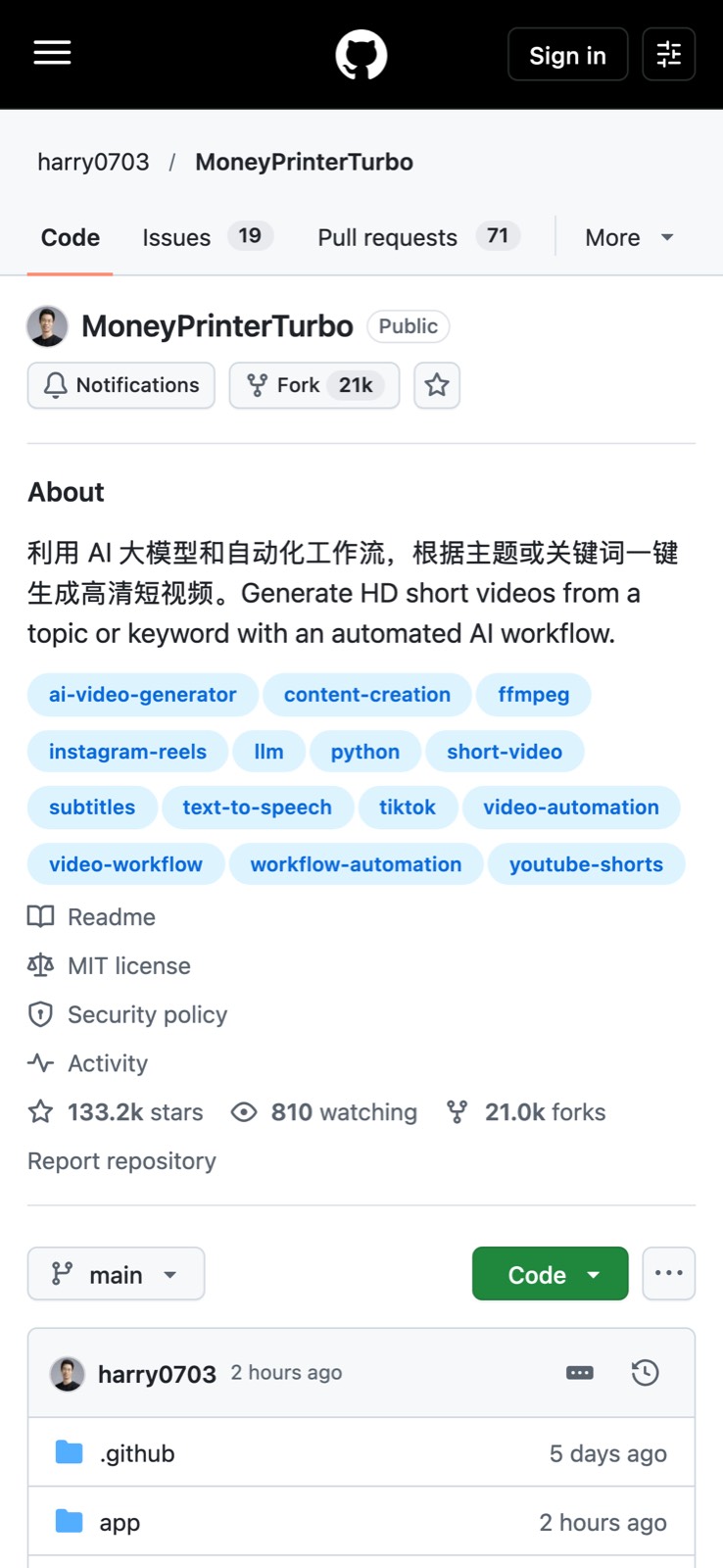
It's called MoneyPrinterTurbo. It's free, MIT licensed, and had over 133,000 stars on GitHub on 20 October.
What does MoneyPrinterTurbo do?
Its README sums it up in one line: "Provide a video topic or keyword, and MoneyPrinterTurbo will generate the script, match footage, create subtitles and background music, and produce an HD short video."
In practice, from one topic it will:
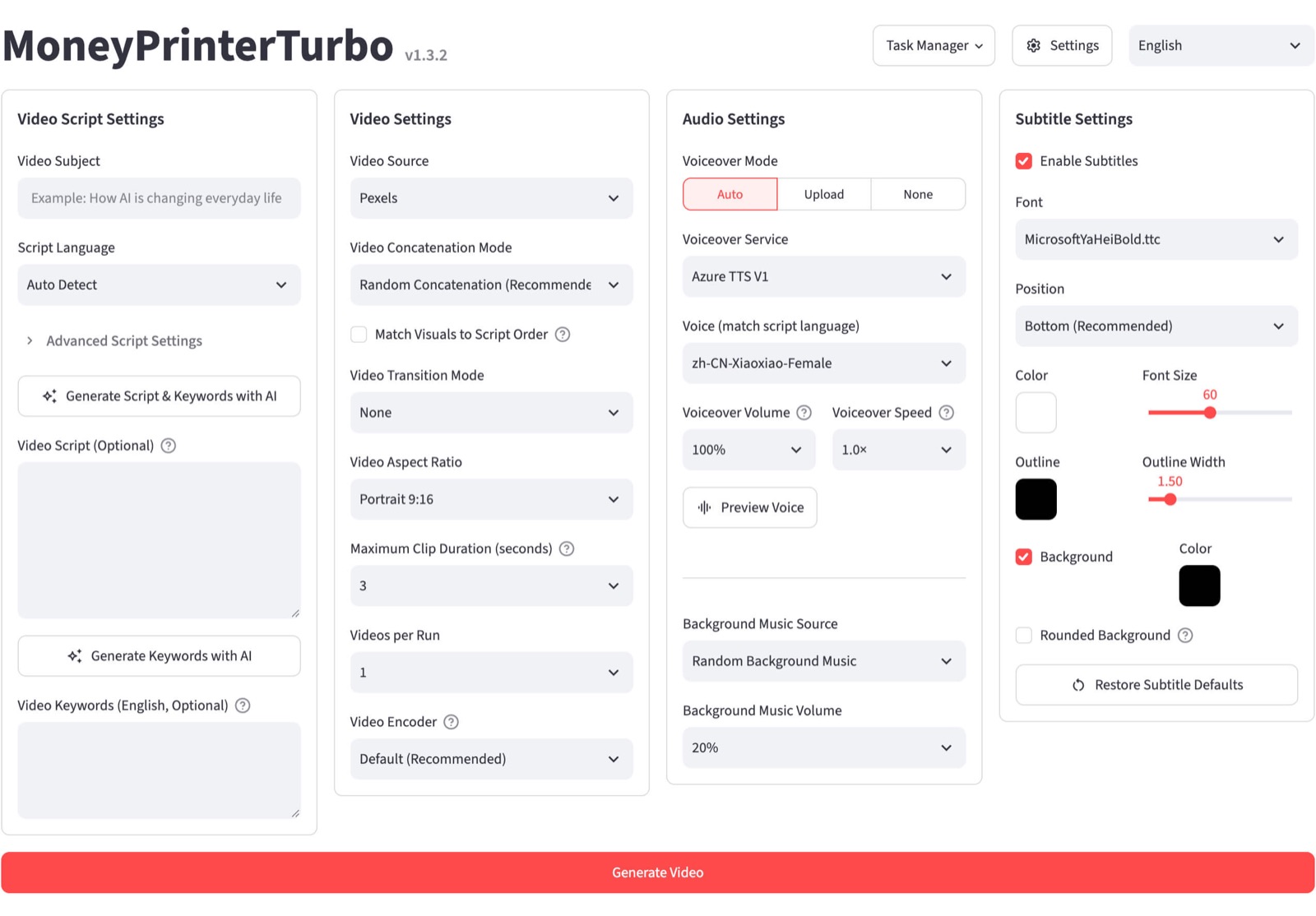
- Write the script with an AI model, in multiple languages, or use a script you paste in.
- Pull matching stock footage from Pexels or Pixabay, both free, or use your own images and clips.
- Record a voiceover. Edge TTS is free and needs no API key, and paid voices like ElevenLabs are supported too.
- Add subtitles and background music, with control over the subtitle font, position, colour and size.
- Render the video in portrait 9:16, widescreen 16:9 or square 1:1.
- Publish it straight to TikTok, Instagram and YouTube Shorts.
Which AI does it use?
Whichever one you already pay for. The README lists Kimi, OpenAI, Anthropic Claude, Google Gemini, DeepSeek, Qwen, xAI Grok and more, plus gateways like OpenRouter and local models through Ollama. It even lists a Claude Code subscription as a way in.
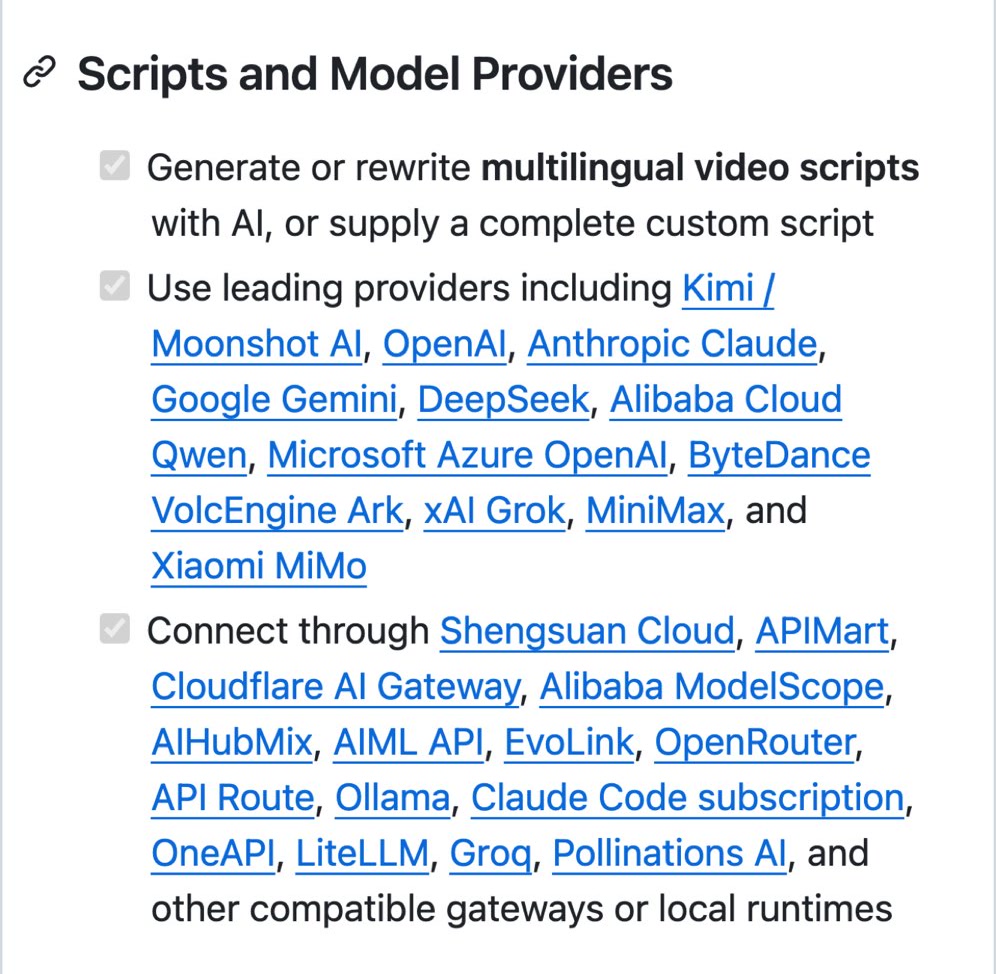
So the tool is free, but the script writing uses an AI model, and that costs whatever your provider charges, unless you run a local model.
How do you install it?
The quickest route on a Mac, Windows or Linux machine with Python 3.11 or newer is the official package, which the README says is called mpt. Watch for that, because a package named MoneyPrinterTurbo on PyPI is run by someone else.
python3 -m venv .venv
source .venv/bin/activate
python -m pip install mpt
mpt webui
The web interface opens in your browser. On Windows, the README also offers a one-click package from the Releases page, and there's a Google Colab version if you don't want to install anything at all.
There's one more route: if your AI agent can run terminal commands, the README gives you a prompt that hands it the setup. Point the agent at the project's skill file and give it a topic, and it installs, configures and generates the video, asking only for the API keys it needs.
How do you make your first video?
- In the web interface's basic settings, add an API key for your AI model and a free Pexels or Pixabay key for footage.
- Type a topic in the script panel, for example "Five things to do in Singapore on a rainy day."
- Pick the format: 9:16 for Reels, TikTok and Shorts.
- Pick a voice. Start with the free Edge TTS ones.
- Leave subtitles and music on, then click generate.
Your finished video lands in a storage/tasks folder. On a Mac that sits under ~/Library/Application Support/MoneyPrinterTurbo.
What about the stock footage licence?
This is the note people skip. Pexels and Pixabay footage is free to use, but it comes under each site's own licence, not MoneyPrinterTurbo's. Before you post commercially, read the Pexels licence and Pixabay's content licence, especially for clips with recognisable people, brands or logos in them.
And the MIT licence covers the software only. It says nothing about what you make with it, so the usual platform rules on original content still apply to your account.
Is it worth it?
For faceless channels, explainers and quick topic videos, it removes most of the grunt work, and it's free to try. The trade-off is that every video starts from the same pool of stock footage, so the result looks like a stock-footage video. If you want videos that look like nobody else's, that's where code-driven editing comes in, which I wrote about in how Claude animates my videos. And if your raw material is long videos you've already filmed, the free Opus Clip alternative is the better fit.
FAQ
What is MoneyPrinterTurbo?
MoneyPrinterTurbo is a free, open-source AI video generator by harry0703. From a topic or keyword, it writes a script, matches stock footage, adds a voiceover, subtitles and music, and renders an HD short video.
Is MoneyPrinterTurbo free?
MoneyPrinterTurbo is free under the MIT licence. The script writing uses an AI model, which costs whatever your provider charges unless you run a local model, and the free Edge TTS voices need no API key.
How do I install MoneyPrinterTurbo?
Install the official MoneyPrinterTurbo package with python -m pip install mpt on Python 3.11 or newer, then run mpt webui. Windows users can also use the one-click package from the GitHub Releases page.
Can MoneyPrinterTurbo post to TikTok and Instagram?
Yes. MoneyPrinterTurbo can publish finished videos directly to TikTok, Instagram and YouTube Shorts, and exports in 9:16, 16:9 or 1:1.
Can I use MoneyPrinterTurbo's stock footage commercially?
MoneyPrinterTurbo pulls footage from Pexels and Pixabay, which are free to use under their own licences. Read those licences before commercial use, especially for clips showing recognisable people, brands or logos.