Claude Code
How Claude Animates My Videos With Code (the Free Remotion Skill)
Every animation in my reels is made by prompting Claude. It writes code that draws each frame, using Remotion's official free skill for Claude Code. The install line, a starter prompt, the three rules that stop it looking like AI slop, and what it really took to get here.
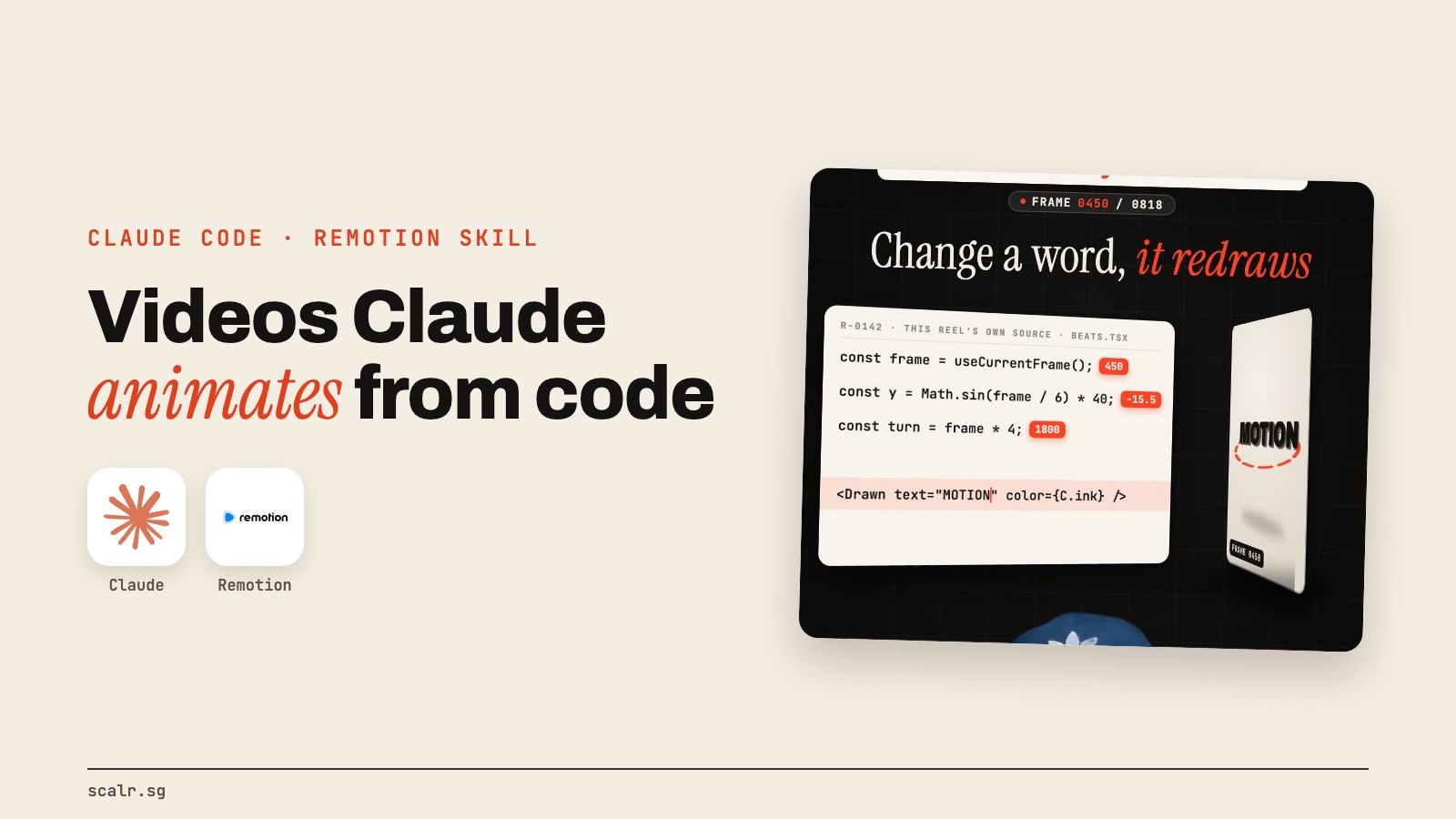
Every animation in my reels is made by prompting Claude. The counters, the cards that fly in, the 3D wall of my old videos, the captions: none of it was dragged around on a timeline. Claude wrote code that draws each frame, and the code got turned into a video.
The piece that makes this possible is free. It's an official skill from Remotion, the open-source tool for making videos with code, and it plugs straight into Claude Code. Here's how it works, how to install it, the rules I learned the hard way, and what it takes to get good results.
How does Claude make a video without an editor?
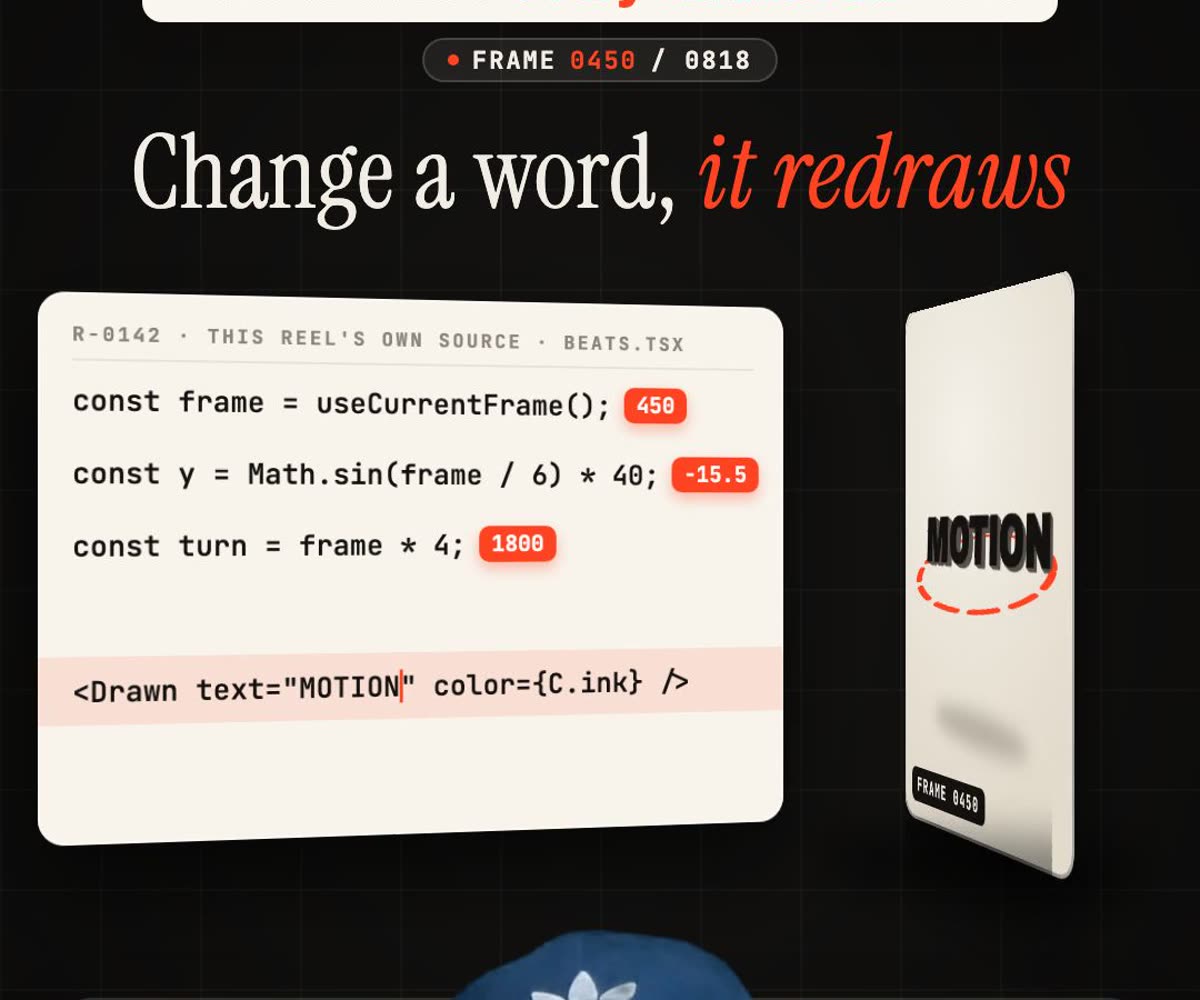
Normal video editing is a timeline. You drag clips, text and effects into place, and you nudge them until they look right. Remotion throws the timeline away. A video becomes a small program, and every frame is drawn by code that knows which frame number it's on.
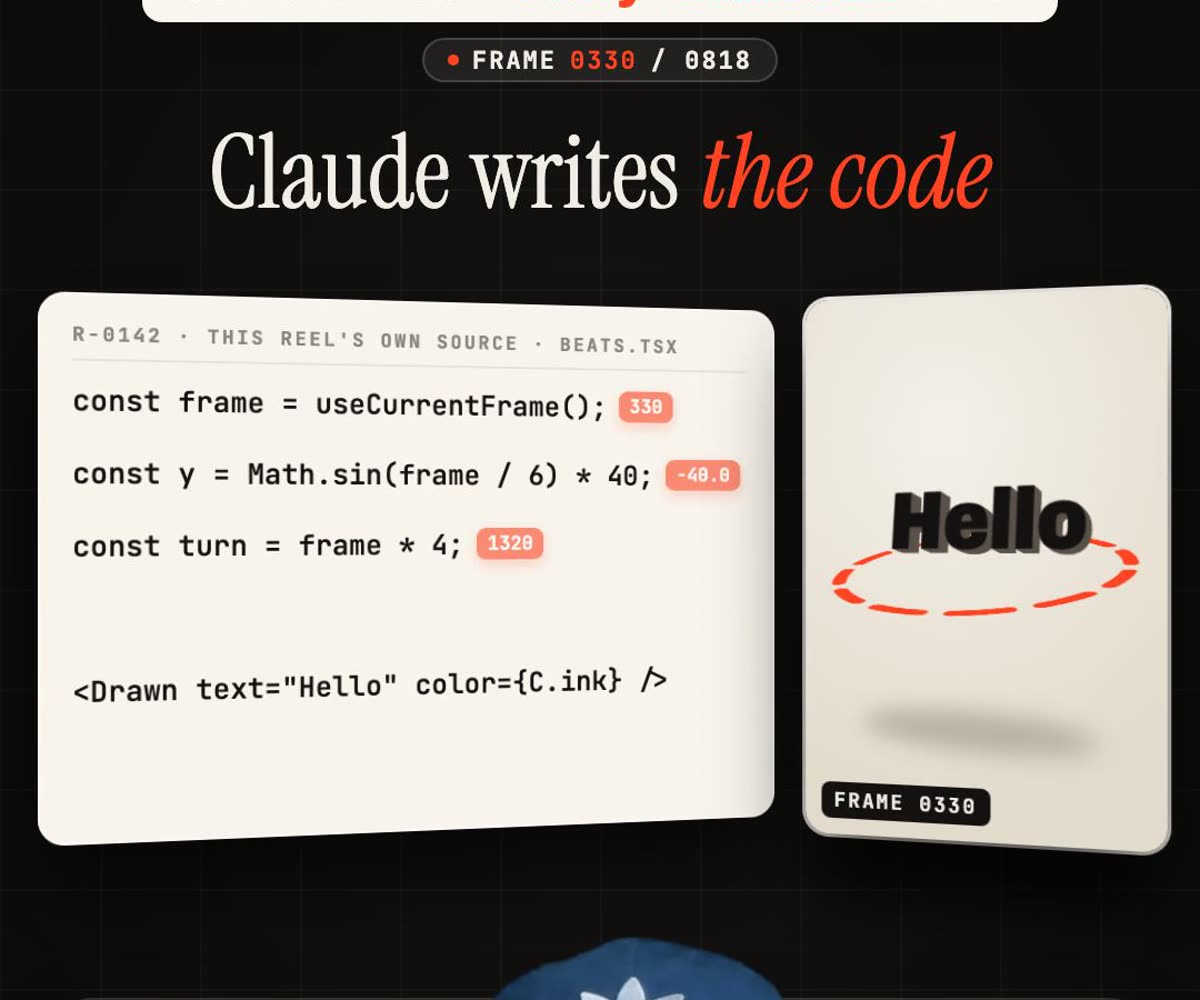
So when Claude writes "move this card up by 40 pixels between frame 30 and frame 60", that's exactly what happens, every time. Then Remotion renders all the frames and stitches them into an MP4. Its docs say it encodes the frames with FFmpeg while the next ones are still being drawn, so rendering doesn't wait for every frame to finish first.
The part that sold me is how changes work. If I want a different word or a different colour, I don't redo anything. I tell Claude, it changes one line, and the whole video redraws with the new version.
How do you install the Remotion skill?
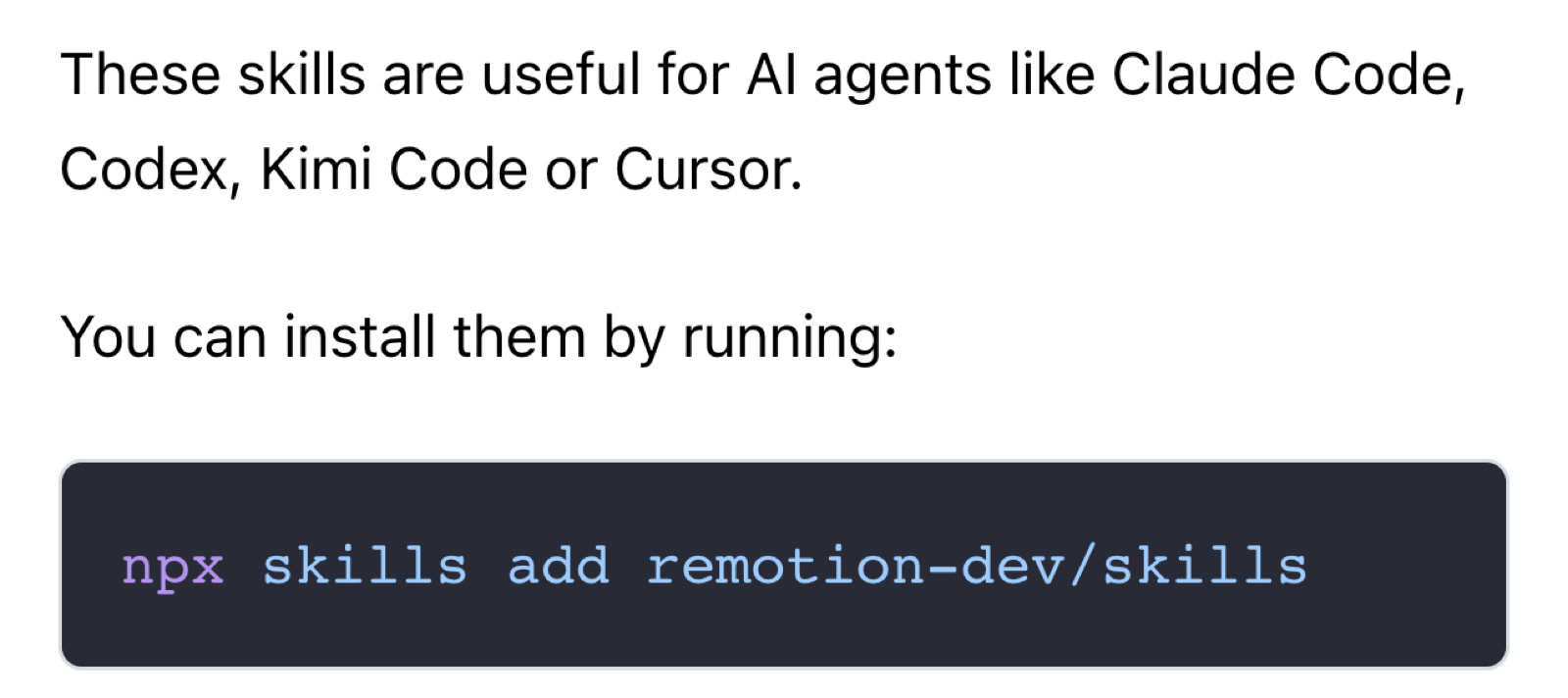
Inside your project, run:
npx skills add remotion-dev/skillsRemotion's own page says the skills work with "AI agents like Claude Code, Codex, Kimi Code or Cursor." They're instructions that teach the agent how to write good Remotion code: how to build a new video, lay out text, time animations, add captions and render.
If you're not sure where to start, Remotion suggests /remotion-best-practices, which bundles the rest. Their example first prompt is /remotion-create Make a promo video for a record store. Here's the one I'd give you instead, because it forces the habits that matter:
/remotion-create Make a 15-second vertical video (1080x1920, 30fps) that explains
[your product] in three beats. Use spring animations, not straight lines. Use only
the images in /public, never placeholder shapes. Hold every line of text on screen
for at least two seconds. When you're done, render a still of frames 30, 150 and 300
and look at them before you tell me it's finished.
Is it free?
The skill is free, and Remotion itself is free for individuals and companies of up to three people. Bigger teams need Remotion's Company License, according to its licence page.

The catch is Claude Code, which comes with Claude's paid plans. And one thing not to confuse it with: Anthropic also has a product called Claude Motion, which is in beta on its Team and Enterprise plans. That's a separate tool. What I'm describing here is Remotion's skill running inside Claude Code.
What stops it looking like AI slop?
My early versions looked exactly like what you'd expect from AI: purple gradients, floating boxes and text that zipped past too fast to read. Three rules fixed most of it.
Use real assets. Give Claude the real logo, the real screenshot, the real product photo, and tell it never to draw placeholder shapes. A generic icon reads as fake in half a second.
Use real springs. Remotion has a spring() function that makes movement ease in and settle, the way real objects do. Straight-line movement is the fastest tell that a computer made it.
Look at your own frames. This is the big one. Claude can't see the video it made unless you make it look. Have it render stills of a few frames and check them before it says it's done. Most of my fixes come from that one step: text overlapping a face, a card cut off at the edge, a word on screen for half a second.
What did it actually take to get here?
I won't pretend this is install-and-go. The skill gets you a working video on day one. Getting to videos you'd actually post took me a lot longer: setting the project up, building my own pipeline around it, and working out which formats work for my audience and which don't.
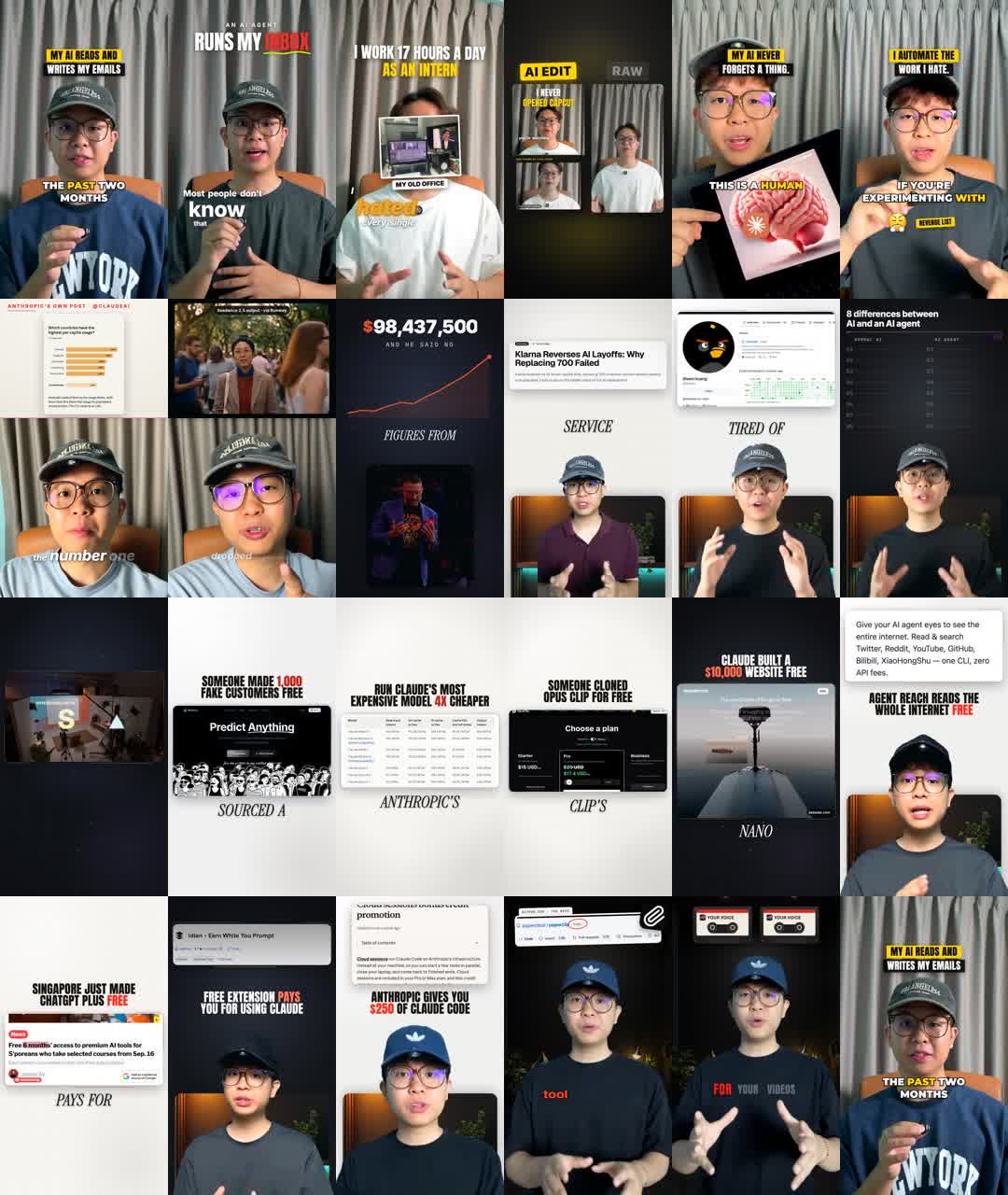
That pipeline has now finished 103 reels for my own page, which go out across seven platforms. I wrote up every stage it runs, from raw footage to finished reel, including what it still gets wrong. We also use the same approach on client work: a law firm's bilingual talk series, where two camera angles go in and a finished, captioned clip comes out, with a person checking every cut. You can see it on our work page.
If you'd rather keep a timeline, the free browser editor OpenCut is a decent place to start. If you make videos every week, though, this is worth learning. If you'd rather have the system than build it, that's the kind of setup I do for businesses. Getting mine right took months of setting up, building and testing formats, and that part is different for every brand. Once it runs, it costs far less than paying an editor every month. Book a free 30-minute call and I'll show you what it would look like on your videos.
FAQ
What is the Remotion skill for Claude Code?
The Remotion skill is a free set of Agent Skills from Remotion that teaches Claude Code, Codex, Cursor and similar agents how to write Remotion video code. You install it with npx skills add remotion-dev/skills.
Is Remotion free to use?
Remotion is free for individuals and companies of up to three people. Teams of four or more need a Company License from Remotion.
Do I need to know how to code to make videos with Claude and Remotion?
You don't need to write code yourself, since Claude writes it. You do need to be comfortable running Claude Code in a terminal and checking the frames it renders.
Is the Remotion skill the same as Claude Motion?
No. Claude Motion is Anthropic's own animation tool, in beta on Claude's Team and Enterprise plans. The Remotion skill is a separate, free open-source skill that runs inside Claude Code.
How do I stop AI-made animations looking generic?
Give the AI real logos and screenshots instead of placeholder shapes, use spring animations instead of straight-line movement, and have it render and check stills of its own frames before calling the video done.