AI tools
Someone Put Opus Clip's $29 Feature on GitHub for Free
A developer rebuilt Opus Clip's core feature, turning a long YouTube video into ranked vertical shorts, as a free tool on GitHub. The repo link, the setup steps straight from its README, and what I'd tell a Singapore creator to do with it.
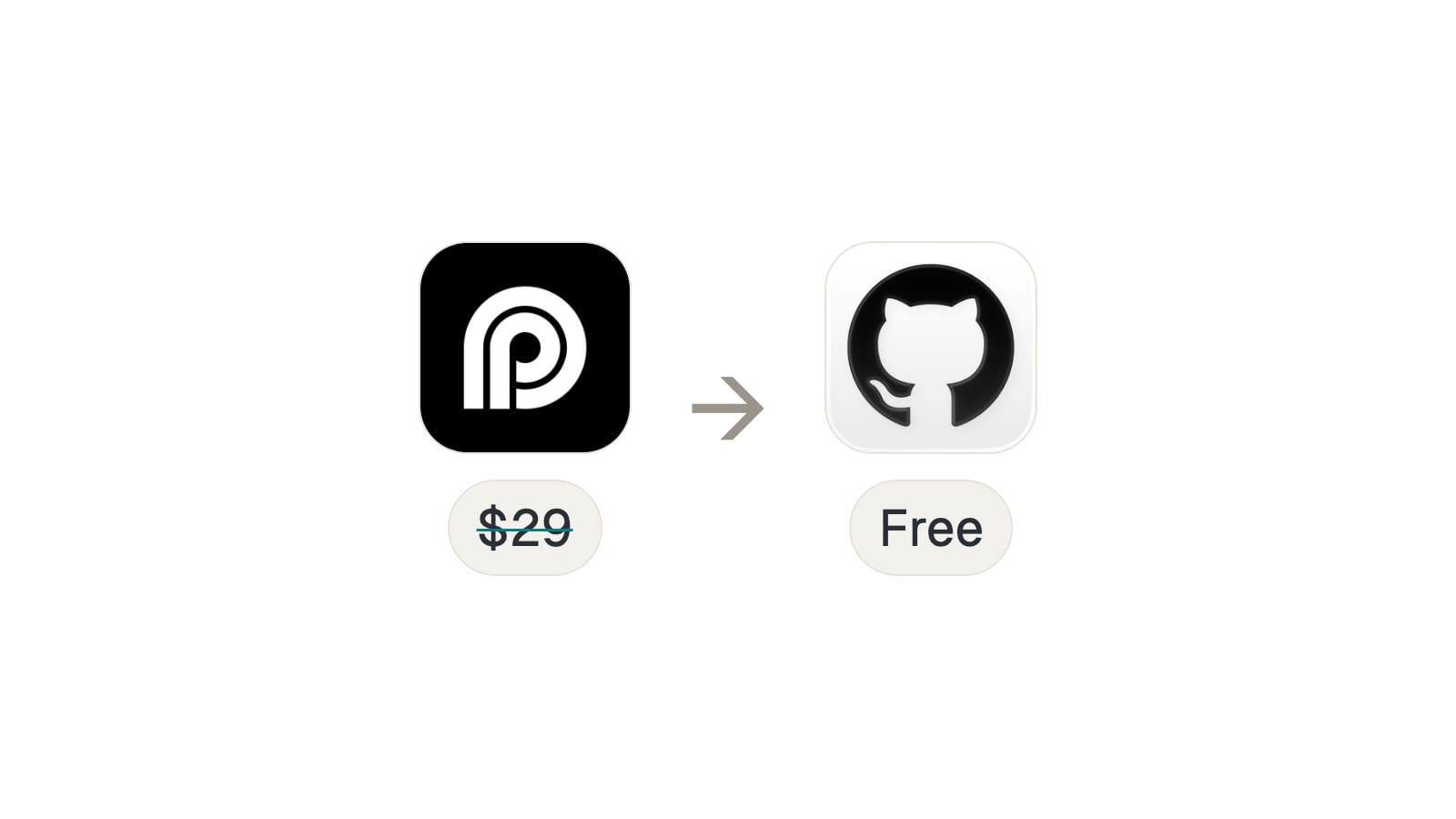
There's a free tool on GitHub called AI YouTube Shorts Generator, and it does the one thing people actually pay Opus Clip for: you give it a long YouTube video, and it hands you back a handful of ranked, vertical shorts, ready to post. No subscription, no watermark, and the code is sitting right there for anyone to run.
It's the AI YouTube Shorts Generator repo, and its own README describes what it does in one line: it turns a video into "ranked, viral-ready 9:16 shorts."
Is this the same as Opus Clip?
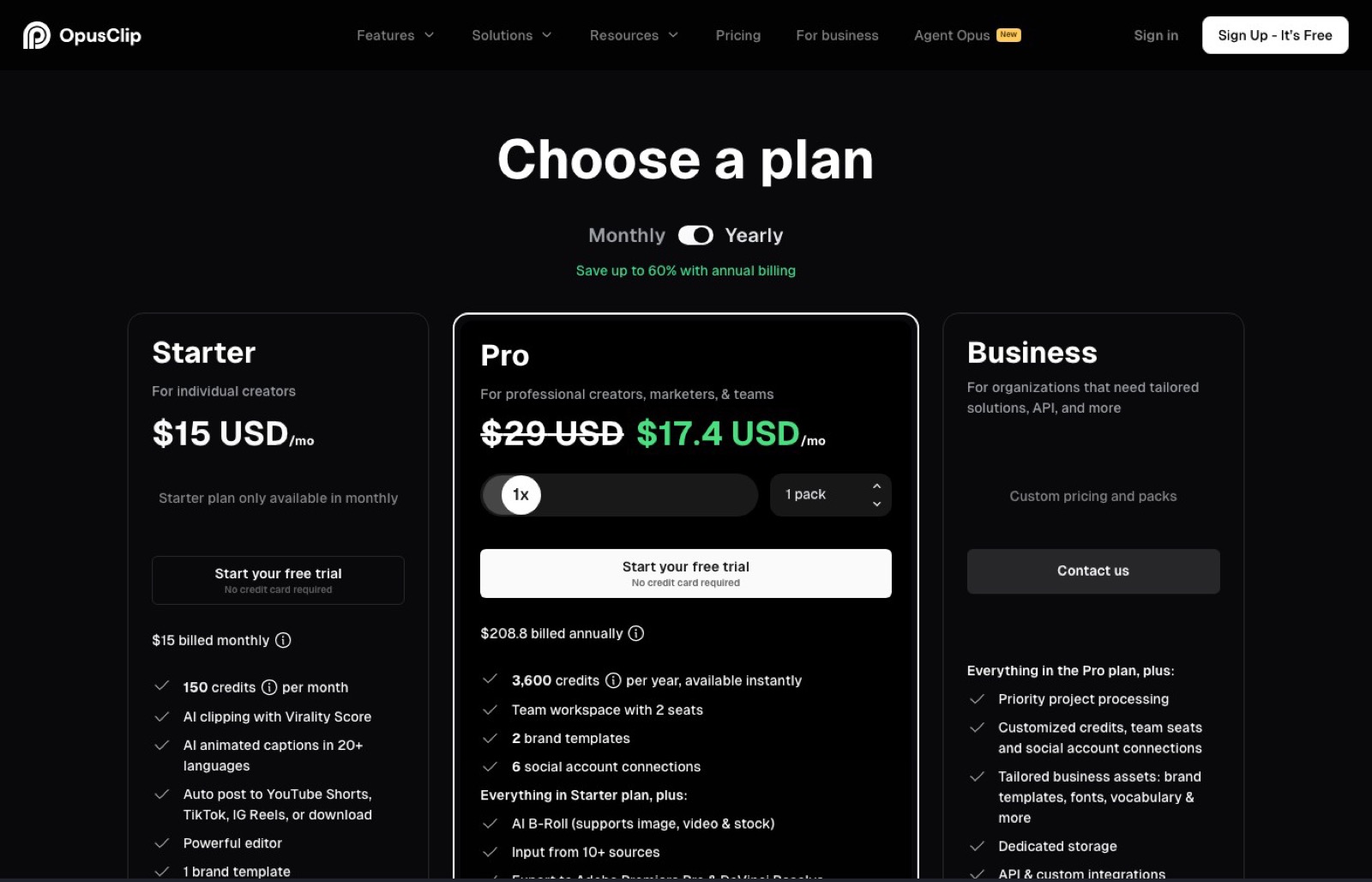
Not quite. Opus Clip is a hosted product. You upload through a browser, it processes on their servers, and you pay monthly for the privilege: $29 a month for the Pro plan at the time I checked, which is the tier that removes the watermark and unlocks text and timeline editing. There's also a free tier and a cheaper $15 Starter tier, but the watermark-free, full-editing version is the $29 one.
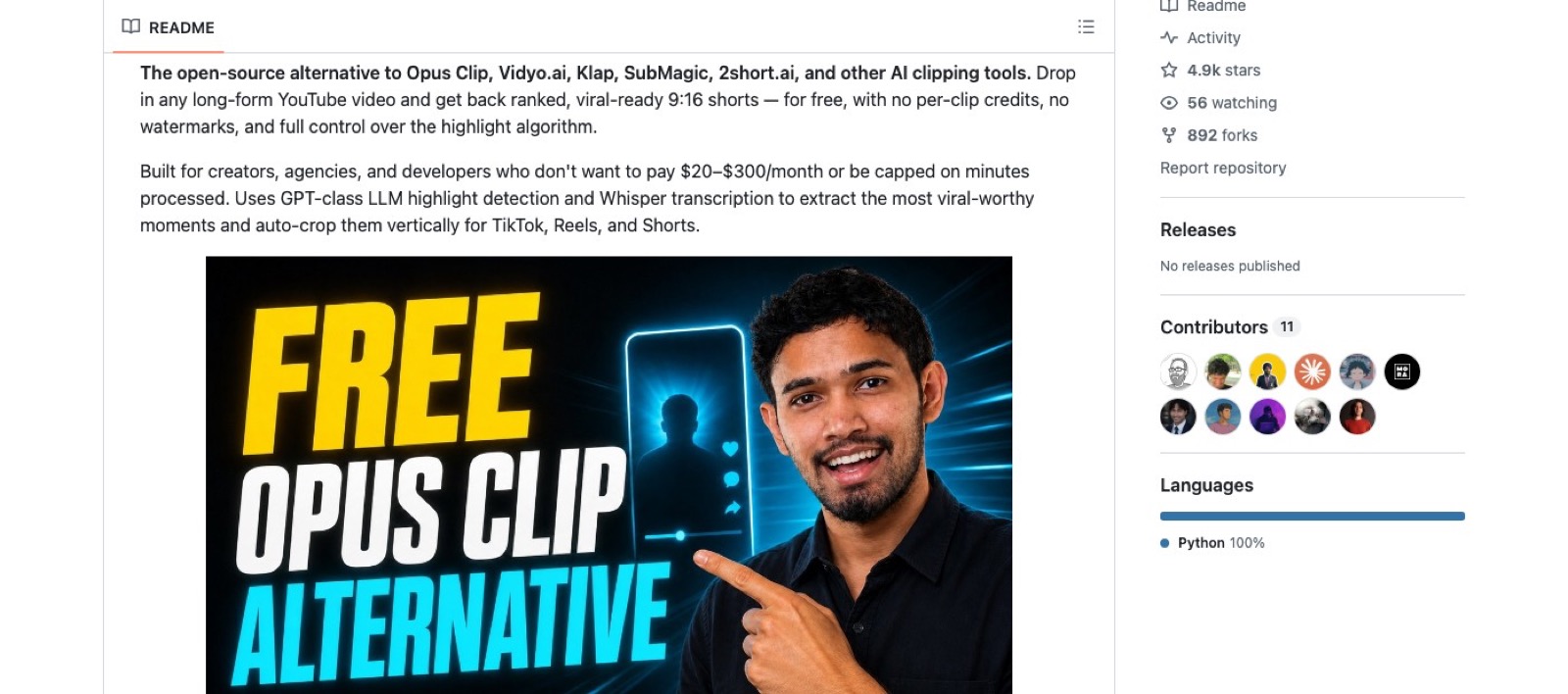
This repo is the opposite shape. You clone it, you run it on your own machine, and there's no company sitting between you and the code. Its own GitHub description names exactly what it's standing in for: an open-source alternative to Opus Clip, Klap and SubMagic, among a couple of others in the same bracket. It doesn't come with the drag-and-drop browser editor, the team seats or the one-click social posting that Opus Clip sells, but the core job, picking the good parts of a long video and cutting them vertical, is the same job.
How does it turn a long video into shorts?
The script I filmed for this compressed it to three steps, and that's genuinely most of it: you drop in a long YouTube video, it finds the strong moments and ranks them, and it cuts them to vertical, ready for TikTok, Reels and YouTube.
Under the hood, per its own README, the pipeline runs in order: it downloads the source video, transcribes it, has an LLM read the transcript against a "virality framework" (hooks, emotional peaks, opinion bombs, revelations, conflict, quotable lines) and scores every candidate moment from 0 to 100, collapses any clips that overlap each other, keeps the top-scoring ones, and auto-crops each into a vertical frame. Every output clip comes back with its own score, a hook sentence, and a one-line reason the tool thinks it'll work.
How do you set it up?
This is the part the comment keyword promises, so here it is straight from the repo's own README, not paraphrased.
You need Python 3.10 or newer. Past that, the requirement splits in two depending on which of its two modes you run. The default mode calls a paid API called MuAPI to handle the download, transcription and cropping, so it wants a MuAPI key. The mode that matches what I said in the reel, running entirely on your own laptop, is --mode local, and that one needs ffmpeg on your machine plus an OpenAI or Gemini API key for the ranking step. That's the cheap AI key I meant: OpenAI's gpt-4o-mini is the model it defaults to, and it's priced in fractions of a cent per request, not dollars.
Clone it and install the dependencies:
git clone https://github.com/Anil-matcha/AI-Youtube-Shorts-Generator.git
cd AI-Youtube-Shorts-Generator
python3.10 -m venv venv
source venv/bin/activate
pip install -r requirements.txt
pip install -r requirements-local.txt
Then drop your key into a .env file in the project folder:
LLM_PROVIDER=openai
OPENAI_API_KEY=your_openai_key_here
And run it against any YouTube link:
python main.py "https://www.youtube.com/watch?v=VIDEO_ID" --mode local --num-clips 5That last command is the whole job. It writes the finished vertical clips straight to an output folder on your machine, no upload, no account, no browser involved.
What can you change?
The part of the pitch that isn't just "it's free" is that you own the logic. The whole scoring system, what counts as a strong moment, lives in one readable file, shorts_generator/highlights.py, and the README points straight at it. If you want it to favour longer story arcs over quick punchlines, or weight a different kind of moment for your niche, you edit the criteria list and the prompt it's judged against. Opus Clip calls its equivalent a black box for a reason: you can't see it, let alone change it.
Who is this not for?
If you don't want to touch a terminal, this isn't the tool. The commands above are copy-paste, but they are still commands, and Opus Clip's whole value is that you never see one. It also has no team seats, no scheduled posting, no customer support to call when something breaks. And "free" means free of a subscription, not free of every cost: you're still paying a few cents per video to OpenAI or Gemini for the ranking step, or paying MuAPI's own pay-as-you-go credits if you stay on the default mode. What disappears is the $15 to $29 a month, not every cost in the chain.
Where I'd point a Singapore creator
If you're a solo creator here still figuring out whether shorts are even worth your time, I'd start with the free route before I paid for anything. It costs you an afternoon of setup and maybe a dollar of API calls to find out, versus committing to a monthly plan for a format you haven't proven yet.
Where I'd flip back to paying is the moment the bottleneck stops being money and starts being your own time. A self-hosted tool like this needs you to keep it updated, notice when a dependency breaks, and babysit the run. I built my own version of this exact pipeline for my reels, and the honest lesson from doing that is that the code is the easy 80%. The last 20%, catching the edge cases and keeping it running quietly in the background, is where the real hours go. I wrote up what that looked like in every stage my AI runs to edit a video. Once your time is worth more than $29 a month, paying someone else to own that maintenance stops being a luxury.
FAQ
How much does Opus Clip's Pro plan cost?
$29 a month, which is the tier that removes the watermark and unlocks text and timeline editing. There's also a cheaper $15 Starter tier and a free tier that costs nothing at all.
Is the AI YouTube Shorts Generator free to run?
Yes, the software is free and there's no monthly subscription. Local mode's AI key runs a few cents per video at most, and the default API mode bills MuAPI's own pay-as-you-go credits.
Do I need to know how to code to run the AI YouTube Shorts Generator?
No. The setup is five commands you copy into a terminal, and you only touch code if you want to change how it scores moments.
Can I change how the AI YouTube Shorts Generator scores clips?
Yes. The whole scoring system lives in one file, shorts_generator/highlights.py, and you edit the criteria list and the prompt directly if you want it to favour a different kind of moment.
Does the AI YouTube Shorts Generator work on videos that aren't in English?
Yes. Transcription runs on Whisper, which detects the language automatically, and the tool takes a --language flag if you'd rather force one.
Try it before you pay
Clone it, drop in a key that costs cents instead of a card that bills monthly, and find out if free gets you far enough before you pay for anything.