claude code
How I Build a $10,000 Website With Claude
The five steps I actually run to make a site look like an agency build, plus the four GitHub repos I paste into Claude Code for the effects on top. React only, and here's the catch on that.
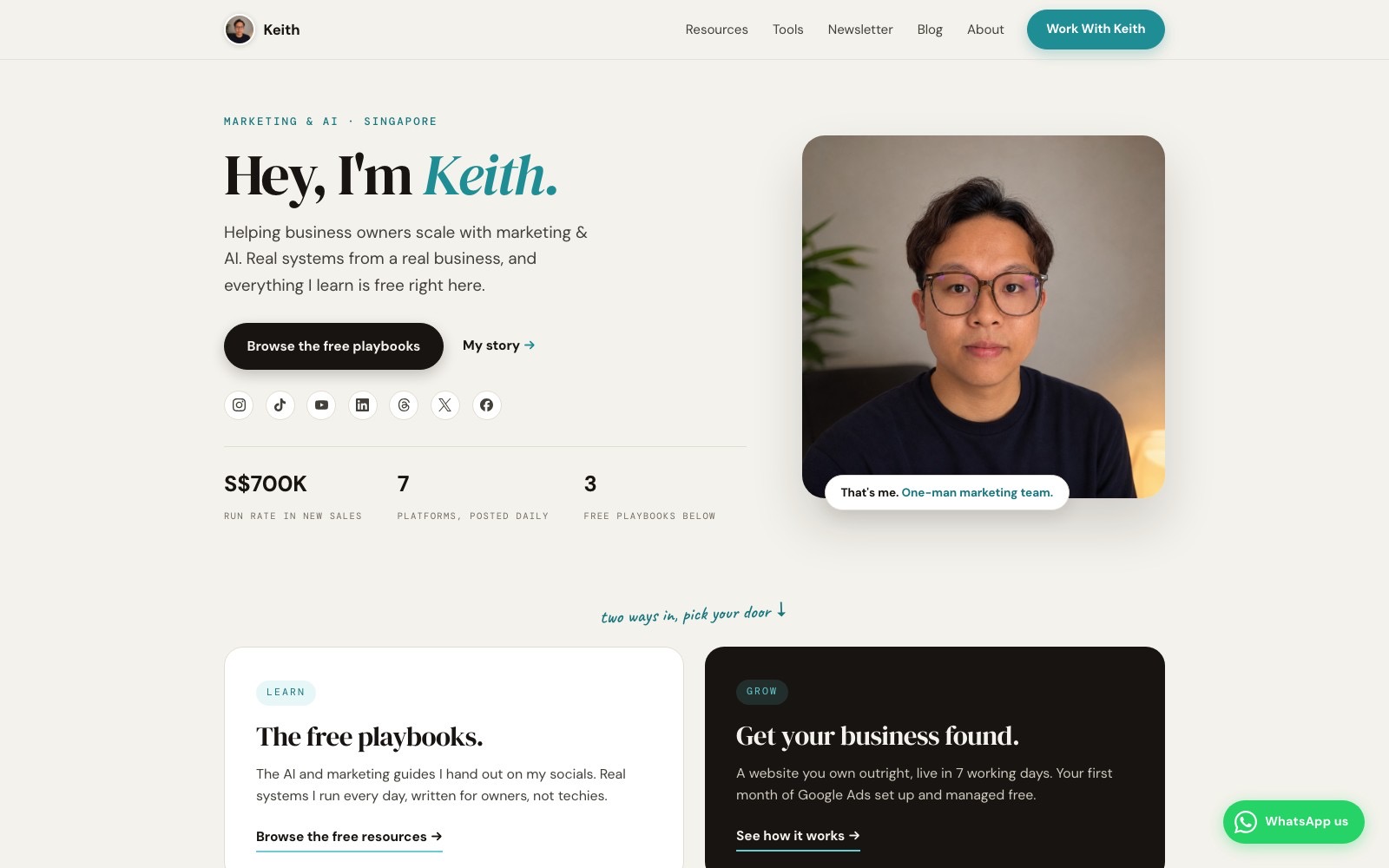
Someone told me an agency quoted them thirty thousand dollars for a website last month. I believed it before I even checked, and it turns out the number is real. Leadpages puts it plainly: "Agency builds with ecommerce, booking systems, or unique features usually run $5,000 to $30,000 or more." What's changed is what I can now build myself, to a similar finish, in an afternoon, without writing a line of code by hand.
Here's the short version. I give Claude the old website so it pulls the logo, the colours and the fonts. I hand it Anthropic's free frontend-design skill so it stops defaulting to the flat, centred, everything-in-a-card page every AI-built site seems to land on. I take the picture prompt it writes for me into Nano Banana and get one clean shot of the product and one where the same product flies apart. I turn those two images into a short transition and build the site around it. Then I push it live on a real address, in one command. Five steps, and I actually ran them, in that order, on the build below.
What do I hand Claude first?
Step one is the part almost nobody does, because most rebuilds start from a blank page. Mine doesn't. I hand Claude the old site, whatever state it's in, before I say a word about what the new one should look like.
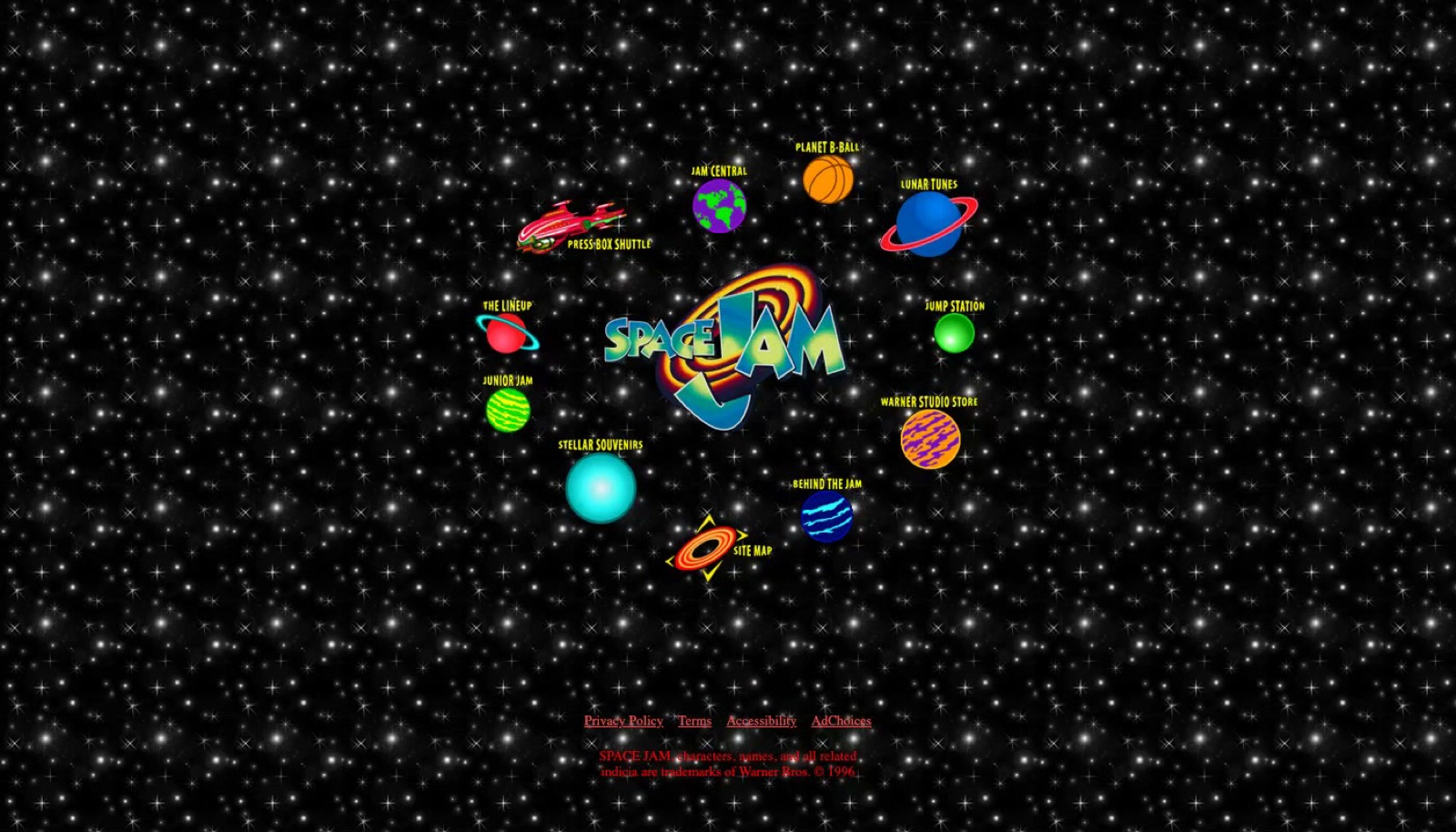
The reason is boring and it works. The old site, even a bad one, already carries the business's actual brand: the logo file, the exact shade of blue on every flyer they've printed for years, the font on their signage. Claude reads the old site and pulls those three things out itself, logo, colours and fonts, so the new build starts from what the business already looks like, not from a palette I picked because it looked nice on my screen that morning.
Step two is where the actual look comes from. Left to its own defaults, an AI-built website has a shape, and if you've spent any time around one you already know it: pale background, a grid of identical cards, centred text, a small all-caps label sitting above every heading. None of it is wrong exactly. It's just the default, and defaults are why every AI site looks like every other AI site. Anthropic's own frontend-design skill exists to fight that specifically. Its own description is direct about it: it's built to make "deliberate, opinionated choices about palette, typography, and layout that are specific to this brief," instead of reaching for the same handful of AI-generated defaults regardless of what the site is actually for. I hand it to Claude right after the old-site pull, and it's the single biggest reason the output stops reading as a template.
Where does Nano Banana come in?
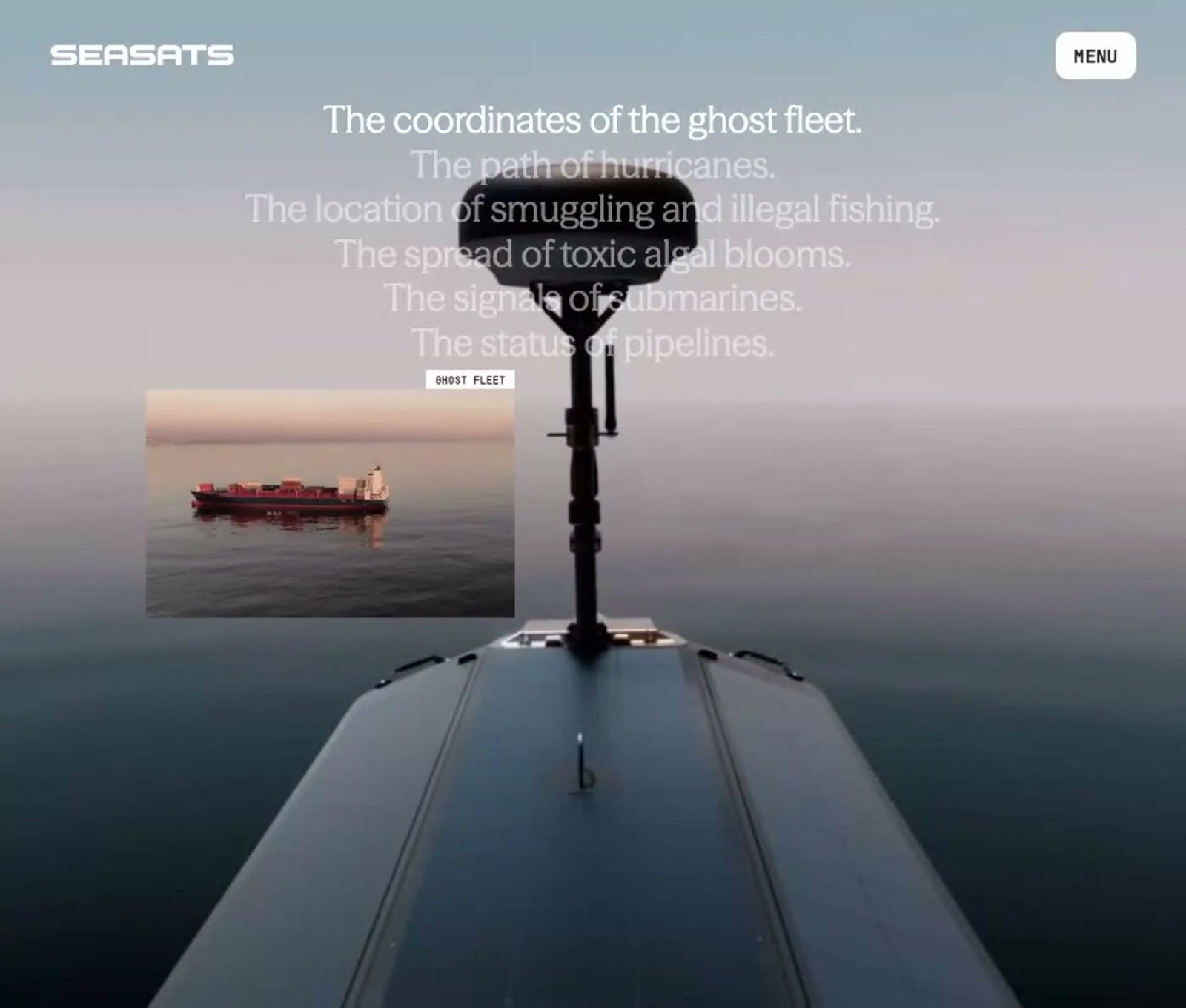
Once Claude has the brand and a real design direction, it writes a picture prompt for the hero image on its own, and step three is taking that exact prompt into Google's Nano Banana 2. I don't write the prompt myself here. Claude already knows the brand, the product and the mood I'm going for, so what it writes is more specific than what I'd type from scratch.
I generate two versions of the same shot, one clean with the product sitting still and properly lit, and one exploded, with the same product caught mid-burst and every part flying apart in the frame. Nano Banana 2 is Google's fast image model, and the part that matters for this move is that it keeps a subject recognisable across generations, so the exploded version is unmistakably the same product as the still one, not a different render that happens to share a colour.

Step four turns those two images into the site's actual opening moment. The clean shot and the exploded shot become a short transition, the product assembling itself or blowing apart depending on which way you play it, and the rest of the homepage gets built around that transition instead of around a static hero banner sitting there doing nothing.
How does it actually go live?
Step five used to be its own separate headache: getting the thing off a laptop and onto a real address. Now it's a push. I push the code to GitHub, Vercel picks it up and deploys it, and the site is live on the business's own domain a few minutes later. No FTP, no separate hosting account to wire up by hand, no second person to loop in for the deploy.
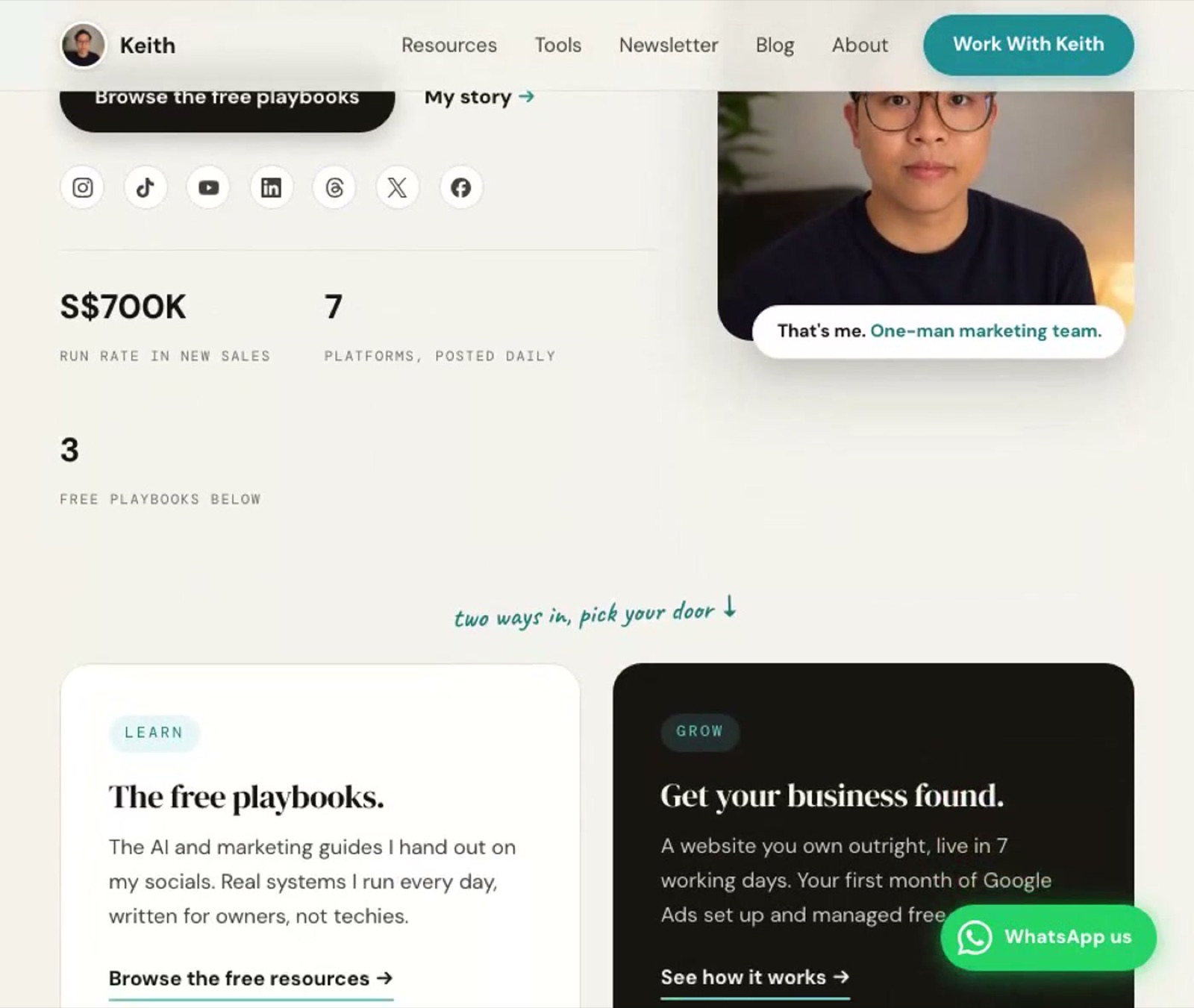
Put together, that's the whole run: old site in, design skill applied, two Nano Banana shots, a transition built around them, pushed live. None of it is a trick, and none of it needs you to write code. It needs you to describe what you want clearly enough for Claude to act on, which is a different skill from coding, but a real one all the same.
What if you want more of that agency polish?
The five steps above get you a site that looks intentional instead of templated. If you want a few of the specific touches that make a build feel like it cost more than it did, that's a separate layer, and it comes from four small open source repos rather than from Claude on its own. These sit alongside the tools I already run in Claude Code for everything else.
I keep a test page where I try each of these before they go anywhere near a real build, and all four below are things I've actually run, not things I've only read about.
| Repo | What it gives the page | Licence |
|---|---|---|
| React Three Fiber | Real 3D inside the page, not a video pretending to be 3D | MIT |
| Liquid Glass React | The frosted, Apple-style glass look, with real controls | MIT |
| ShaderGradient | A moving colour background you shape yourself | none listed on the repo |
| Liquid Logo | Your logo turned into moving liquid metal | a licence file exists, not a standard one GitHub recognises |
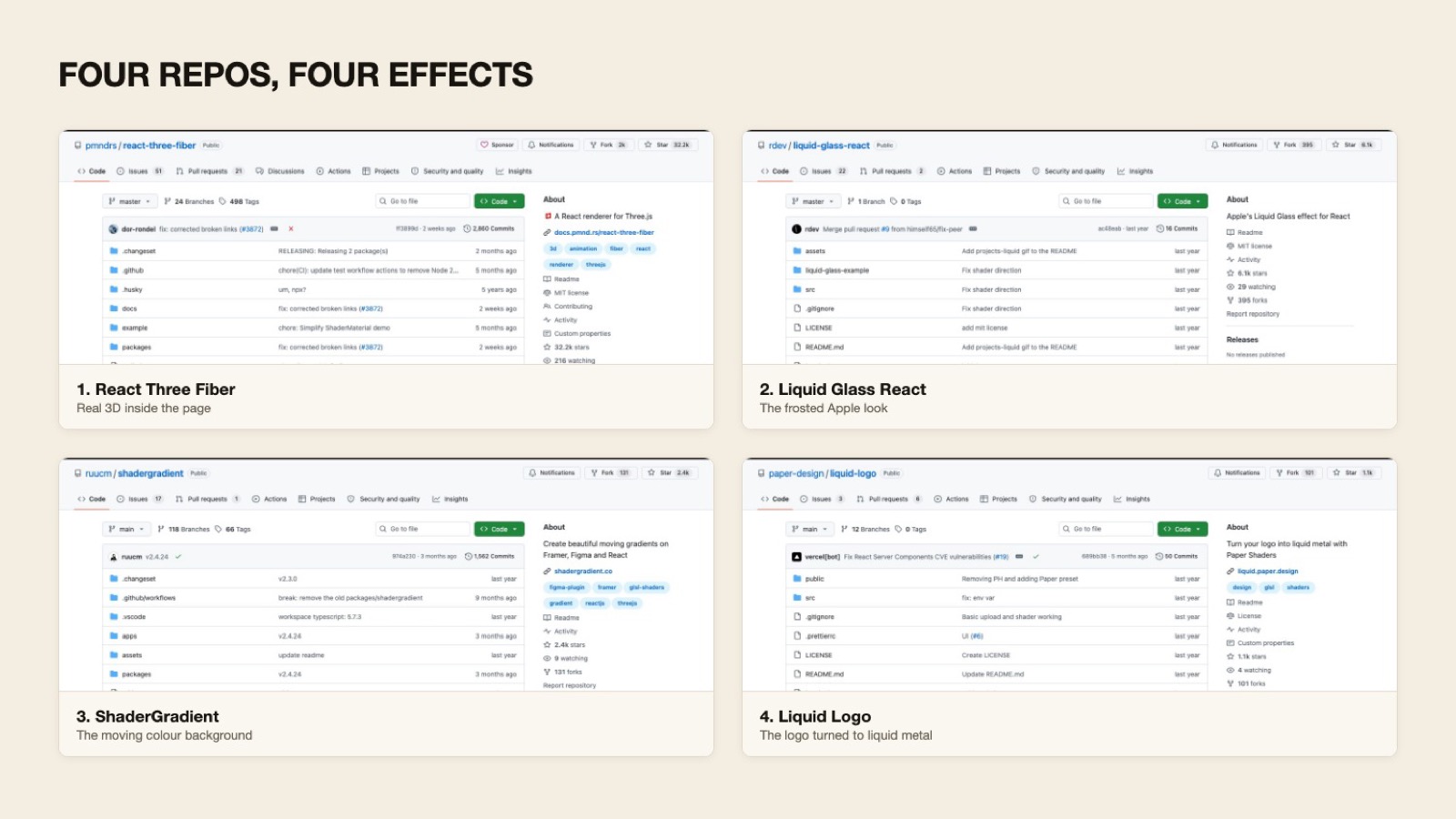
React Three Fiber, at over 32,000 stars one of the most-used open source projects in this whole space, is a React renderer for Three.js: it puts an actual 3D scene inside your page rather than a flat image or a looping video dressed up to look like one. The line I actually type is close to this: paste the repo into Claude Code and say pull in React Three Fiber and put a slowly rotating version of my product on the homepage, plain background, soft light. Claude wires the library in and writes the scene, and I keep steering it in plain language until the rotation and the lighting feel right.
Liquid Glass React replicates the frosted, blurred-glass look Apple built its whole visual identity around, the kind of surface where you can tell it's glass before you can say why. My line: paste this one in and say wrap my pricing cards in the liquid glass effect, frosted, a little movement on hover, and keep the text readable. It ships with real controls for how strong the blur is and how much the edges refract, so it's a starting point Claude tunes rather than a fixed look dropped in whole.
ShaderGradient puts a moving, coloured gradient behind a section, and you pick the shape, the colours and the speed yourself rather than getting a fixed animation. My line: paste this one in and say put a moving gradient behind my headline, pull the colours from my brand palette, and slow it right down so it reads as texture, not a distraction. The repo doesn't carry a licence GitHub can identify, though, so I check the actual terms before it goes anywhere near a paying client, and you should too.
Liquid Logo takes a logo file and runs it through a shader that turns it into moving liquid metal, which is a genuinely strange thing to see the first time and a strong loading-screen moment the second. My line: paste this one in and say run my logo through this and use the result as the loading animation. Same note as ShaderGradient: there's a licence file sitting in the repo, but it isn't one GitHub recognises as standard, so read it before shipping it commercially.
The move behind all four is the same, and it's worth saying plainly because it's the whole point: open Claude Code, paste the GitHub link, and describe what you want. You never open the library's own documentation yourself. Claude reads it, wires the component in, and you steer the result in plain language until it looks right.
One catch, and it matters: all four of these are React libraries. If the site you're building doesn't run on React, none of the four plug in directly, and pasting the link into Claude Code won't change that. Worth knowing before you go looking for one of these effects on a site that was never going to hold it.
FAQ
Do I need to know how to code to build a website with Claude?
No. Every step, including the four repos, is something I describe to Claude in plain language. I read the result and steer it, and I don't write the components myself.
Do the four React libraries work if my site isn't built in React?
No, and that's the one hard catch. All four are React libraries, so paste the link into a non-React project and Claude will tell you it doesn't fit rather than building something broken.
How much does an agency website usually cost?
Agency builds with ecommerce, booking systems or unique features usually run $5,000 to $30,000 or more, according to Leadpages' own pricing data. That's the tier of finish this five-step process aims to match without paying an agency for it.
What does Anthropic's frontend-design skill actually do?
It stops Claude from defaulting to the same AI-website look: a pale background, a grid of identical cards, centred text, and a small all-caps label over every heading. Anthropic built it to make deliberate choices about palette, typography and layout for the actual brief instead of reaching for those defaults.
How much does SCALR charge for a website build?
S$1,000, with the first month of Google Ads managed free on top, for a business that has no website yet.
Where this sits at SCALR
This is the kind of build I mean when I say SCALR builds websites: distinct, on-brand, live in days rather than the weeks a full agency job takes. Not every client build runs this exact five-step version yet, some are simpler than this, but the instinct underneath is the same one across all of them: pull the real brand first, push back against the AI-default look on purpose, and spend the effort on one strong opening moment instead of ten stock photos. For a business with no site at all, that build is S$1,000, with the first month of Google Ads managed free on top.
The part I keep noticing is that the code was never the hard part. Describing what I wanted clearly enough for Claude to act on it, that's the actual skill, and it's the same one whether I'm rebuilding a whole site or just wiring in one liquid-glass card.