Claude
Claude on iPhone Duo: What Changes When the Phone Opens
Claude on iPhone Duo puts what Claude makes beside the chat when the phone is open, with one button to go full screen. What Apple's foldable is, what the Claude app does on it, how that differs from a normal iPhone, and what else came in the same mobile update.
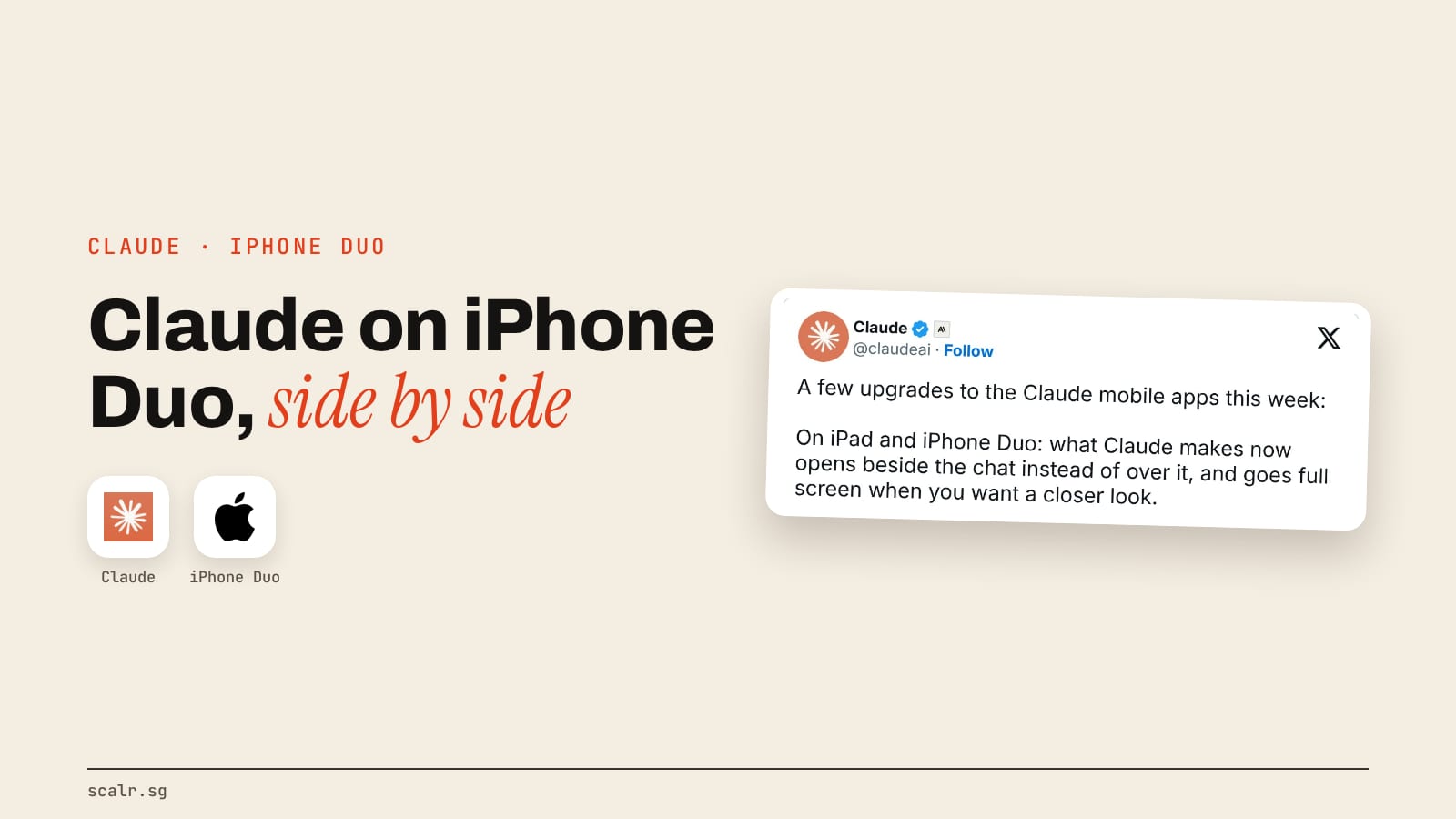
Claude on iPhone Duo is the Claude app's layout for Apple's first foldable iPhone. When the phone is open, whatever Claude makes, a chart, a document or a page, sits beside the chat instead of covering it, and one button takes it full screen. Closed, the app behaves much like Claude on any other iPhone.
On a Duo, Claude's chat and what it makes can finally share the screen.
This page covers what the Duo is, exactly what the app does on it, how it differs from a normal iPhone and an iPad, the other changes that came in the same update, and the design notes Anthropic published on how it was built.
What is the iPhone Duo?
The iPhone Duo is Apple's first foldable iPhone, announced on 10 September 2026. It has two screens: a 5.4-inch outer display for when it's closed and a 7.6-inch inner display when it's open.
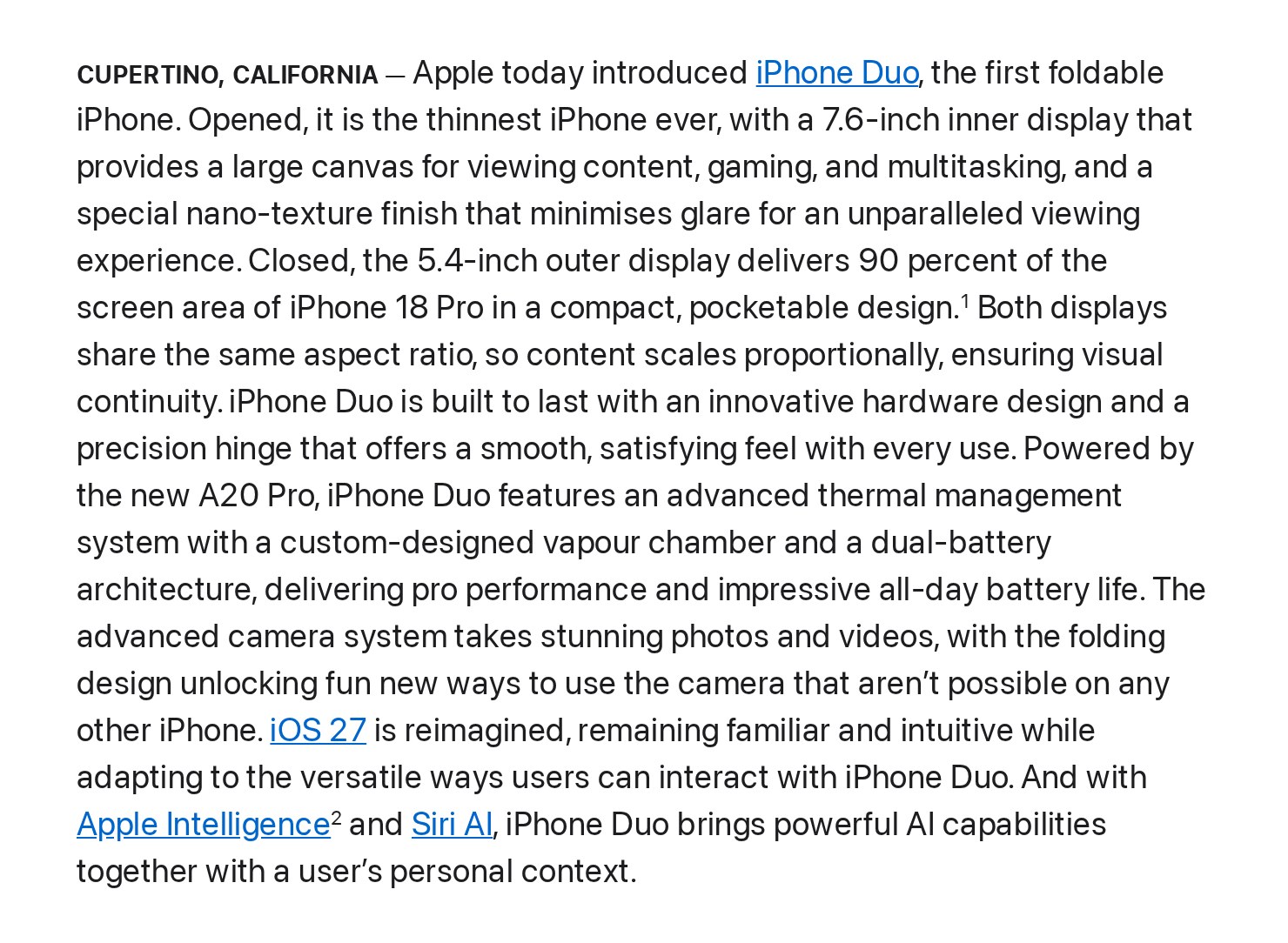
In Singapore it starts at S$3,099, with pre-orders from 16 October and sales from 23 October. The part that matters for Claude is the software. Apple says iOS adapts as the phone folds and rotates, and the bigger screen brings Split View, which lets two apps run side by side on an iPhone for the first time.
Apple says its own apps are optimised for the Duo, and other developers adapt theirs with Apple's new developer tools. Claude is one of the apps that has been adapted.
What does Claude do on the iPhone Duo?
The headline change is the one in Anthropic's own post: on iPad and iPhone Duo, "what Claude makes now opens beside the chat instead of over it, and goes full screen when you want a closer look."
What Claude makes is an artifact: a file, a chart, a small web page or a piece of code it builds during the chat. On a normal phone, opening one covers the conversation, so asking for a change means flipping between the two. On an open Duo the artifact stays on the right and the chat stays on the left, so you can read the result and ask for the next edit without losing either.
Robert Bye, a product manager at Anthropic who worked on it, posted the details a day after the phone went on sale:
- Unfolding carries your work across. If you open an artifact on the closed Duo and then unfold it, the artifact moves next to the chat "so you can keep riffing."
- One button for full screen. The same button on the artifact takes it full screen and brings it back.
- Side by side always means one of two pairs: sidebar plus chat, or chat plus artifact. The artifact has its own Close button.
- Lists open beside the chat. Tapping Code or Projects opens the list on the left and leaves the chat on the right until you pick something.
- Delete lives in the menu. It sits under "...", not in the toolbar, so you can't hit it by accident.
He called the Duo "amazing for multitasking, Claude Code, and creating new things" in the launch-eve post, and his notes show the diff viewer, where you see the code Claude changed, among the panels the team tuned for the Duo.
How is Claude on the Duo different from a normal iPhone or iPad?
The app is the same everywhere, but the layout changes with the screen you're holding. Here's how it looks across the four screens, going by Anthropic's post and Bye's notes:
| Where you are | What happens when Claude makes something |
|---|---|
| A normal iPhone | The artifact opens over the chat |
| iPhone Duo, closed | The artifact opens over the chat; the sidebar is full screen and New chat sits by your thumb |
| iPhone Duo, open | The artifact opens beside the chat, with one button to go full screen |
| iPad | The artifact opens beside the chat, the same as an open Duo |
Bye's simplest description of the idea is worth keeping: think of the app as a path of screens, from general to specific. Closed, the Duo shows you the last screen on that path. Open, it shows the last two, in the same order, so unfolding widens the view without reshuffling anything.
What else came in the same Claude mobile update?
The Duo layout arrived as part of a wider update to the Claude mobile apps, which Anthropic listed in a thread on 29 October and in its film, Claude's new mobile app updates are here:
- More than one account. On iOS and Android you can stay signed in to several accounts and switch without signing out. Useful if you keep a work account and a personal one.
- Android on big screens. On Chromebooks, Googlebooks and foldables, the Android app now works like a laptop app, with a resizable sidebar, trackpad and right-click, and the same keyboard shortcuts as Claude Desktop.
- 33 languages. The app is available in 24 more languages across web, desktop, iOS and Android, including Bengali, Danish, Swahili, Thai, Turkish, Ukrainian and Vietnamese.
- Better voice mode. Anthropic says it answers sooner and hears you better in a noisy room or when you speak quietly, and speech in languages other than English sounds more natural.
- CarPlay. On iPhone, voice mode now works with Apple CarPlay, so you can ask Claude something on the drive. AlphaSignal reports that it answers spoken questions but can't operate the car or the phone.
- Search, coming soon. Pull down on iPhone and iPad to find a past chat or project, jump to a setting, or act on a chat from the results. Anthropic labels this "coming soon", with no date.
For most people the account switch and CarPlay will matter more than the Duo, simply because far more people own a normal iPhone than a foldable one.
How did Anthropic build Claude for the Duo?
Bye's thread doubles as a short design guide for anyone adapting an app or a website to a screen that changes shape. The core lessons, in his words: "build for any size, not just one device", "lean on system components", "think about user journeys, not just screens", "offer side by side + full screen, with an easy way between", "think about what's reachable + what your hand covers", and "keep panels predictable."
Two of them stand out as practical.
One narrow layout and one wide layout. A Duo can be closed or open, upright or turned sideways, or sharing the screen with another app. Rather than design each case, the team found "one narrow layout and one wide layout, flexing between them, works best." That's a sound rule for a business website too: design the phone version and the desktop version properly, then check the page at both widths before anyone sees it.
Where your hand is. Bye points out that the bottom right of the open Duo is hard to see while you're holding it, so the most-used buttons moved. When it's closed, New chat sits at the bottom of the toolbar by your thumb.
The team also used Claude to build Claude on the Duo. Bye says Claude "did a lot of the riffing, the mock-ups and the building, and we made the design calls." They had it build small pages showing a drawn Duo opening and closing with their mock-ups on it, each taking minutes, and had it pull in Apple's Duo design guidance because the device was brand new. His advice for anyone doing the same: keep your design system in a CLAUDE.md file or a skill so Claude's ideas stay realistic, and trust your eye over the maths on a lopsided screen. He describes the whole thing as what the team "sprinted towards over a few days."
When does Claude on the Duo not matter?
If you don't own a Duo, the Duo layout changes nothing for you. Claude on a normal iPhone still opens artifacts over the chat, and the parts of the update you'll notice are accounts, voice, languages and CarPlay.
It also doesn't make the phone a replacement for a laptop. A 7.6-inch screen with a chat and an artifact side by side is good for reviewing a chart or nudging a draft. Long documents and real coding sessions are still easier on a bigger screen, and Bye himself says there is "plenty more" the team can do on Duo and iPad.
One naming trap: Claude Duet is a separate product. Anthropic's release notes list it on 21 October as a research preview for Pro and Max plans. It's an agent app, not a layout, and it has nothing to do with the iPhone Duo beyond the similar name.
Key Takeaways
- Claude on iPhone Duo puts what Claude makes beside the chat when the phone is open, with one button to go full screen and back. Closed, it works like Claude on a normal iPhone.
- The same side-by-side layout now applies on iPad.
- Unfolding the phone moves an open artifact next to the chat, so the work carries across.
- The same update added multiple accounts, a laptop-style layout on Android big screens, 33 languages, faster voice mode and CarPlay, with pull-down search still "coming soon".
- Anthropic's design notes boil down to one rule worth stealing for any website: one narrow layout and one wide layout, flexing between them.
FAQ
Does Claude work on the iPhone Duo?
Yes. The Claude app supports the iPhone Duo, and Anthropic announced on 29 October 2026 that on iPad and iPhone Duo, what Claude makes opens beside the chat instead of over it.
What is different about Claude on iPhone Duo?
When the phone is open, artifacts such as charts, documents and code sit beside the chat rather than covering it, and one button takes them full screen. Unfolding the phone moves an open artifact next to the chat.
Do I need a paid plan for Claude on iPhone Duo?
Anthropic's announcement doesn't tie the Duo layout to any plan. It's described as part of the Claude mobile app, not as a paid feature.
Does Claude work with CarPlay?
Yes. Voice mode on iPhone works with Apple CarPlay, so you can ask Claude questions while driving. It answers spoken questions and can't control the car or the phone.
Is Claude Duet the same as Claude on iPhone Duo?
No. Claude Duet is a separate agent app in research preview for Pro and Max plans. Claude on iPhone Duo is the regular Claude app's layout for Apple's foldable phone.
How much is the iPhone Duo in Singapore?
Apple lists it from S$3,099, in 256GB, 512GB, 1TB and 2TB versions, on sale since 23 October 2026.