Claude Code
Anthropic Is Giving Paid Claude Users Up to $250 in Claude Code Credit
Pro gets $100 and Max gets $250 in Claude Code credit for cloud sessions, claimable until 7 October 2026. Who qualifies, the claim link, how to run your first cloud session without writing code, and three jobs you can paste in today.
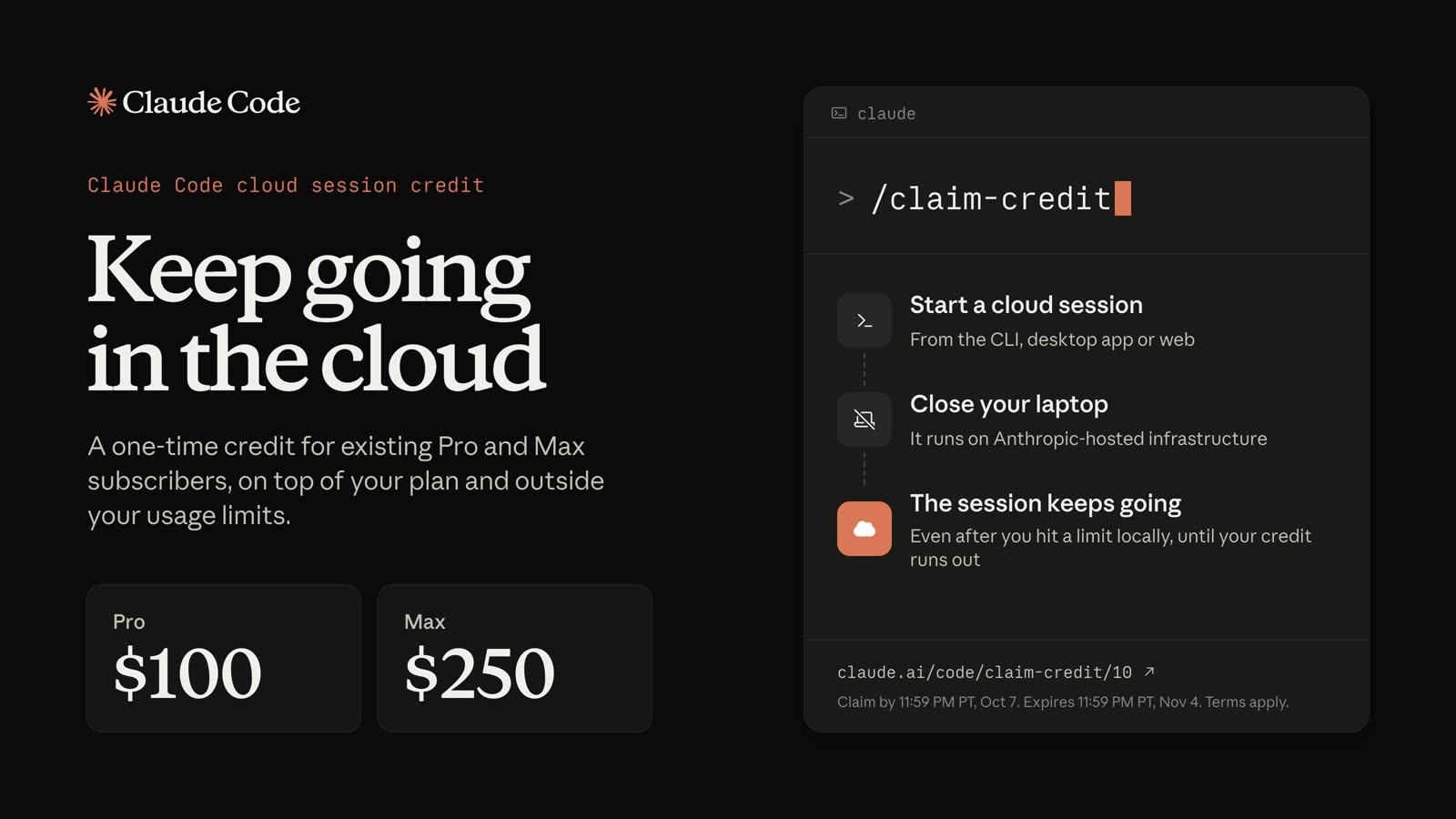
If you pay for Claude, Anthropic is giving you a one-time Claude Code credit for cloud sessions: $100 on the Pro plan and $250 on Max. You have to claim it by 7 October 2026 at 11:59 PM Pacific time, which is 2:59 PM on 8 October in Singapore, and the credit itself runs until 4 November.
The rest of this page is the claim link, the one bit of setup you need before your first session, and three jobs you can paste in so the credit actually gets used on something.
What exactly is Anthropic giving away?
A one-time credit that pays for Claude Code cloud sessions, announced when cloud sessions came out of research preview on 24 September.
The amount depends on your plan. Pro subscribers get $100 and Max subscribers get $250, and the dates are the same for both.

There are two dates here and people mix them up, so it's worth being exact. 7 October is the last day to claim. 4 November is the last day to use what you claimed, at 11:59 PM Pacific, which is 3:59 PM on 5 November in Singapore. Miss the first date and the second one doesn't matter.
The part I like is how it sits next to your plan. While you have credit left, cloud session usage is paid for by the credit and doesn't count toward your plan's usage limits. Once it runs out, cloud sessions count toward your limits the same way any other Claude Code session does. So for a few weeks you get a lane of Claude Code that doesn't eat into the allowance you already pay for.
Who qualifies for the cloud sessions credit?
Individual Pro and Max subscribers who had an active subscription when the promotion started, on 23 September 2026 at 2:00 PM Pacific. You have to sign in with your claude.ai account.
It's not available on Team or Enterprise plans, on free trials, or on an account with a past-due payment, and it doesn't come through Amazon Bedrock, Google Vertex AI or API key sign-ins. It's one credit per account, and it can't be combined with other offers. If you downgrade your plan you keep the credit, and if you upgrade you don't get a second one.
How do you claim the credit?
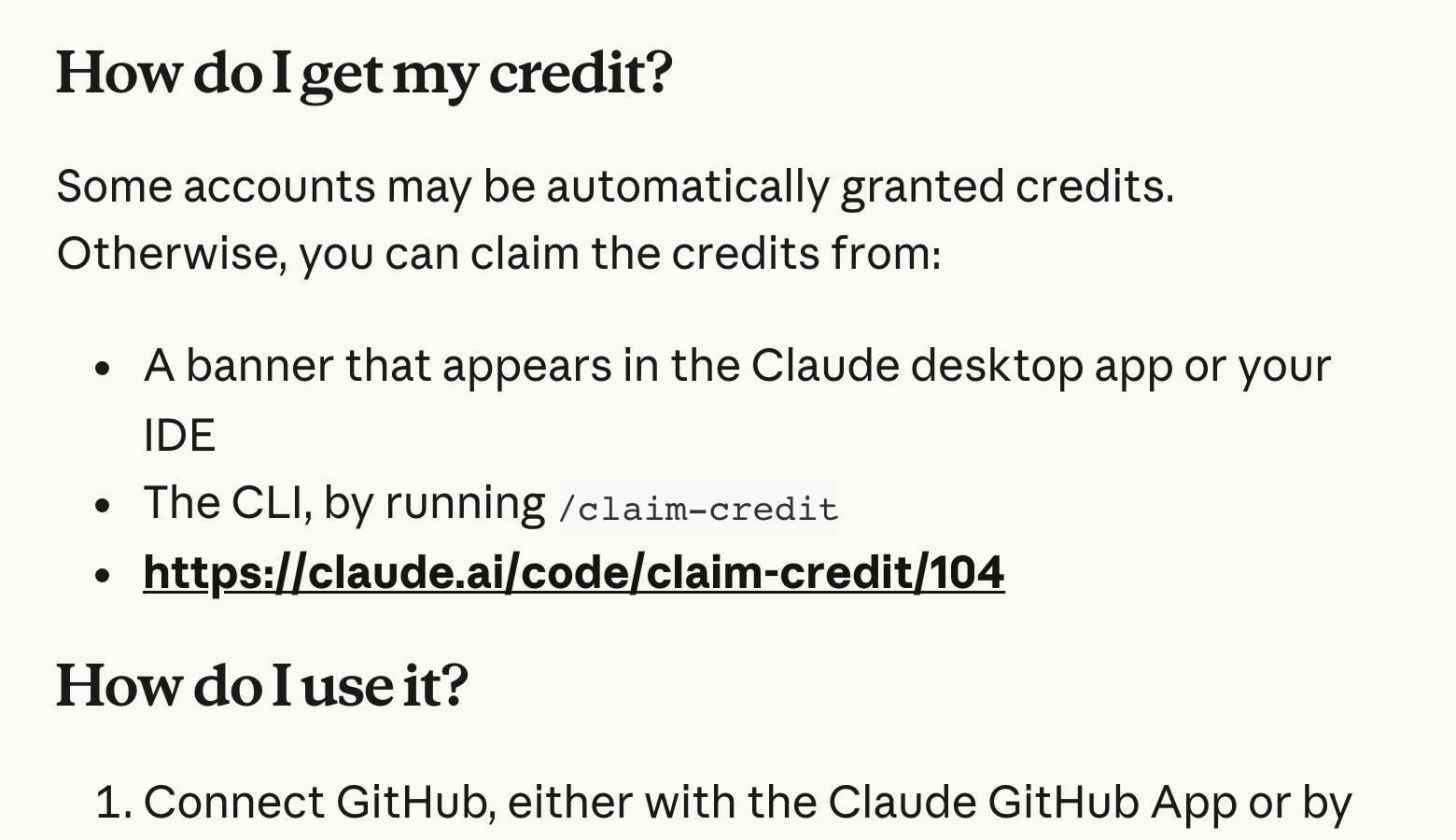
Some accounts get the credit automatically, so check before you do anything. If yours hasn't, there are three ways in, and they all do the same thing:
- The link. Open claude.ai/code/claim-credit/104 while you're signed in.
- The desktop app. A banner appears in the Claude desktop app or your IDE.
- The terminal. If you already use Claude Code there, type
/claim-credit.
Once it's claimed, you don't have to apply it to anything. The credit is applied automatically when you start a cloud session, and you can see what's left in the usage menu.
What is a cloud session, in plain words?
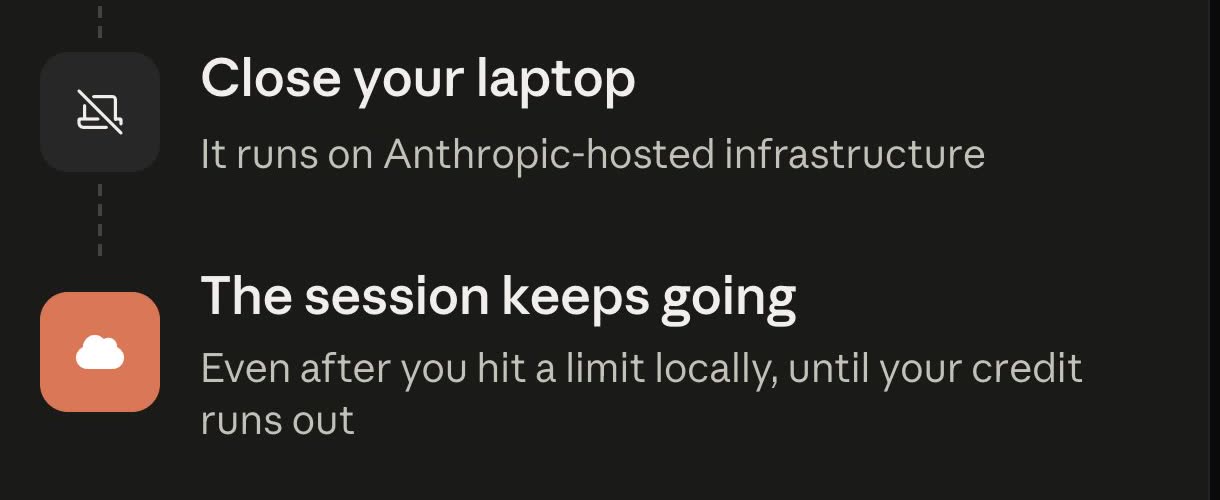
A cloud session is Claude Code running on a computer Anthropic manages instead of on yours. You give it a job, it works in its own machine, and it keeps going after you close your laptop.
You can start one from the browser at claude.ai/code, from the desktop app by picking Cloud instead of Local, from the Code tab in the Claude mobile app, or from the terminal. You can also check on it or steer it from your phone while it runs, which is the part I'd actually use most. I've written about the other features already in your plan that most people never open, and this is the newest one on that list.
How do you start your first cloud session without coding?
There's no coding in any of this, but there is one piece of setup: a cloud session works inside a GitHub repository. Think of it as the folder your session reads from and writes into. If you've never used GitHub, it takes about five minutes and it's free.
- Make a free GitHub account at github.com if you don't have one.
- Create a new private repository. Give it any name, and tick the box to add a README so it isn't completely empty.
- Put your files in it. On the repository page, choose Add file, then Upload files, and drag in whatever the job needs, like a spreadsheet saved as CSV or a document of notes.
- Open claude.ai/code and follow the onboarding. It asks you to connect GitHub by authorising the Claude GitHub App, and on Pro and Max it sets up a default environment for you.
- Pick your repository, type the job, and send it. Then close the laptop if you like.
When it finishes, the results are new files in that repository. You can read them in the session's change view at claude.ai/code, or ask it to open a pull request, which is GitHub's name for a set of proposed changes, and read them on GitHub.
Three jobs to paste into your first cloud session
These are written to be pasted as they are, with your details swapped in where you see square brackets. Each one is a job that normally eats an afternoon and runs happily in the background.
1. A website audit
One setting to change first. By default a cloud session can only reach a list of trusted sites, like GitHub and the main package registries, so it can't open your website. Open the environment selector at claude.ai/code, choose Cloud, hover over your environment and click the settings icon, then set Network access to Custom and add your own domain. Keep the default list ticked.
Audit the website at https://[YOUR-SITE.com]. Visit the homepage and
every page linked from the main menu. For each page, check the page
title and meta description, whether there is exactly one main heading,
any broken links, images with no alt text, and whether a visitor can
tell within one screen what the business does and how to contact it.
Write everything into a file called site-audit.md in this repository:
a short summary first, then one section per page, then the ten fixes
that matter most, ordered by impact. Do not change anything on the
website itself.
2. A batch of posts from your own notes
Upload a file called notes.md first, with rough notes on what you sell, who buys it, the questions customers ask most, and a few real stories.
Read notes.md in this repository. Using only what is in that file,
write 10 social media posts into a folder called posts, one file per
post. Each post answers one real customer question in plain words,
under 150 words, with no hashtags and no emojis. Then write
posts/index.md listing all ten with a one-line summary of each. If my
notes don't hold enough material for ten good posts, write fewer and
tell me what is missing.
3. A spreadsheet clean-up
Export the messy sheet as customers.csv and upload it. Swap in your own file name if it's something else.
There is a file called customers.csv in this repository. Clean it up
without deleting anyone: remove exact duplicate rows, merge rows that
are clearly the same person (same email or same phone number), make
names and capital letters consistent, put every phone number in one
format, and trim stray spaces. Save the result as customers-clean.csv
and never edit the original file. Then write cleanup-report.md listing
every change, every merge with the rows it combined, and any row you
were unsure about so I can check it by hand.
The last instruction in each of these is the one I'd keep even if you rewrite the rest. Asking it to write a report of what it did, and what it wasn't sure about, is what lets you trust work you didn't watch happen.
What does the credit not cover?
It's for cloud sessions and nothing else. Per Anthropic's page, it doesn't cover Projects and Routines, Remote Control sessions (those run on your own machine), Chat and Cowork sessions, or any Claude usage outside cloud sessions.
You don't need to turn on usage credits to claim or use it. The one exception is Fable on the Pro plan: Fable on Pro needs usage credits turned on with a balance, the bonus credit is spent first, and Fable draws on your usage credits straight after it runs out.
FAQ
When is the last day to claim the free Claude Code credit?
7 October 2026 at 11:59 PM Pacific time, which is 2:59 PM on 8 October in Singapore. Credit you've claimed can then be used until 4 November 2026 at 11:59 PM Pacific.
How much Claude Code credit do Pro and Max subscribers get?
Pro subscribers get $100 and Max subscribers get $250. It's one credit per account, and upgrading your plan afterwards doesn't add a second one.
Does the Claude Code cloud session credit use up my plan's usage limits?
Not while you have credit left. Cloud session usage is paid from the credit first, and only after it runs out do cloud sessions count toward your plan's limits like any other Claude Code session.
Do I need to know how to code to use Claude Code cloud sessions?
No. You need a free GitHub account and a repository for the session to work in, which you can set up and fill with files from the GitHub website. The job itself is a plain-English instruction.
Can I use the Claude Code credit for normal Claude chats or Cowork?
No. It only pays for Claude Code cloud sessions. Chat, Cowork, Projects and Routines, and Remote Control sessions aren't covered.
Where I'd start
Claim it today, even if you don't know what you'll use it on yet, because the claim closes long before the credit does. Then give it one boring job you've been putting off, like the spreadsheet or the audit, and close the laptop while it works. $100 or $250 is a lot of room to find out whether working this way suits you.