Claude
Personal Finance in Claude: What It Reads, What It Can't Touch, and Who Gets It
Claude Personal Finance is a read-only feature that links your bank and card accounts through Plaid and answers questions about your money in plain words. What it can see, what it can't do, who can use it today and how it compares with ChatGPT's version.
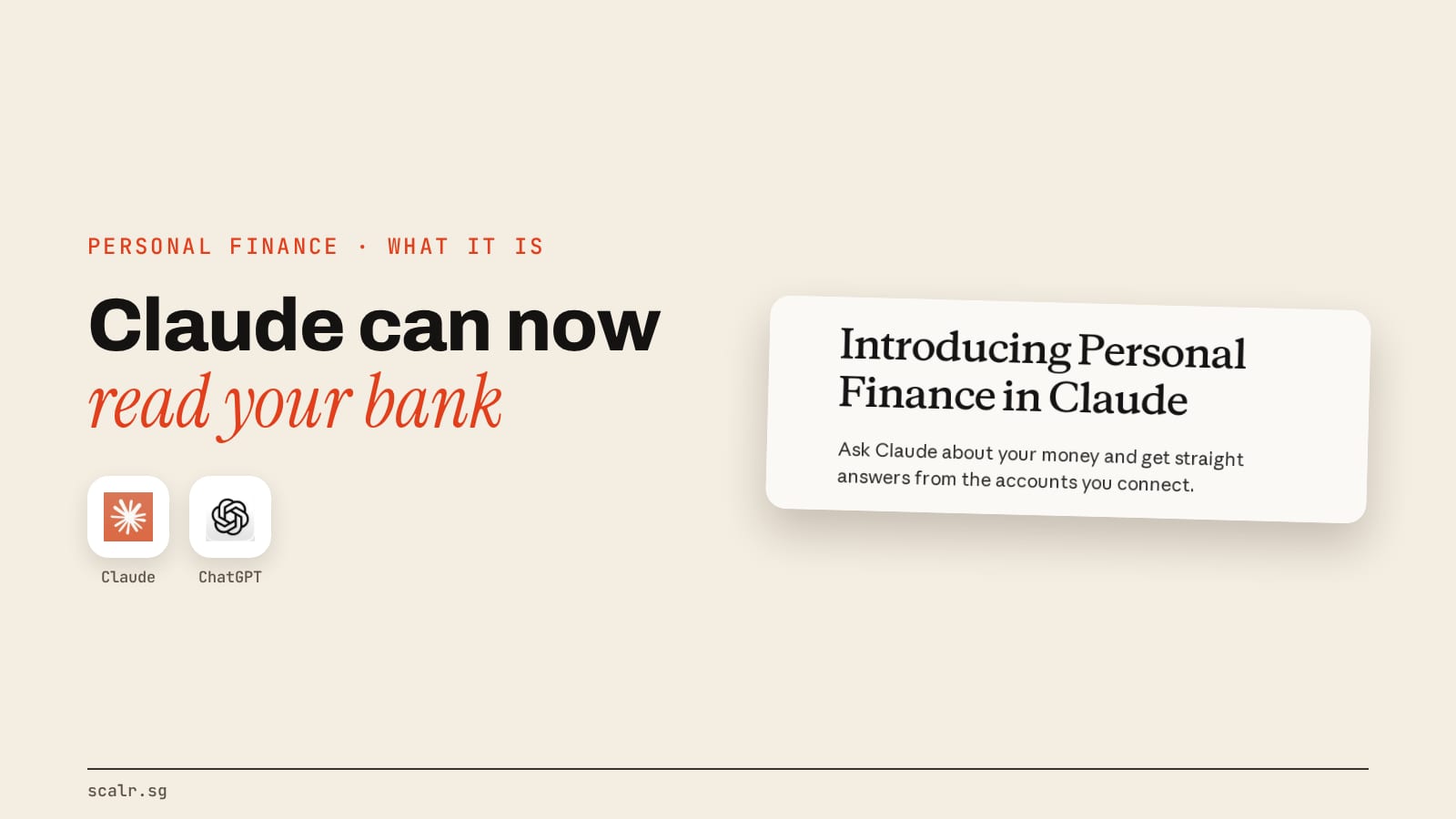
Claude Personal Finance is a feature inside the Claude app that connects your bank and card accounts through Plaid and lets you ask about your money in ordinary words. Access is read-only, so it can add up, compare and explain, but it can't move, manage or invest anything. Anthropic announced it on 5 November 2026 as a beta for Pro, Max and Ultra subscribers in the US.
In practice that makes it a chat that can see your balances and transactions but has no way to spend from them.
What is Personal Finance in Claude?
It's a separate hub in Claude's sidebar. You open it, sign in to your bank through Plaid, and from then on Claude can read the accounts you chose and answer from them. Anthropic's announcement frames the job simply: getting answers about your money "no longer means opening every banking app and doing the math yourself."
Two lines in that post decide what kind of product this is. Access is read-only. And it "has no ads or sponsored recommendations, and it doesn't offer credit cards, loans, or savings accounts of its own." The second line is the unusual one, because most free budgeting apps earn their keep by recommending a card or a loan, so the advice and the sale come from the same place. Here Anthropic is saying it has nothing financial to sell you.
What can Claude see once you connect a bank?
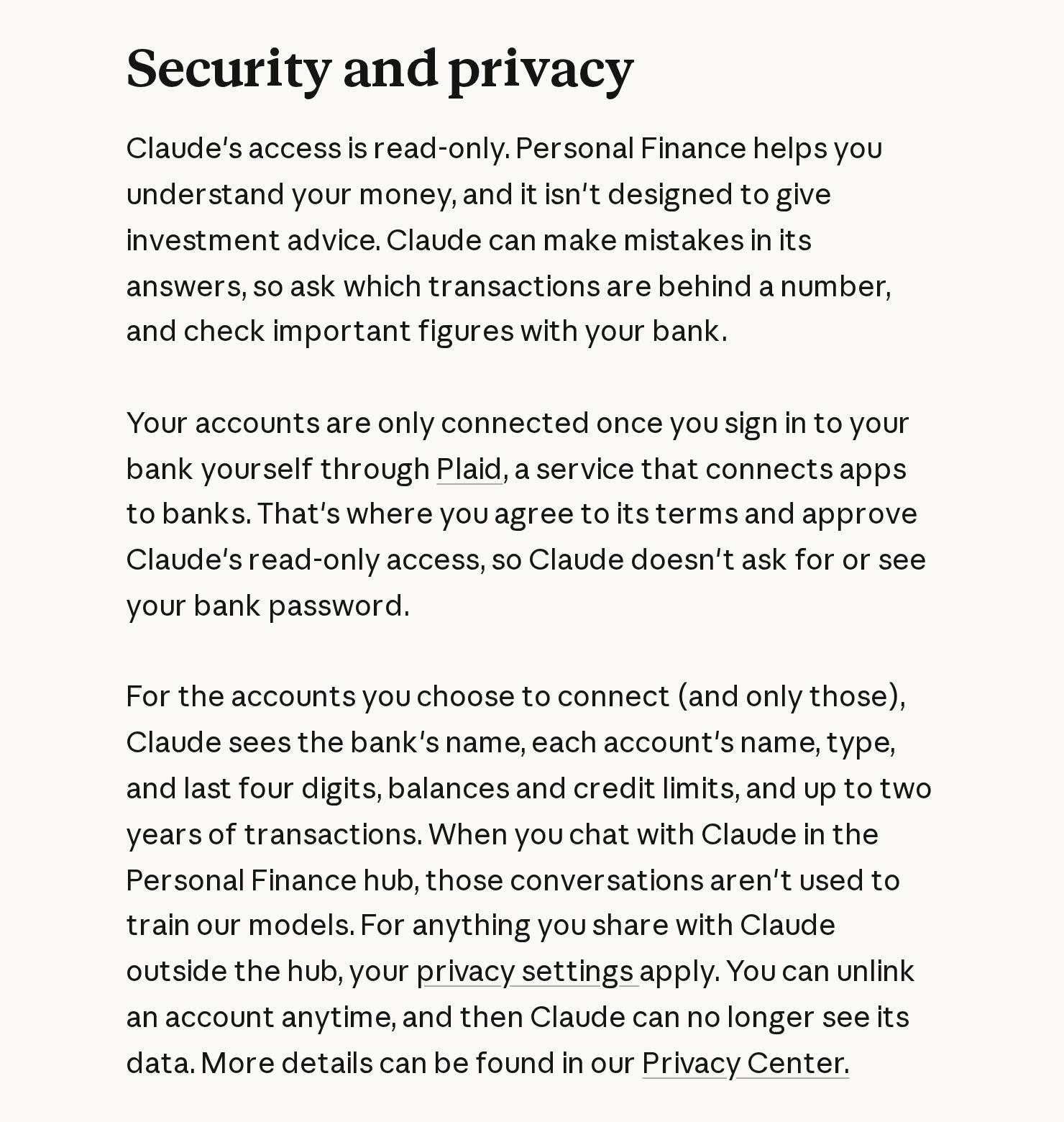
Only the accounts you pick in Plaid. For those, the Help Center article lists:
- the bank's name, and each account's name, type and last four digits
- balances and credit limits
- up to 24 months of transactions, each with its amount, date, merchant, category and the bank's own description
The same article lists what stays out of reach: Claude doesn't receive investment holdings, trades, interest rates or loan terms. It also never sees your bank password, because you type that into Plaid, not into Claude.
How does it work, step by step?
The flow, from Anthropic's post and Help Center:
- Open Personal Finance from Claude's sidebar. It is rolling out gradually, so it may not show up for every eligible account yet.
- Review what Claude can access, then sign in to your bank through Plaid and approve read-only access there.
- Ask a question in your own words. Claude totals and sorts your transactions across every connected account.
- Ask for something visual if you want it. Anthropic says Claude will build a weekly spending chart, a calendar of what's due, or a dashboard of the numbers you choose, which you can keep adjusting.
Anthropic suggests a small start: connect one account and ask one question, such as "Can I afford a trip this spring?"
What does a real question look like?
Anthropic's own worked example is the clearest picture of the product. It's late in the month, payday is 10 days away, and you ask "Where did my money go this month?" Claude adds up spending across the connected accounts and sorts it by category: $4,309.37 in total, more than half on rent and utilities, $1,024.51 on food and drink.
The follow-ups are where it gets useful. "Is that more than usual?" sends Claude back through previous months, where it finds a membership renewal. "So what's left before payday?" gets you the four payments still due out of checking, and the figure left after them: $1,393.22.
The other questions Anthropic lists fall into three useful groups:
| What you want | What to ask |
|---|---|
| Find leaks | "Does anything look off?" Claude looks for charges that hit twice, unexpected fees and bills that crept up over the year |
| Check the big picture | "Am I spending more than I make?" or "How much could I save each month?" |
| Understand a term | "What's an APR, and what has mine cost me this year?" Claude explains it, then adds up the interest you were charged |
Anthropic's own advice is the right habit for all of these: ask which transactions sit behind a number, and check anything important against your bank. The Help Center adds that figures can lag a day or two behind your bank's.
What is Claude Personal Finance not built for?
It won't give investment advice, and Anthropic says so in both its announcement and its Help Center. It also can't see your portfolio or your loan terms, so questions like "should I refinance" or "is my portfolio too risky" sit outside what it can answer from your data.
It's also not where your business books belong. A personal account summary is a different job from closing a month or reconciling a ledger, which is what Claude's free finance agents are built for.
Anthropic calls the feature "a first step," and says the bigger money decisions are best handled by Claude "working alongside the licensed professionals and regulated firms they trust." That collaboration doesn't exist in the product yet. Anthropic is asking banks and wealth managers to help shape it.
How does it compare with ChatGPT's personal finance feature?
ChatGPT got there first. OpenAI launched its version on 15 May 2026 for Pro subscribers in the US, and MacRumors reported it also runs on Plaid, with OpenAI citing support for "more than 12,000 financial institutions." TechCrunch describes Claude as "playing catch-up."
| Claude Personal Finance | ChatGPT personal finance | |
|---|---|---|
| Launched | 5 November 2026, beta | 15 May 2026, preview |
| Who gets it | Pro, Max and Ultra, US only | Pro, US only, at launch (Plus promised later) |
| Connects through | Plaid | Plaid, with Intuit announced as next |
| Can see | Balances, credit limits, up to 24 months of transactions | Balances, transactions, investments and liabilities |
| Can't see | Holdings, trades, interest rates, loan terms | Full account numbers |
| Can move money | No, read-only | No changes to accounts |
The real difference is scope. ChatGPT reads investments and loans as well, so it can talk about your whole balance sheet. Claude reads less and says so plainly, which narrows it to spending, bills and cash flow. Whether that's a weakness depends on the question you have. For "where did my money go," the narrower one covers it. For "am I on track for retirement," only ChatGPT's version can see the accounts that question needs.
The other difference is how wide the door is. ChatGPT's launch was limited to its top plan. Claude's starts at Pro.
What happens to your data, and how do you switch it off?
Three points from Anthropic's post and Help Center cover most of the worry:
- Training. Chats inside the Personal Finance hub aren't used to train Anthropic's models. Anything you share with Claude outside the hub falls under your normal privacy settings.
- Memory and sharing. Chats that used your accounts aren't saved to memory and are left out of Claude's monthly recap. A shared chat link or artifact can still show your figures to whoever opens it, so check before you share one.
- Switching off. Unlink a bank in Personal Finance's settings, or disconnect Claude at my.plaid.com. You can't unlink one account inside a bank on its own, and unlinking your last bank resets your dashboard and widgets for good. If your paid plan ends, the banks stay linked until you unlink them, and deleting your Claude account unlinks them automatically.
Can you use it from Singapore?
Not yet. Anthropic lists it for the US only, on Pro, Max and Ultra, and gives no date for other countries. It's also missing on Free, Team and Enterprise, so a company seat won't get it either. If you're weighing a plan for other reasons, the Claude plans and limits breakdown covers what each one includes.
What a Singapore reader can do today is the manual version: export a statement and ask an ordinary Claude chat about it. Know the trade-off before you do. That chat sits outside the hub, so the hub's training exclusion doesn't cover it, and your usual privacy settings apply instead.
Key takeaways
- Claude Personal Finance reads your bank and card accounts through Plaid and answers in plain language. It can't move, manage or invest money.
- It sees balances, credit limits and up to two years of transactions, and not holdings, trades, interest rates or loan terms.
- It's a US-only beta on Pro, Max and Ultra, rolling out gradually.
- Hub chats aren't used for training, aren't saved to memory, and can be cut off at any time by unlinking the bank.
- ChatGPT's version reads more (investments and loans), launched six months earlier, and started on its top plan only.
FAQ
Is Claude Personal Finance free?
No. It needs a paid Pro, Max or Ultra plan in the US. It isn't available on Free, Team or Enterprise.
Can Claude move money or pay bills from my account?
No. Access is read-only. Anthropic says Personal Finance can't move, manage or invest your money.
Does Claude see my bank password?
No. You sign in to your bank inside Plaid, and Plaid passes Claude read-only access. Claude never asks for or sees the password.
How far back can Claude read my transactions?
Up to 24 months, with each transaction's amount, date, merchant, category and the bank's description.
Are my Personal Finance chats used to train Claude?
No. Anthropic says conversations in the Personal Finance hub aren't used to train its models. Chats outside the hub follow your normal privacy settings.
Is Claude Personal Finance available in Singapore?
Not at launch. It's a US-only beta, and Anthropic hasn't given a date for other countries.