web design
The Free Claude Skill That Fixes Your Website With Apple's Design Rules
A free agent skill puts Apple's Human Interface Guidelines inside Claude Code, Cursor or Codex so it can check the website you already have for contrast, type sizes, touch targets, spacing and consistency. How to install it, what to ask it, and which of Apple's rules actually apply to a website.

Telling Claude to make your website "look more premium" rarely gets you anywhere, because premium is a feeling and the model has nothing to measure it against. The Apple Design Skill gives it something to measure against instead. It packs Apple's own design rules, the Human Interface Guidelines, into a free skill you install with one line.
It's an open project by the developer dickwu that loads 123 pages of Apple's guidelines into Claude Code, Cursor, Codex and other coding agents. It then reviews a design against them and hands back a list of what's off, with the number, the rule it breaks and the fix. You can use it to build a new site, but a better use would be fixing the current one that you have, and that's what this guide covers.
What is the Apple Design Skill?
It's a folder of instructions and reference files that your coding agent reads before it gives design feedback. The main file tells the agent to act as two people at once, a senior reviewer who knows Apple's guidelines cold and a studio design lead who cares whether the work has a point of view. Behind that sit 123 pages pulled straight from Apple's Human Interface Guidelines, kept in Apple's own wording with a source link at the top of each, plus one curated guide on Apple's Liquid Glass material.
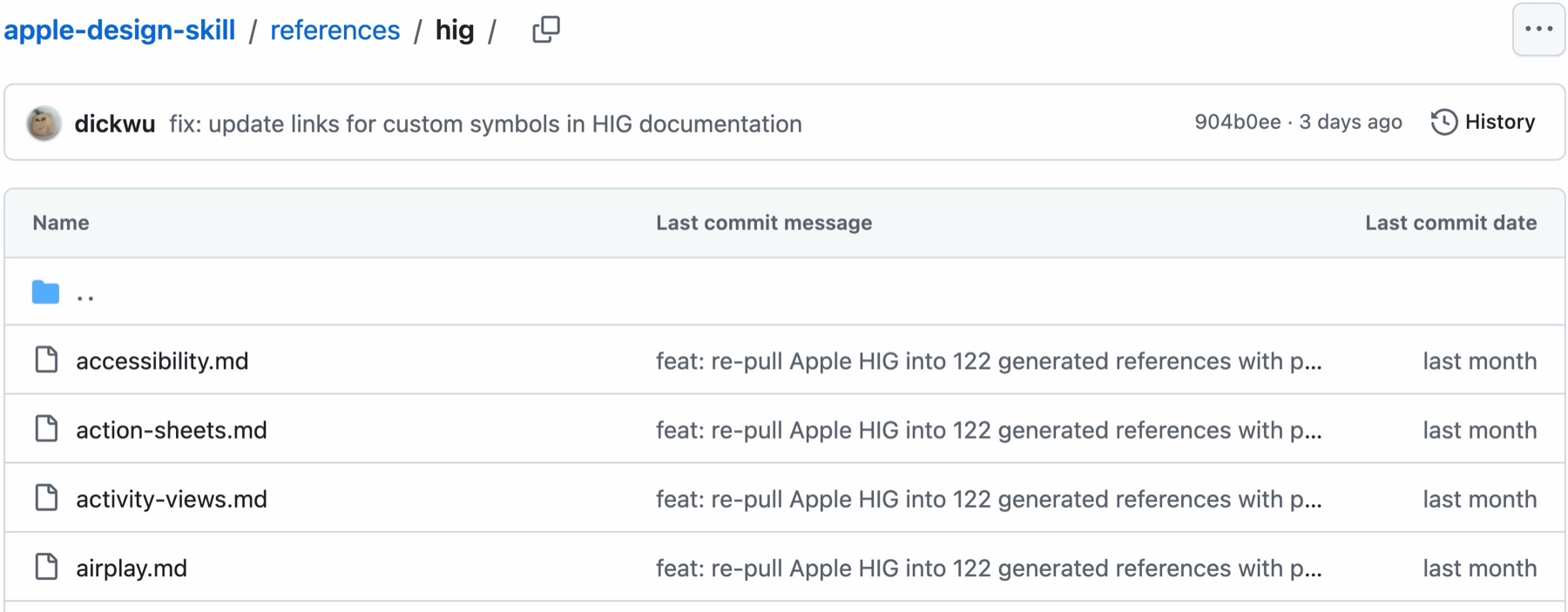
The repo sits at 988 stars as of 6 October 2026 and was last updated in early October. There's also a script inside that re-pulls the pages from Apple's site, which matters because Apple revises them several times a year. The layout page alone was rewritten in September. And the project says plainly that it isn't affiliated with or endorsed by Apple, and that the guideline text belongs to Apple.
Every finding it writes says what's wrong, why it's wrong (citing the guideline file and heading it came from), and the fix in your own code. So instead of copying how Apple looks, you're using the rules behind why it looks so good.
How I looked at this one
I read the whole skill file, the README, the routing table, and the Apple pages it treats as the core of any review: accessibility, colour, typography and layout. I checked its numbers against Apple's live guidelines and against WCAG, the web's own accessibility standard, since a website gets judged by that one. But I haven't put it through a full review of one of my own sites for this piece, so nothing below is a before and after of mine. What it checks and how it reports come from the project's own files.
Which of Apple's rules carry over to a website?
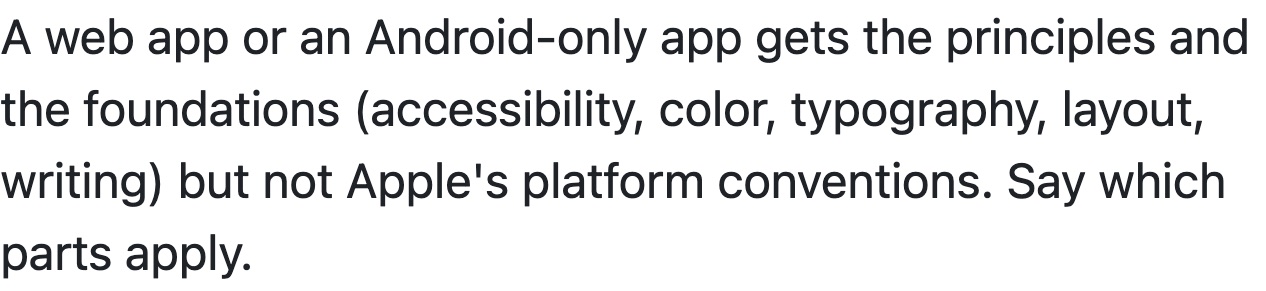
The skill was written for apps first. Its own scope note says a web app "gets the principles and the foundations (accessibility, color, typography, layout, writing) but not Apple's platform conventions," and tells the agent to say which parts apply. That still leaves a lot for a website.
| Rule | Apple's number | The web version | Carries over? |
|---|---|---|---|
| Text contrast | 4.5:1 for text up to 17 pt, 3:1 at 18 pt or bold | 4.5:1, or 3:1 for large text (24px, or about 18.5px bold) | Yes, Apple took it from WCAG |
| Tap targets | 44 by 44 pt default, 28 by 28 pt minimum on iPhone | 24 by 24 CSS px to pass, 44 by 44 for the stricter level | Yes, 44 pt is roughly 44 CSS px |
| Text size | 17 pt default, 11 pt minimum on iPhone | No fixed minimum, but text must still work at 200% zoom | The principle, as a guide |
| Type, spacing, hierarchy | Few typefaces, avoid light weights, align and group | Same | Yes |
| Tab bars, menu bar, sheets, Liquid Glass, iPhone Duo | Detailed rules | No web equivalent | No |
The contrast row is the cleanest. Apple's accessibility page says outright that its own inspector uses "values from WCAG Level AA" to judge whether colours have enough contrast, so the rule a website is measured by and the rule in this skill are the same rule. WCAG's contrast criterion asks for 4.5:1 on normal text and 3:1 on large text.
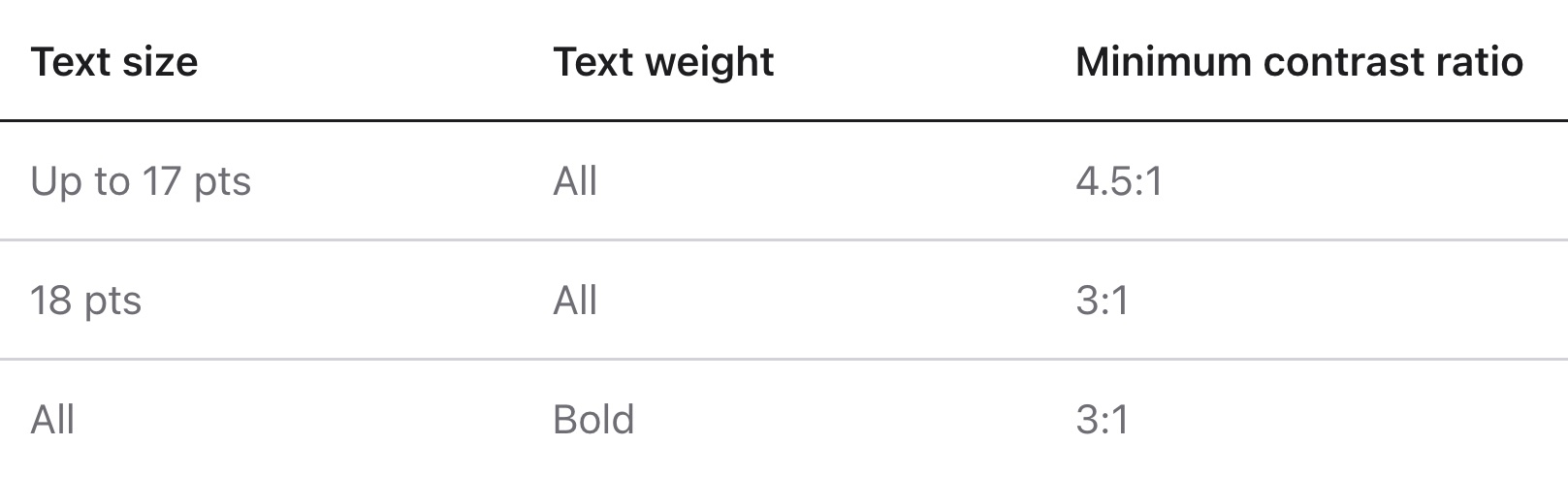
Watch the units, though. Apple's "18 pts" is an Apple point, which on a phone lands at about one CSS pixel, while WCAG's "18 point" is a print point that works out to 24 CSS pixels. So Apple's large-text cut-off is smaller than the web's. On a website, go with WCAG's 24px, and if the skill quotes Apple's 18 pt at you, that's the number to translate.
Tap targets line up more neatly. WCAG's target size rule asks for at least 24 by 24 CSS pixels to pass, and its stricter level asks for 44 by 44, which is where Apple's 44-point default lands too. Patrick Lauke, writing on the W3C's mobile accessibility task force list, said that "44 CSS pixels is the measure that Apple's guidance translates to." Small footer links and icon-only buttons in a mobile menu are the first places I'd check.
What doesn't carry over is everything that assumes an iPhone or a Mac, like tab bars, the macOS menu bar, sheets you swipe away, Dynamic Type, SF Symbols, Liquid Glass and the two-display iPhone Duo. A website should ignore all of that, and the skill's own instructions tell the agent to leave it out for the web.
How do you install it?
One line, from the project's README, using the open skills CLI:
npx skills add dickwu/apple-design-skillThat works for Claude Code, Codex, Cursor, OpenCode, Windsurf and the other agents the skills CLI supports. Add -g to install it for your whole user account instead of one project, or -a claude-code to install it for one agent only. And later, npx skills update apple-design pulls the newest version, which is worth doing whenever Apple revises its guidelines.
If you'd rather do it by hand in Claude Code, clone it straight into your skills folder:
git clone https://github.com/dickwu/apple-design-skill.git ~/.claude/skills/apple-designClaude Code reads skills from ~/.claude/skills/ for your whole machine, or .claude/skills/ inside one project. In Cursor, clone the repo into your project and keep its .cursorrules next to your own rules. In Codex, the README suggests adding it as a submodule and pointing your AGENTS.md at its SKILL.md.
How do you point it at the website you already have?
All you have to do is drop the skill into Claude and ask it to check the website for you. In practice that means opening Claude Code inside the folder that holds your site's code, so it can read the real colours and sizes rather than guess them, and asking for the review by name. The skill answers to /apple-design, and a prompt along these lines works:
/apple-design Review this website against Apple's design principles and foundations.
It's a website, not an iOS app, so skip platform conventions. Start with accessibility:
contrast ratios from the actual hex values, text sizes, and tap target sizes in CSS pixels.
Then spacing, type hierarchy and consistency. Use WCAG numbers where the web differs.
It's worth naming it, because the skill's description is written around apps, Flutter, React Native, Tauri, Electron and screenshots, and nowhere mentions a website, so a vague "how does my site look?" might not wake it up. And saying it's a website stops it from telling you to add an iPhone tab bar.
The skill is strict about code over screenshots, since contrast is "computed from hex values, not estimated from a JPEG," and screenshots are fine for layout, hierarchy and copy but not for sizes. If your site lives on a builder like Wix or Squarespace and you can't hand it code, give it screenshots plus your brand's hex colours and font sizes from the site settings, and expect it to flag what it couldn't measure.

What does it catch on a website?
It works through the design in a set order, and on a website four of its five passes still apply.
Accessibility comes first, and failures here are marked Critical. It checks contrast with the actual ratio, text that's too small or set in a thin weight, controls too small to tap or too close together, meaning carried by colour alone, icon buttons with no label for screen readers, and motion that ignores the reduced-motion setting. I think these are the small things that make a site feel cheap when they're off, and most owners stopped seeing them long ago.
Then visual design and craft. It wants one colour to mean one thing across the site, a few typefaces on a clear scale, alignment and grouping that show what belongs together, and icons that share one style. This is where it catches inconsistency, like the button that's blue on one page and green on the next, or the three slightly different grey texts nobody chose on purpose.
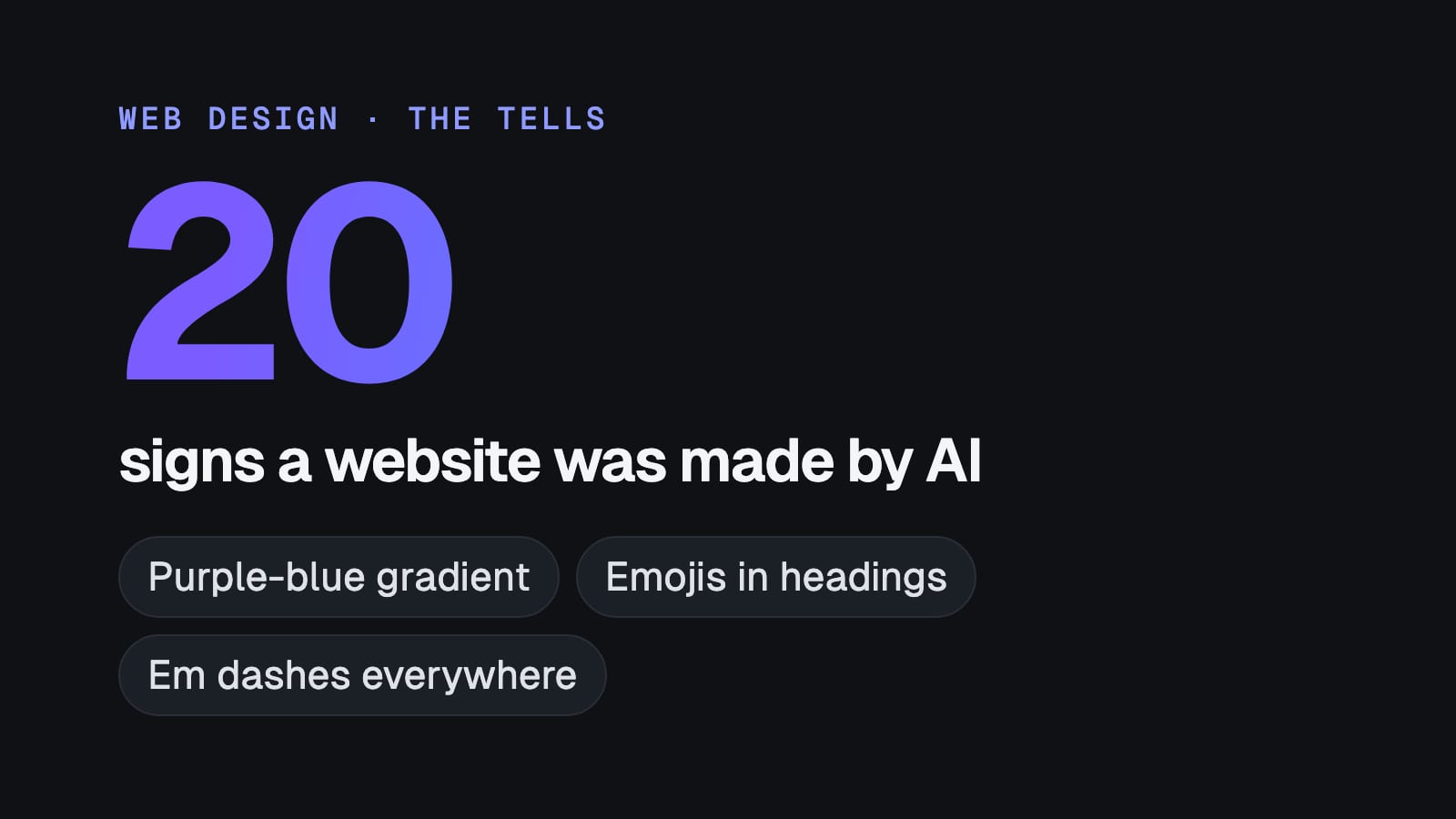
The craft pass also asks whether the design looks like a template, and it names three looks that dominate generated interfaces, including warm cream with a high-contrast serif and a terracotta accent. That overlaps a lot with the 20 signs a website was made by AI, so if your site was built with AI help, this pass is worth reading slowly.
Then interaction and writing. It looks at loading states, error messages that say what went wrong and how to fix it, and button labels that say what happens, so "Save changes" over "Submit" and an action that keeps its name through the whole flow.
Every finding comes back as a fix you can apply, and the skill is told to be exact about it.
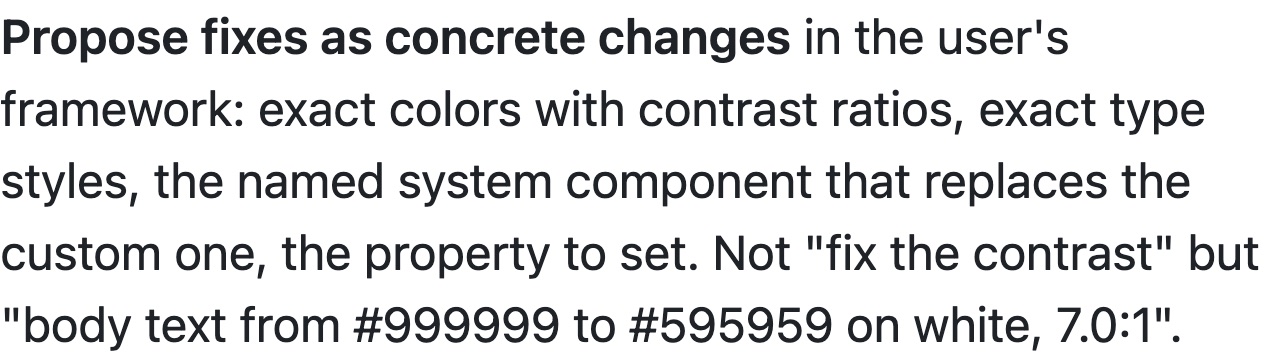
The skill itself only finds and explains, and the fixing is Claude's job. So once the list is in front of you, you ask Claude to apply the Critical items first, then the rest, in the same session. The skill's own order for that is accessibility, then conventions, then craft, then polish.
What's annoying about it, and who should skip it?
Most of the 123 pages won't apply to you. Tab bars, Apple Pay, game controls and the iPhone Duo are all in there, so expect to steer it back to the web if it drifts.
There's also no licence file in the repo. It's free to install and the project describes itself as provided as it is, but if you're building something commercial on top of it rather than just running reviews, that's worth knowing.
It also needs a coding agent on a computer, and it works best with your site's code open in it. If you've never opened a terminal, the install will take longer than the review. And if your site already passes WCAG AA and you're happy with how it looks, most of what it finds will be polish.
FAQ
Is the Apple Design Skill free?
Yes. The Apple Design Skill is an open GitHub project with no fee to install or use. The repo carries no licence file, the guideline text inside it belongs to Apple, and the author accepts optional sponsorship through GitHub Sponsors.
Is the Apple Design Skill made by Apple?
No. The Apple Design Skill is an independent project by the developer dickwu, built from Apple's public Human Interface Guidelines. Its README states it isn't affiliated with or endorsed by Apple.
Does the Apple Design Skill work on a website, or only on apps?
It was written for apps, and its own rules give a web project the principles and foundations only, meaning accessibility, colour, typography, layout and writing. Contrast and tap-target rules carry over almost one to one with WCAG, while Apple's platform conventions, like tab bars and the Mac menu bar, don't apply to a website.
How do you install the Apple Design Skill in Claude Code?
Run npx skills add dickwu/apple-design-skill, or clone the repo into ~/.claude/skills/apple-design. After that, ask Claude Code to review your site by name, or start the prompt with /apple-design.
Does the Apple Design Skill fix the website by itself?
No. The Apple Design Skill reviews the design and writes each finding with the rule it breaks and the exact fix. Claude, Cursor or Codex then applies those fixes to your code in the same session when you ask it to.
Why rules beat "make it premium"
I build websites with Claude, and the thing I keep relearning is that the model does far better work when it has rules to check against than when it has a vibe to chase. If I show it a beautiful site, it tends to copy the surface, but if I give it the rules behind that site, it can check my work against them with numbers, and that's feedback I can actually act on.
So I'd use this to fix an existing site before building a new one. I think most sites that look cheap have a dozen small inconsistencies nobody has ever listed, and this skill gives you that list. If you're starting from scratch, I wrote up how I build a $10,000 website with Claude, and a review like this one is a sensible last pass before it goes live.