AI influencer
How People Build AI Influencers Like Jean Phil, With Free Tools
Jean Phil is an AI character who never speaks and passed 239,000 Instagram followers in under three weeks. The free tools people use to build characters like him, the prompt shape, and what brands are doing with AI characters.
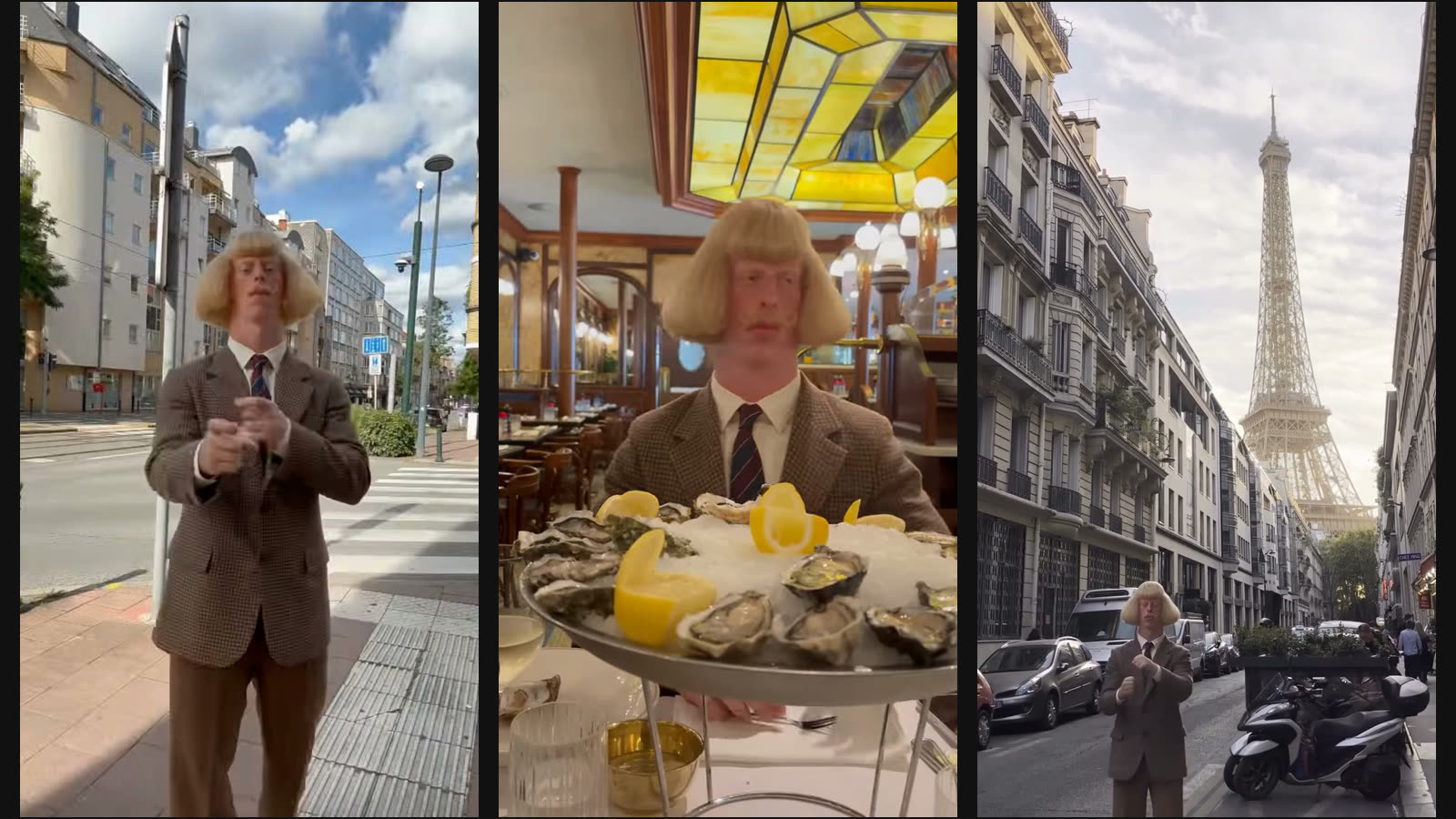
Jean Phil is a man who doesn't exist. He has a blond bob, a curled moustache and a brown houndstooth suit, he never says a word, and he shadowboxes in places where nobody would shadowbox: a street corner, a brasserie, the end of a Paris street with the Eiffel Tower behind him. His first known post went up on 17 September 2026, and by 6 October his Instagram showed 239,000 followers and his TikTok showed 260,100.
Nobody has said which tools made him or who runs him. So what I can show you is the toolkit people are using to build characters like him and to drop him into their own videos, with what each one costs on its free tier as of 6 October. I'll also cover the prompt shape that keeps a character looking like himself from clip to clip, and what brands are already doing with characters of their own.
This is his most-played Instagram clip, the one that set the whole thing off.
Who is Jean Phil, and how big did he get?
He's an AI-generated character, and he grew faster than almost any real creator I've watched this year. Dexerto dates his earliest known post to 17 September and had him past 228,000 Instagram followers by 25 September, a little over a week later. LADbible reported one clip alone at 35.9 million views. When I pulled his public posts on 6 October, that clip, posted 18 September and tagged Paris, showed 36.6 million plays and 1.7 million likes. And ZDF counted more than 75 million views across his Instagram videos.
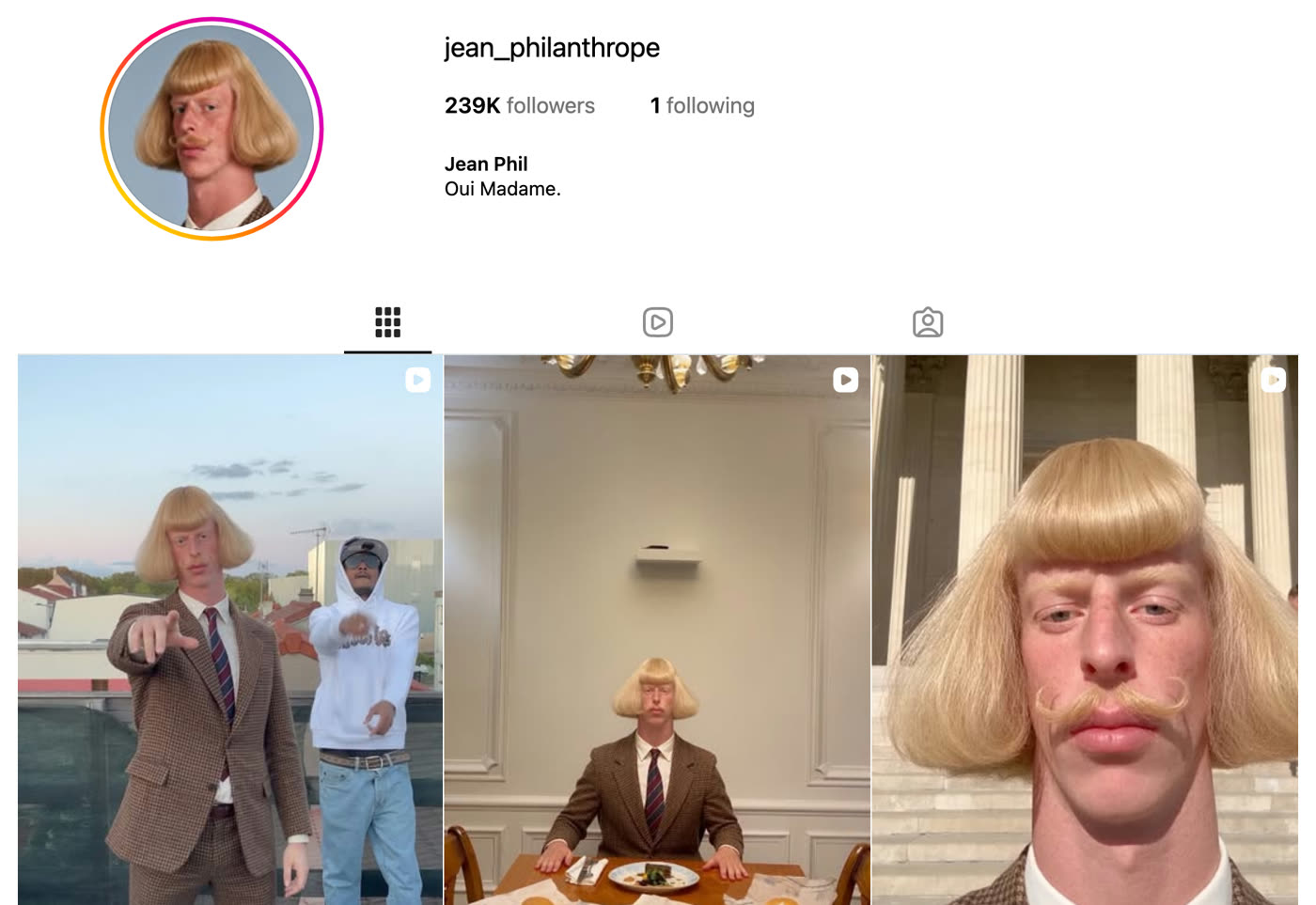
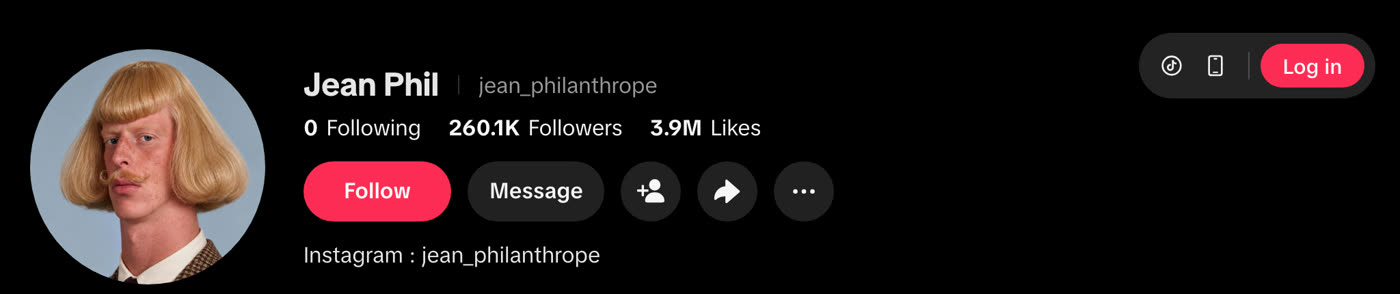
The account is older than the character. Germany's public broadcaster ZDF read Instagram's public account information and found it was registered in June 2025, had changed its username six times, and listed Belgium as the country it's run from. ZDF was also clear that who stands behind Jean Phil and his imitators isn't independently confirmed, and every outlet I read agrees.
The format is almost nothing. He walks into a normal place, the camera sits at phone height, he throws a few punches at the air with a completely straight face, and the caption is usually two or three words, very often "Oui Madame." There's no script to translate, so a viewer in Jakarta gets exactly the same joke as a viewer in Lyon. I think that's most of why he travels.
How did strangers end up putting him in their own videos?
They cut him out and pasted him into their own footage, and that's what turned one account into a trend. Dexerto describes his reach as "driven by AI edits and overlay videos that place Jean Phil into new settings," which in practice means people take a clip of him, remove the background, and drop him into their kitchen, their office or their football match. And every one of those edits is free distribution for the original account.
Within days the copies showed up, starting with Archibald Brown, an English counterpart in the same suit and moustache who issues challenges to Jean Phil, and Dexerto had him past 110,000 followers. French outlet Les Gens d'Internet named two more, Edouard le bâtard and Brigitte Macaron, all built on the same recipe of a strange haircut, a period outfit and a trend reproduced deadpan.
What happened with the Jean Phil meme coin?
His Instagram bio linked to a token called JEANPHIL, launched on pump.fun on 19 September, two days after his first post. Cointribune puts its peak at a $12.2 million market capitalisation within a week, and by 1 October ZDF found a little over $3 million left. Les Gens d'Internet ties it to a September research paper on "meme coin factories," where an AI character goes viral, invents a rivalry with other characters, and a token launches when the audience peaks. Nobody has confirmed who launched JEANPHIL or who made money on it. So I'd treat any earnings figure you see for him with suspicion, because none of the sources I checked carry one.
How I picked the tools
I haven't built a character of my own, so read this as a map of the stack rather than a review of my own footage. What I did do was pull Jean Phil's public posts and numbers, read the coverage in English, French and German, and check every tool below against its own pricing or help page on 6 October 2026. A tool made the list only if it did one specific job in a character build and had a free tier you can actually start on today. Anything that needed a paid plan for the core job went into the section on what I left out.
| Tool | Job in the build | Free tier (checked 6 Oct 2026) | The catch |
|---|---|---|---|
| Gemini app | Design the character and keep his look consistent | Image generation and editing on the free plan | Video generation needs Google AI Plus, SGD 6.98 a month |
| Kling AI | Animate him, and copy a move from your own clip onto him | Basic plan is free, with promotional credits | Free output isn't licensed for commercial use |
| Higgsfield AI Influencer | Character plus trend remake in one place | Free plan, "limited use" | Real volume starts at $15 a month, billed annually |
| CapCut | The overlay edit, putting him on your footage | Chroma key and background removal | Works best when the character sits on a flat background |
Gemini: give the character a face
Gemini is Google's assistant, and its image model is a sensible place to start a character, because it's free and it's good at editing an image you already have. The free plan lists "image generation and editing," and it's the editing that matters for this job. You generate one portrait you like, then keep editing that same image into new angles and outfits instead of generating a fresh face each time, which is how the character stays himself.
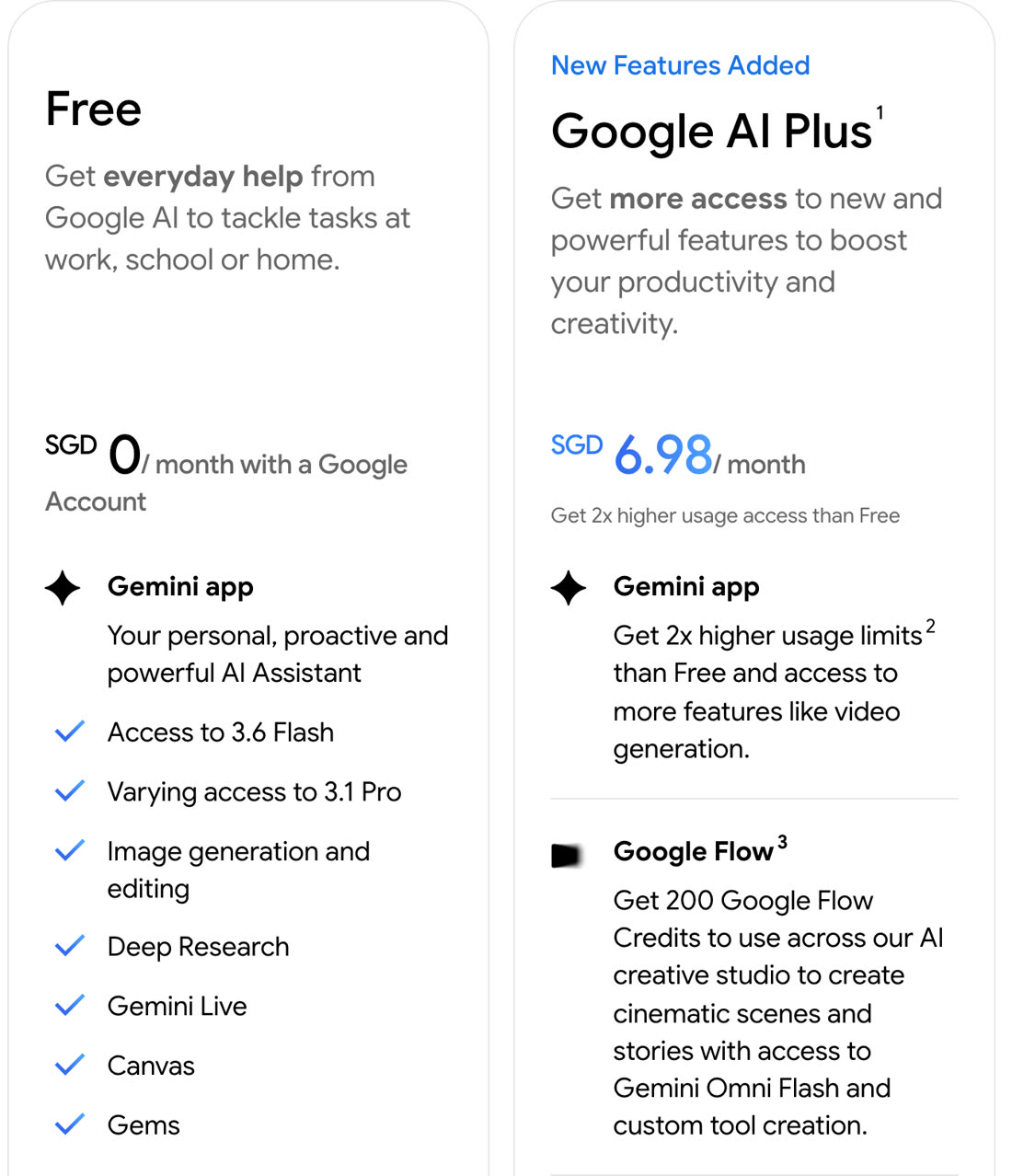
What annoys me about it is that Google doesn't publish a number. The limits are "compute-based" and refresh every five hours up to a weekly cap, so you find out you've hit the ceiling when you hit it. And the moment you want the character to move inside Gemini itself, you're on the paid side, because the Singapore plans page lists video generation from Google AI Plus at SGD 6.98 a month. So skip Gemini if you already have a character image you're happy with, because its job here is the look and nothing after that.
Kling: make him move, or copy your move onto him
Kling AI is a video model from Kuaishou, and it does the two motion jobs this kind of character needs. Plain image-to-video turns your portrait into a clip. Motion Control is the more interesting one for remixes, because you give it a character image and a 3 to 30 second video of someone doing a move, and it puts the move on your character. So if you film yourself shadowboxing in your living room, you have the raw material for a Jean Phil style clip.
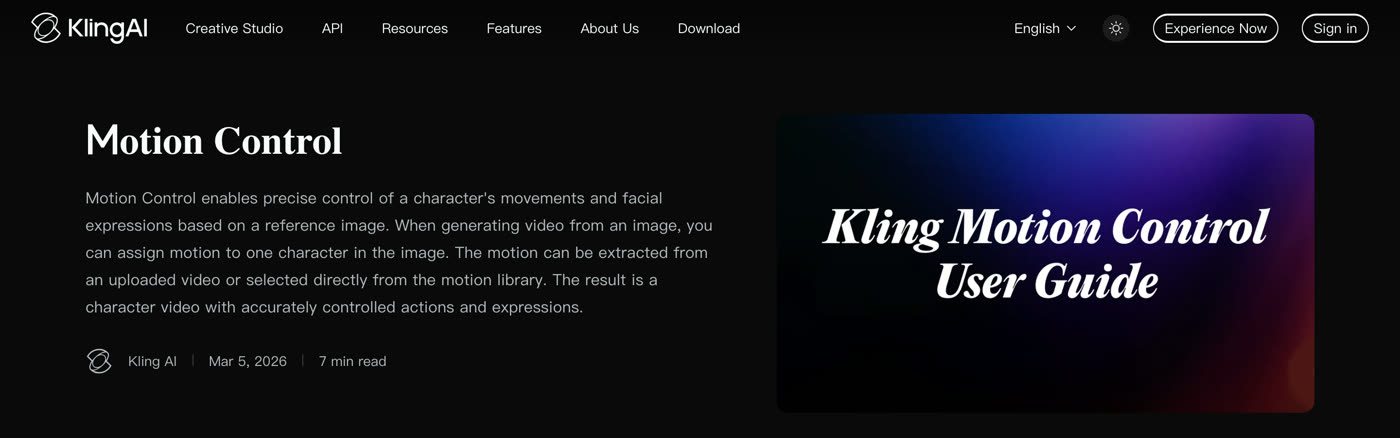
I'd follow Kling's guide to the letter on the reference clip, which asks for the whole body and head in view, one person only, steady and moderate movement, and no cuts or camera moves inside the clip. And it warns that fast, complex actions can come back shorter than the clip you uploaded.
The catch is the free tier, which has been moving. For most of this year, guides described 66 free credits a day. But as of August, aiarty's read of Kling's membership guide is that the Basic plan is free forever but carries no fixed monthly credits, with free credits arriving as promotions. The same read says Basic output isn't licensed for commercial use. I'd happily test a character on it, but I wouldn't run a brand from the free plan. If you want a guaranteed amount of generation every month, Kling isn't free for you.
Higgsfield AI Influencer: the all-in-one route
Higgsfield is an AI image and video studio that has built this exact workflow into one page. Its AI Influencer tool has you create the character first, and it hands back portrait and full-body shots on a white background. Then you pick a trending motion or upload your own 3 to 30 second clip, and it puts your character into that motion, keeping the movement, camera and timing.
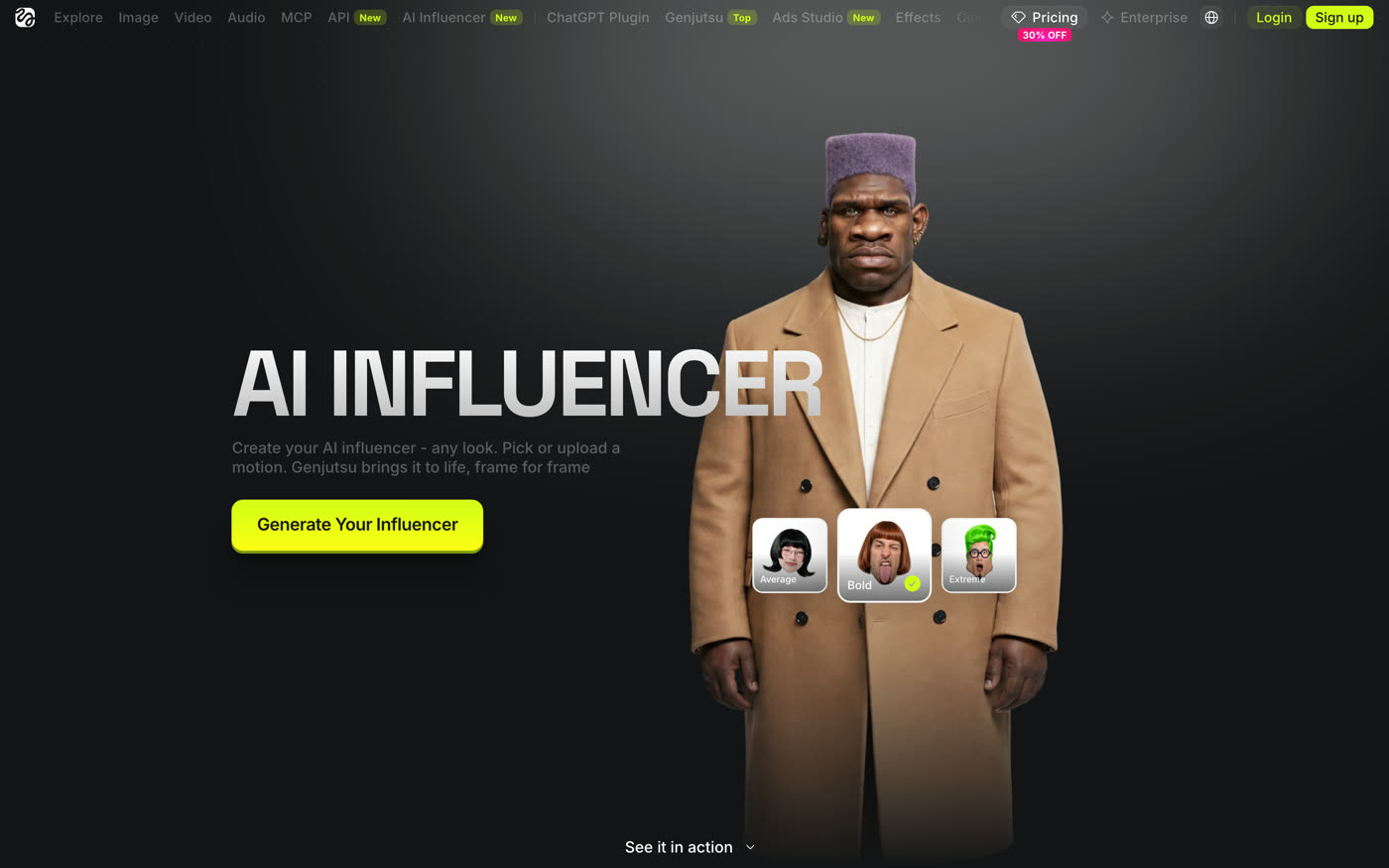
Its free plan is listed as "limited use," with nothing more specific than that. The first paid rung, Starter, is $15 a month billed annually for 200 credits, and Starter includes 10 free AI Influencer generations. Higgsfield also runs Kling's Motion Control on its own credits, priced at about 7 credits for five seconds at 720p on the pricing page. My problem with it is the one I have with every credit system. The price of a clip depends on the model and the resolution, so the only way to know what a character costs you is to watch your balance move. Skip it if you'd rather stitch the free tools together yourself.
CapCut: the overlay edit
CapCut is a free video editor, and it does the one job that turned Jean Phil into a trend: putting a character on top of footage he was never in. CapCut's own page lists chroma key and background removal as free. The steps are short. You put the character clip on the timeline above your own footage, open Smart tools, choose Remove background, switch on Chroma key and pick the background colour with the picker. Then nudge the intensity and shadow until the edges stop shimmering.
The catch is that chroma key only works cleanly when the character was generated on a flat background. So it's worth asking for a plain green or white backdrop in your prompts, which is also why the Higgsfield flow hands you shots on white. Skip CapCut only if you already edit somewhere else that does the same thing.
What's the prompt shape that keeps a character consistent?
Write the character down once, in a fixed block, and paste that exact block at the top of every prompt. Only the place and the action change from one prompt to the next. It's the same habit behind the $2,000 NBA Finals ad, where every shot prompt was written to stand on its own so nothing drifted between clips.
The shape I'd use has five parts:
- Character block, identical every time. Age, build, face, hair, outfit, one signature detail. For example: "A very tall, very serious man in his sixties, neat white beard, round tortoiseshell glasses, mustard corduroy suit, burgundy bow tie."
- One ordinary place. "In the queue at a busy supermarket checkout."
- One action, done deadpan. "He silently conducts an invisible orchestra with total commitment, expression completely flat."
- The camera. "Handheld phone footage, vertical 9:16, natural light, eye level, slightly shaky."
- The sound. "Ambient supermarket noise, no dialogue, no music."
For the first image of a new character, add one line: "full body and close portrait, plain white background." That gives you a clean reference to feed Kling or Higgsfield, and a clean cut-out for CapCut. And the reference video you film for Kling follows Kling's rules instead, which means one person, the whole body in frame and one continuous take.
What I left out, and why
Grok Imagine made the shortlist and came off it, because per Atlas Cloud's breakdown of xAI's limits, image and video generation sit behind a paid plan, with free users limited to text. Video inside the Gemini app came off for the same reason, since it starts at Google AI Plus. Both are capable tools, but you can't start the core job on either one for free, and that's what this list is about.
What are brands doing with AI characters?
Some of them have been doing it for years, and the ones worth studying own the character outright. Brazilian retailer Magazine Luiza runs its main Instagram account as Lu do Magalu, a virtual character created as the voice of its e-commerce site, and that account showed 10 million followers on 6 October. The character is the brand's face, so she never leaves for a competitor or asks for a new contract.
Others are cloning real people with their consent. In 2025 H&M announced digital twins of 30 real models, where each model controls her own likeness and can license it to other brands, competitors included, and the AI images carry a watermark when they're used. And closer to home, Singapore pawnbroker Maxi-Cash introduced HAILEY K in 2023, an AI virtual ambassador who promotes its preloved luxury goods, explains gold value and trade-ins, and gives styling tips.
What Jean Phil adds to that list is speed and price. Lu was built up by a retailer over many years, while he took three weeks and tools with free tiers. For a business, I think the useful lesson is the format more than the coin, because you get a recognisable face that won't age or walk out on you, and with no dialogue he works in every language. The risk is the one the free tiers spell out. A character built on a plan that bars commercial use can't sell anything until you pay for the plan that allows it.
FAQ
Who made Jean Phil?
Nobody knows. No outlet has named the person behind Jean Phil or the AI tools used to make him, and ZDF reports that the operator of his account isn't independently confirmed. Instagram's public account information lists the account as run from Belgium.
How many followers does Jean Phil have?
On 6 October 2026, Jean Phil had 239,000 followers on Instagram and 260,100 on TikTok. They're separate audiences on separate apps. His first known post was on 17 September 2026.
Can you build an AI influencer like Jean Phil for free?
Yes, you can start on free tiers. Gemini's free plan covers image generation and editing for the character's look, Kling's Basic plan and Higgsfield's free plan cover limited animation, and CapCut does the overlay edit for free. Free output from Kling isn't licensed for commercial use, so a brand character needs a paid plan.
What happened to the Jean Phil meme coin?
The JEANPHIL token launched on pump.fun on 19 September 2026, peaked at about $12.2 million in market capitalisation within a week per Cointribune, and had fallen to a little over $3 million by 1 October per ZDF. Who launched it hasn't been confirmed.
How do people put Jean Phil into their own videos?
They remove the background from one of his clips and layer him over their own footage, usually with chroma key or background removal in a free editor like CapCut. AI motion tools such as Kling's Motion Control do a related trick, putting a character into a move filmed by someone else.
The stack, in the order I'd add it
Start with the look in Gemini, and spend more time there than feels necessary, because every later step inherits whatever you settle on. Generate the character's full body and portrait on a plain background, and write the character block down the moment you're happy with him. Then animate in Kling, or go straight to Higgsfield's AI Influencer page if you'd rather have the remix flow in one place, and cut and overlay in CapCut. After that it's the same character, in the same outfit, doing one deadpan thing in a new ordinary place, again and again. In my opinion the tools are the easy part now, and what made Jean Phil work was one idea repeated with a completely straight face.