writing
Humanizer: The 25 Tells That Give Away AI Writing
A free Claude skill that finds and strips the patterns that make writing read as machine-generated, without changing what you said. All 25 patterns it looks for, how to install it in one line, and why the list is more useful than the tool.
Humanizer is a free, MIT-licensed Claude skill by blader that reads your text, finds the patterns that make it sound machine-written, and rewrites them without changing what you actually said. It installs in one line and it's past 50,000 stars.
It checks for 25 patterns. I said 22 in the video, which was the count when I wrote the script, and the project has since grouped them differently. The full 25 are below, because honestly the list is worth more than the tool.
How do you install it?
One line, and it's a skill rather than a program, so there's nothing to run separately.
npx skills add blader/humanizer --globalOr, if you're on Claude Code 2.1.142 or later, through the plugin marketplace:
/plugin marketplace add blader/humanizerThen you invoke it with /humanizer and paste or point it at your text.
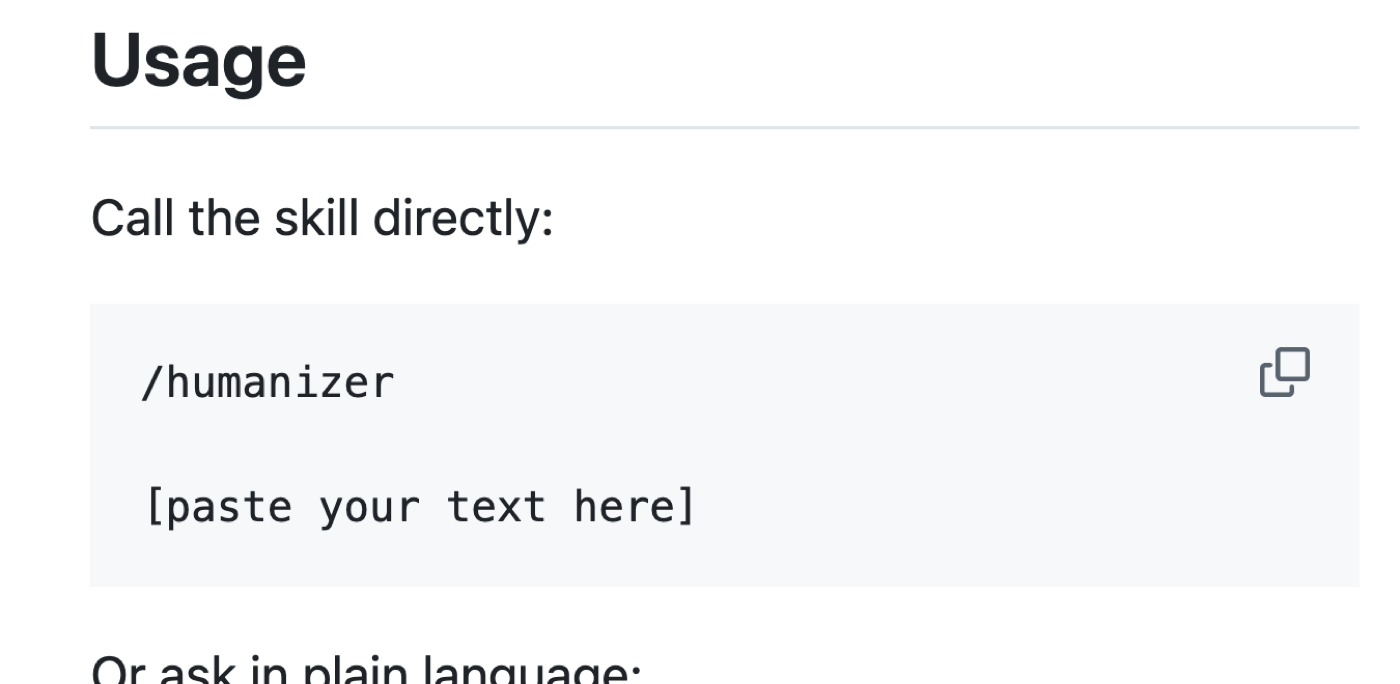
Because it's a skill file rather than a service, nothing is uploaded anywhere new. It runs inside the Claude session you were already in.
What does it actually change?
It rewrites the tells and leaves the argument alone, which is the distinction that makes it useful rather than a paraphraser.

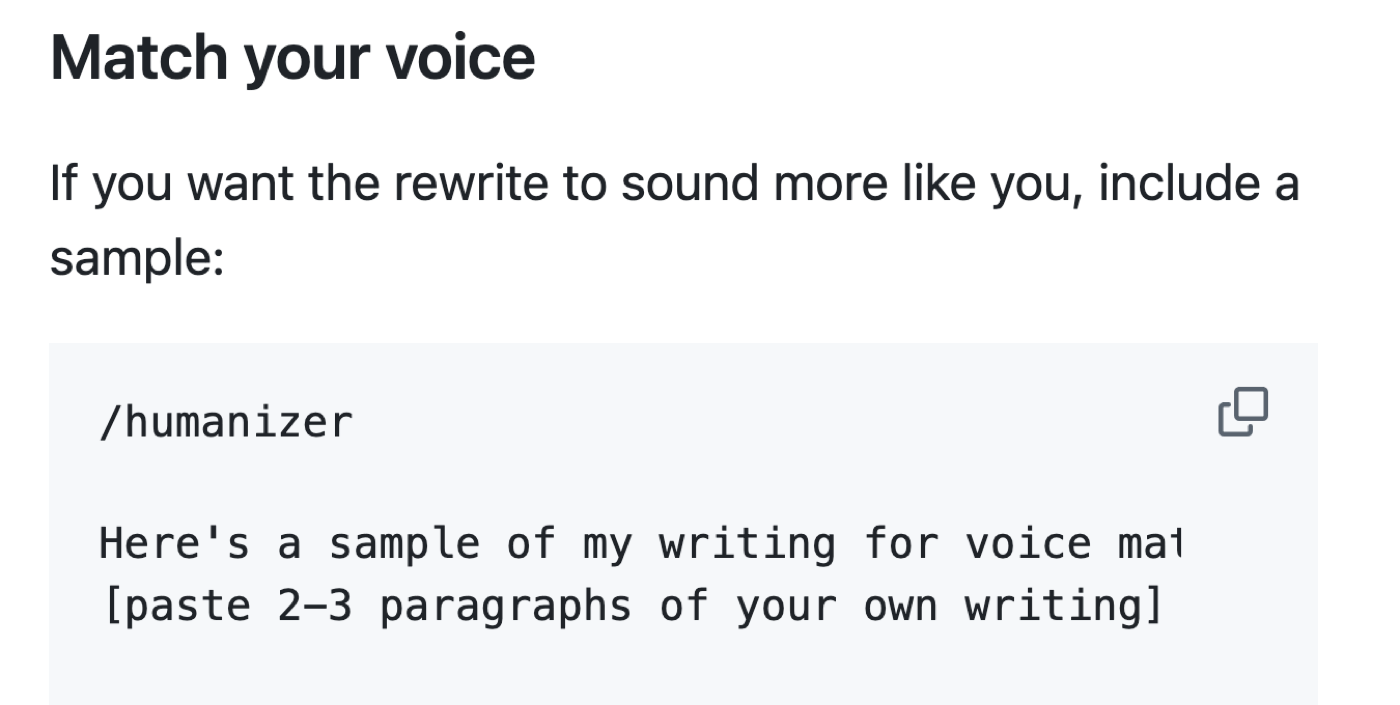
It also tries to match your voice rather than flattening everything to one house style, which matters if you're running it over something you'll put your name on.
The 25 patterns
Grouped the way the project groups them. The first five, per its own note, justify an edit on a single sighting.
A. Staging instead of stating
- Not X but Y
- One-line closers and dramatic fragments
- Sayings that sound deep
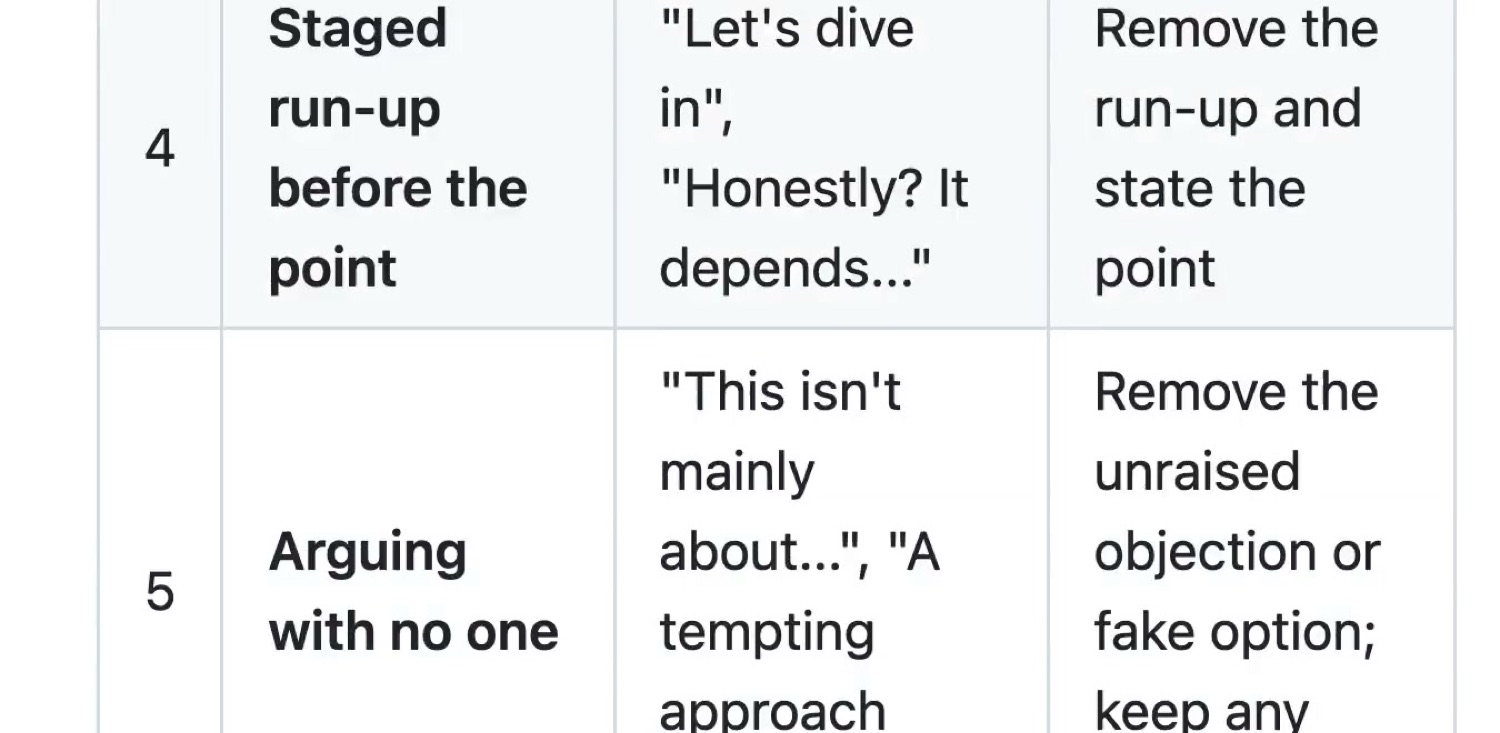
- Staged run-up before the point
- Arguing with no one
B. Rhythm by rule
- Forced triads
- Repeated sentence openings
- Dashes as the universal connector
- Stacked qualifiers
- Hyphenated pairs everywhere
- Passive voice and missing subjects
C. Inflation and borrowed authority
- Overused AI words
- Inflated significance
- Vague connection or association
- Shallow -ing riders
- Sales language
- Borrowed authority
- Avoiding is, are, and has
D. Formatting by rule
- Bold as decoration
- Decorative headings
- Curly quotation marks
E. Leftovers from the chat and the draft
- Chatbot residue
- Knowledge-limit disclaimers and guesses
- A heading repeated in the first sentence
- Writing about the previous version
Why the list beats the tool
I run a version of this on everything I publish, and the thing that actually improved my writing was reading the list, not running the fixer.
Once you can see "Not X but Y" you cannot stop seeing it. Same with the one-line dramatic closer, which is the single most common tell in anything written by a model and also, awkwardly, in a lot of LinkedIn posts written by people. Same with forced triads, where three examples appear because three sounds complete rather than because there were three.
Category A is the one I'd learn first. All five are the same underlying behaviour, which is a model performing the act of making a point instead of just making it. Staging, in the project's own word. Once you're alert to staging you catch most of the rest on your own.
And category E is worth a look for a different reason. Chatbot residue, knowledge-limit disclaimers, a heading repeated in the opening sentence, writing that refers to a previous draft: those are not style problems, they're evidence that nobody read the output before shipping it. They're the cheapest possible thing to fix and the most embarrassing to leave in.
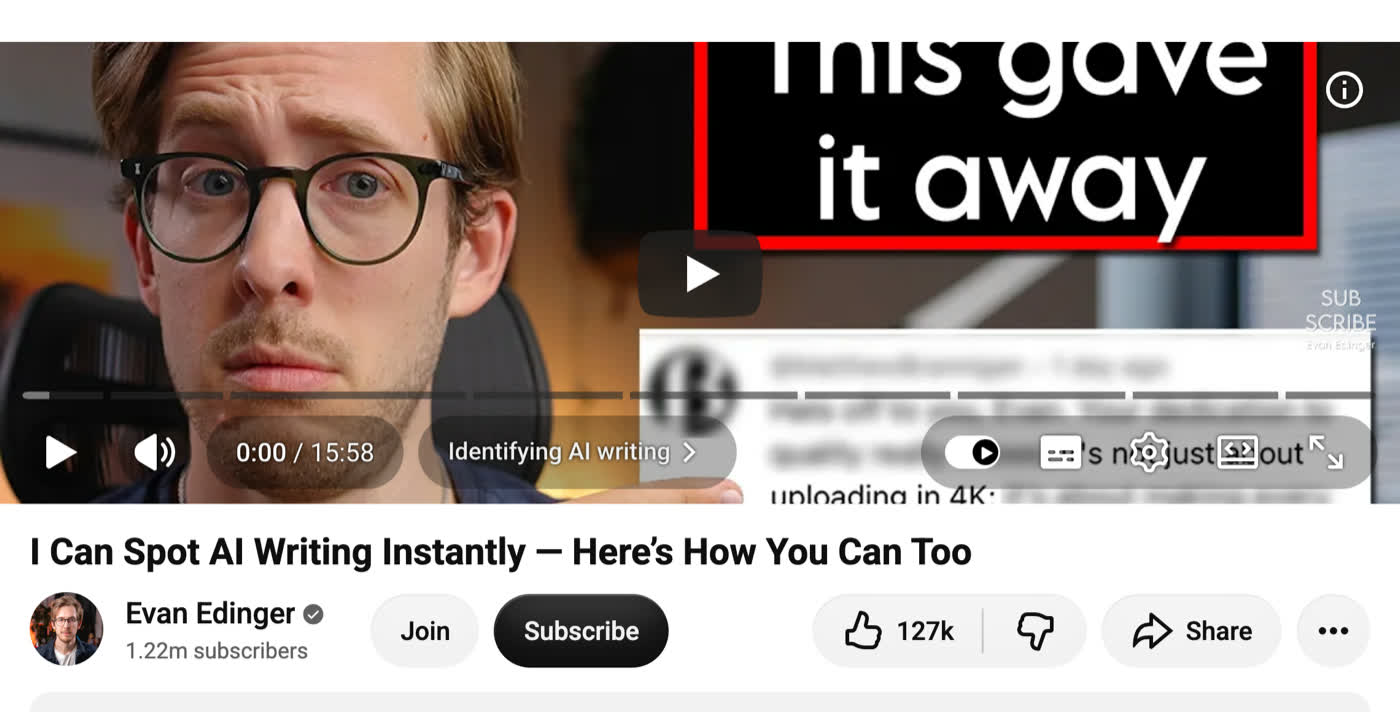
That's the context worth keeping in mind. Spotting AI writing has become a mainstream skill, taught in videos with millions of views. Your reader has probably had the training whether they meant to or not.
FAQ
How do I install Humanizer?
Run npx skills add blader/humanizer --global, or on Claude Code 2.1.142 or later use /plugin marketplace add blader/humanizer. Then invoke it with /humanizer.
Will Humanizer get my text past an AI detector?
I wouldn't use it for that. Detectors measure statistical properties of text, and a rewrite that reads better to a person doesn't reliably move them.
Does Humanizer change what I said?
It's built to rewrite the patterns and leave the argument alone, and it tries to match your voice rather than flattening everything into one style.
Does Humanizer upload my text anywhere?
No. It's a skill file that runs inside the Claude session you're already using, so nothing goes to a new service.
The honest caveat
This will not beat an AI detector, and I would not use it for that.
Detectors measure statistical properties of text, and a rewrite that reads better to a human does not reliably move those numbers. More to the point, if the reason you want this is to pass off generated work as your own in a context where that's against the rules, the tool is not your problem.
What it's genuinely for is the ordinary case: you used AI to help with a draft, the draft is yours, and it reads like nobody was home. Stripping the tells makes it sound like you wrote it because you did write it, and the patterns were never yours in the first place.
Run it once on something you've already published. That's the read that will change what you do next, because you will find at least four of these in your own work.